
Add and find members
Create a member, search the list, and open their profile.
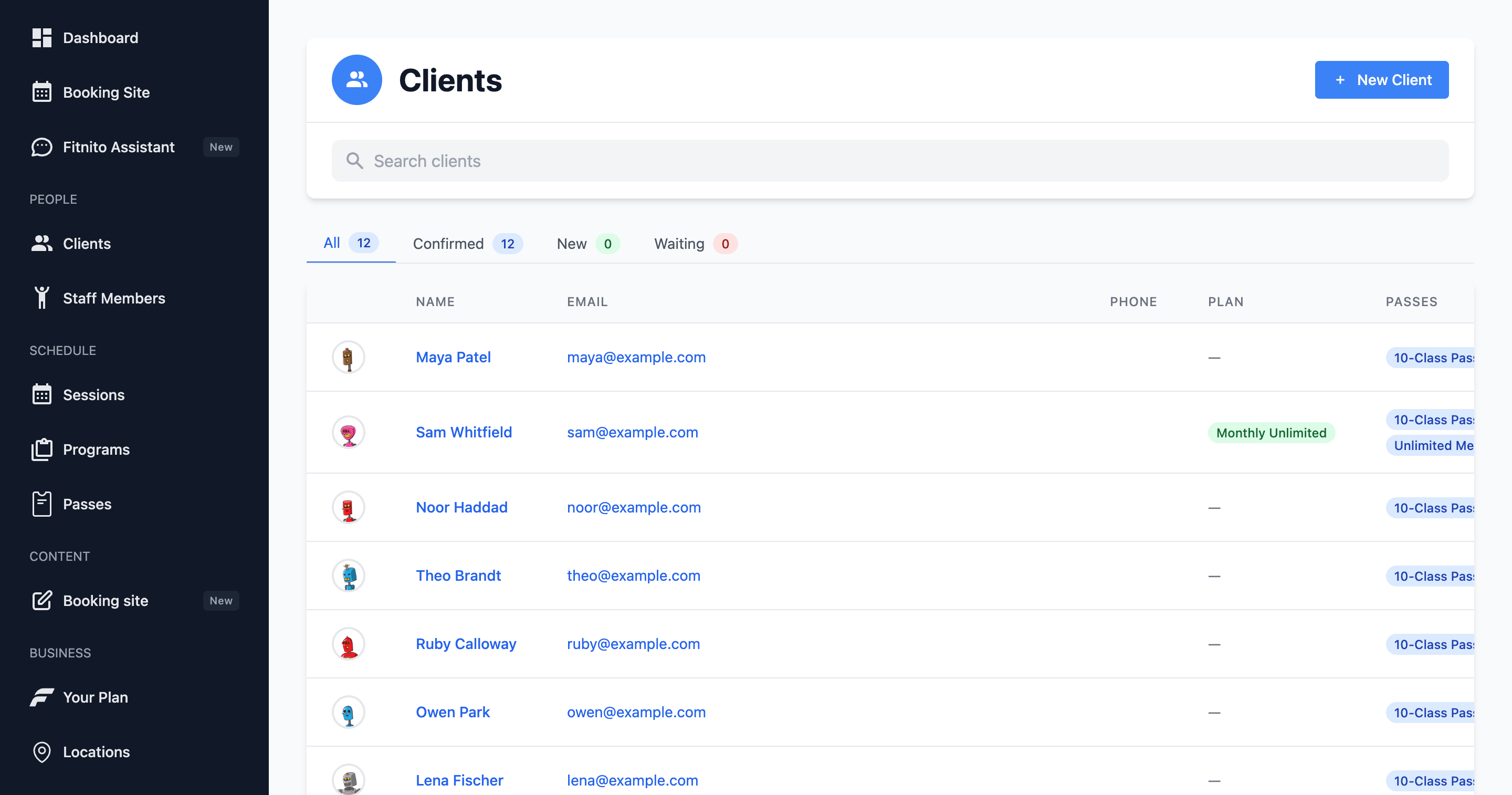
Members live under Clients in the gym console. Each person has a profile, passes, optional family links, and (if you take card payments) memberships and invoices.
Add a member
- Open Clients → Add.
- Enter first name, last name, and email. Use the email they use for Google if you want them to tap Sign in with Google — they will not need a Fitnito password. Otherwise a password is set when they first sign in or when you send a welcome email.
- Save. You land on their profile.
You can also ask the Assistant to add someone by name and email.
If self-signup is on, people can create their own account on your booking site (including Google). Those members show up in the same list. See Self-signup and the booking window and Sign in with Google.
Find someone
The Clients page has tabs — All, Confirmed, New, Waiting — and a magnifying glass on the right of that row. Click it, type a name or email. It stays out of the way until you need it.
Open a row to see passes, family, and the actions to assign a membership or grant a visit pack.
Kids without an email
Parents can add children by name (no child login). Those kids appear as members too, usually linked as dependents. Staff can also link families — Family management is Premium.