
Welcome emails and password resets
Send a welcome email, copy a sign-in link, or reset a member’s password from their profile.
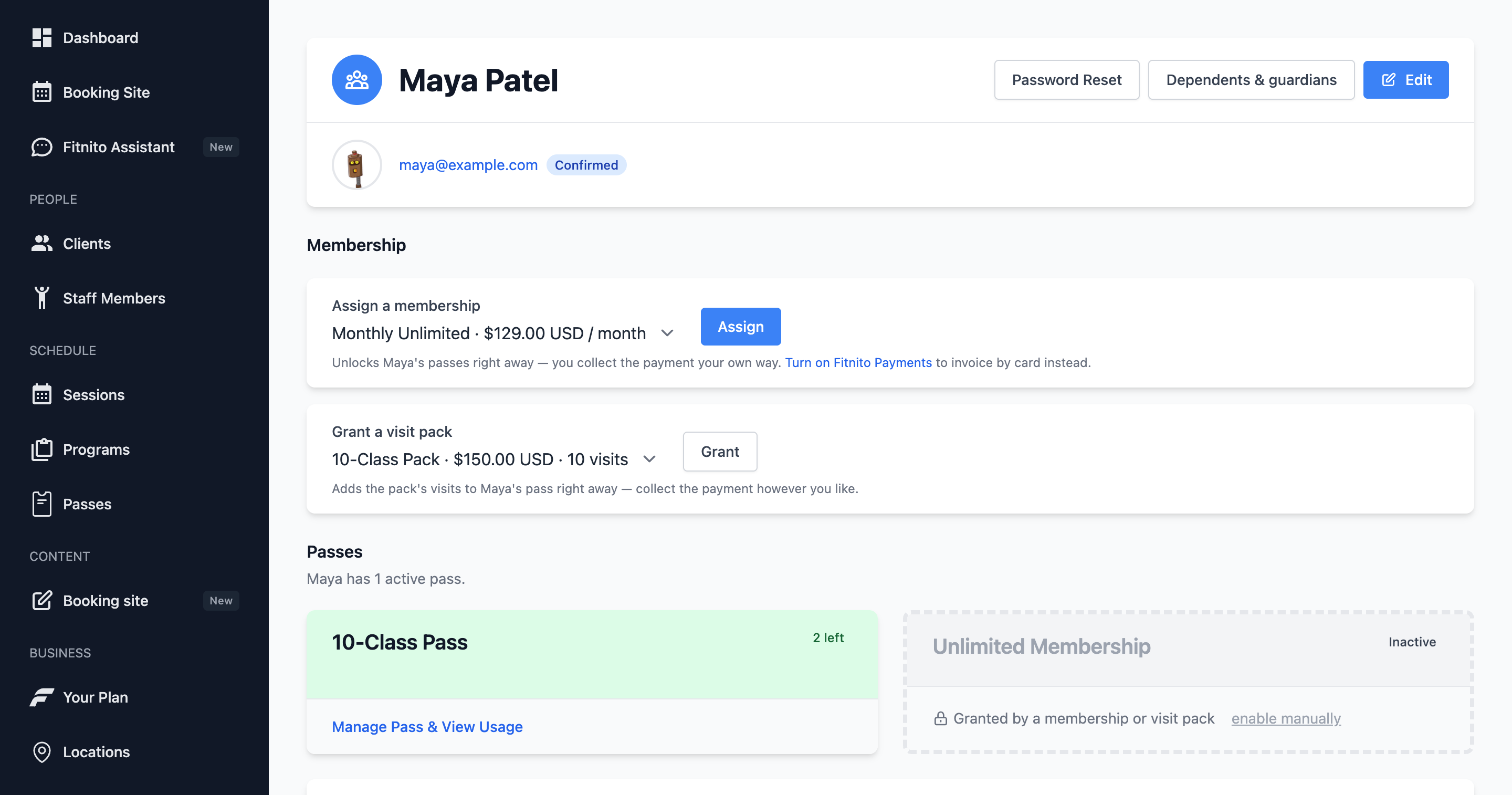
When you add someone by hand they do not automatically know how to sign in — unless you used their Google email. Then they can open your gym site and choose Sign in with Google. No welcome email required. See Sign in with Google.
Otherwise use the actions on their profile.
Welcome email
On the member profile, send a welcome email. It includes a link to your booking site. You can also copy the welcome link and text it yourself.
Password reset
If they are locked out:
- Open the member.
- Choose password reset.
- Send the email, or copy the link.
They set a new password and land on your booking site — not the owner console.
Onboarding status
The profile shows whether they have confirmed and signed in. Useful when you are chasing a parent who never finished signup.
Do not share owner-console URLs with members. Their home is {your-gym}.fitnito.com.