
Sign in with Google
Members tap Sign in with Google on your site. Invite-only gyms just add their Google email.
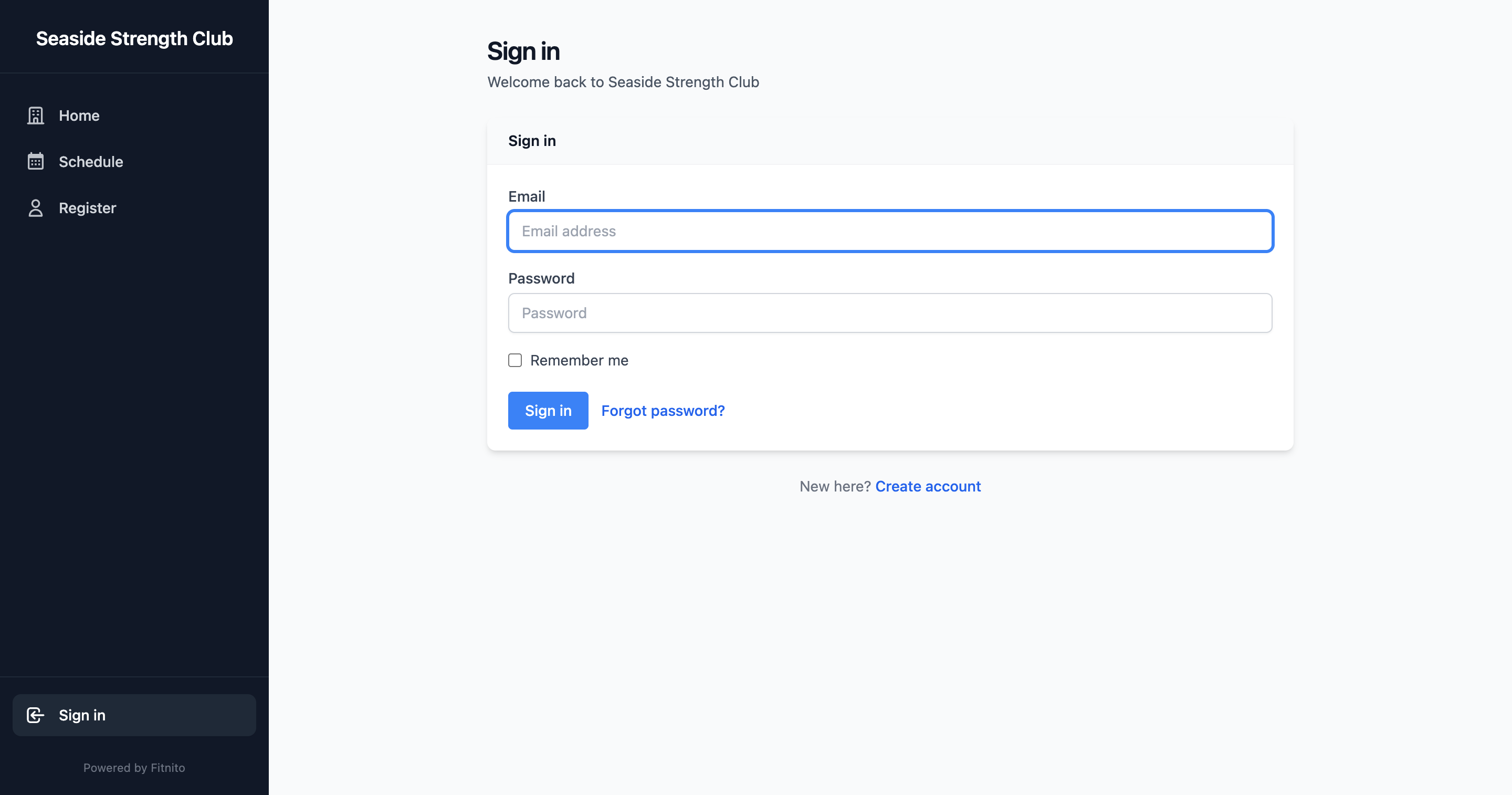
Members can sign in with their Google account on your booking site. They do not need a Fitnito password.
Invite-only (self-signup off)
Leave self-signup off if you want to add people yourself. Google still works:
- Add the member under Clients with the same email they use for Google.
- Tell them to open
{your-gym}.fitnito.comand choose Sign in with Google.
No welcome email or password. The first Google sign-in links that email.
If they try Google before you add them, they see a message to contact you.
Self-signup on
People can create an account with Continue with Google, or sign in later the same way. If you already added them, Google just signs them in.
Use their Google email
Add the address they actually use to sign in to Google. A different work inbox will not match.
If a member taps Continue with Google on fitnito.com (the owner signup) instead of your site, we do not create a blank gym for them. We show their gym and let them log in there, or create a gym if they really meant to.
You can Sign in with Google on the staff console too — Sign up and sign in.