
Sign in and reset your password
Log in on the gym’s site with Google or email, use a magic link, or request a new password.
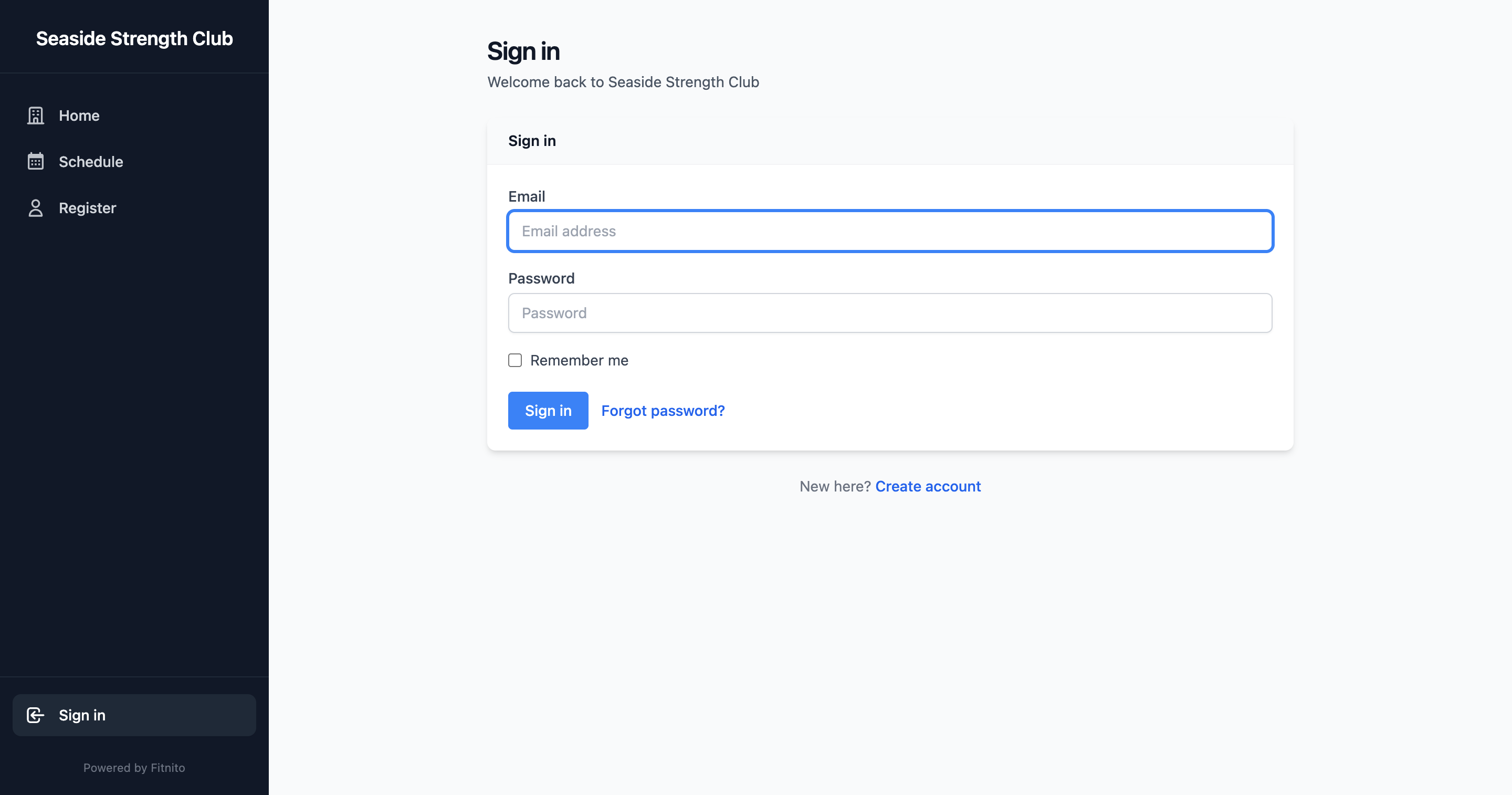
- Open your gym’s Fitnito site (not app.fitnito.com, and not fitnito.com/signup).
- Choose Sign in with Google, or use email and password.
If you land on fitnito.com and tap Continue with Google, we will ask whether you meant your gym — you can log in there or create a new gym.
Sign in with Google
Pick the Google account whose email the gym has on file. You do not need a Fitnito password.
This works even if the gym does not let people create accounts. They just add you as a member with that Google email — then Sign in with Google lets you in.
If Google says the gym needs to add you, ask the desk. Give them the email you actually use for Google.
Email and password
Still works the same way. Use the email the gym has on file.
Forgot the password
Choose Forgot password, enter your email, and use the link we send. You will set a new password on the gym’s site.
If the gym sent a magic login link (from a welcome or reset email), that link signs you in once and may ask you to pick a password.
After you sign in
Depending on how the gym set things up, you land on the schedule, Home, or Family. You can always open the schedule from the nav.