
Create an account
Sign up on your gym’s site with Google or email, or use the welcome they sent you.
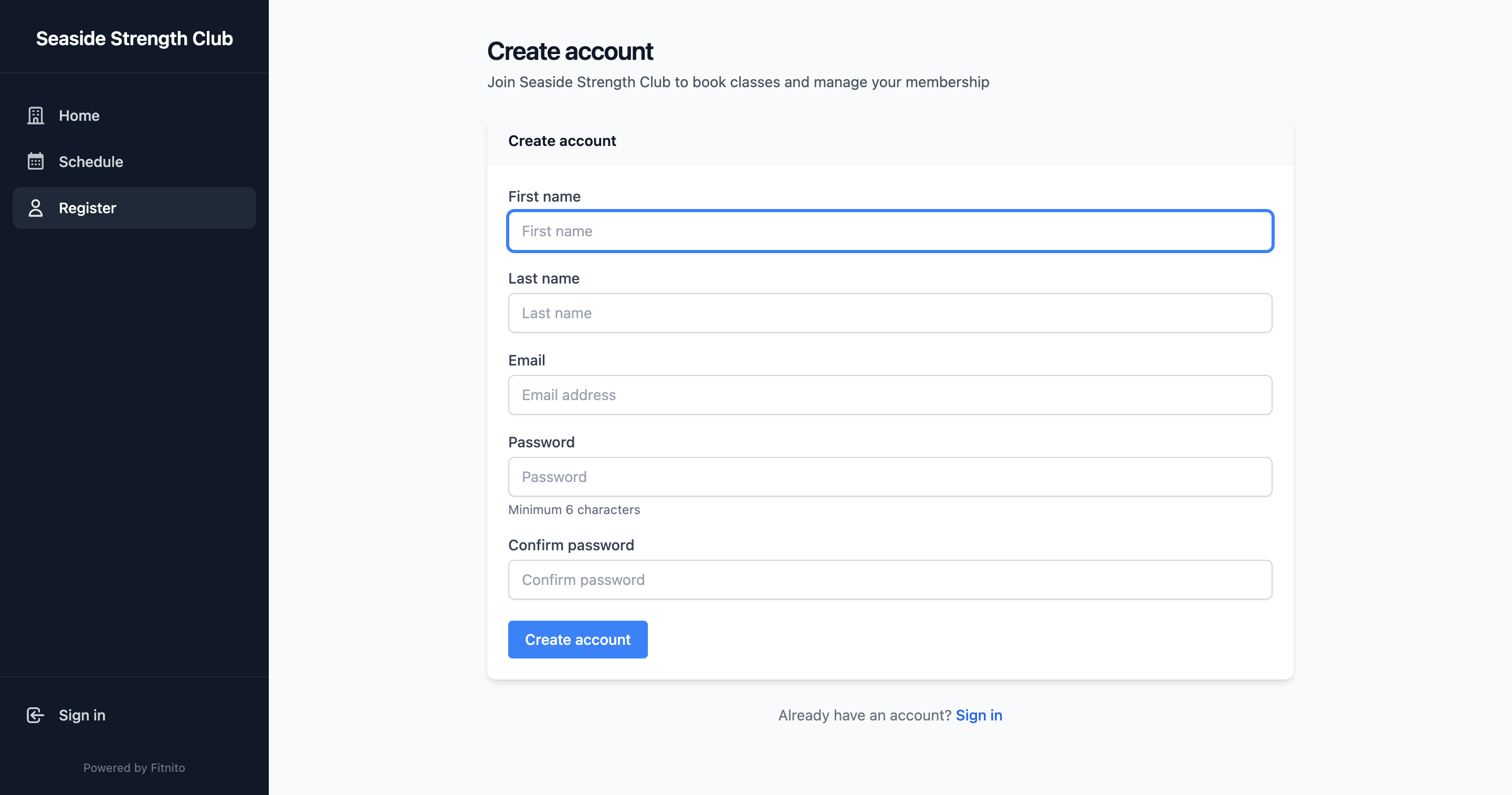
Sign up yourself
If the gym left self-signup on:
- Open the gym’s Fitnito site.
- Choose Sign up.
- Continue with Google, or enter your name, email, and a password. Some gyms also ask for a phone number or a few extras — fill those if they are on the form.
Parents can add children by name after that — kids do not need an email or password. See Add kids and family.
The gym added you
If they used the email you use for Google, open the gym’s site and choose Sign in with Google. No welcome link or password needed.
Or open the welcome email (or the link they texted) and set a password. Then sign in on the gym’s site. See Sign in and reset your password.
Invite-only gyms
Some gyms turn self-signup off. You will not see a sign-up form. Ask the desk to add you. Give them your Google email if you want Sign in with Google, or they can send a welcome link.