
Add kids and family
Create a child by name, or link an existing member by email.
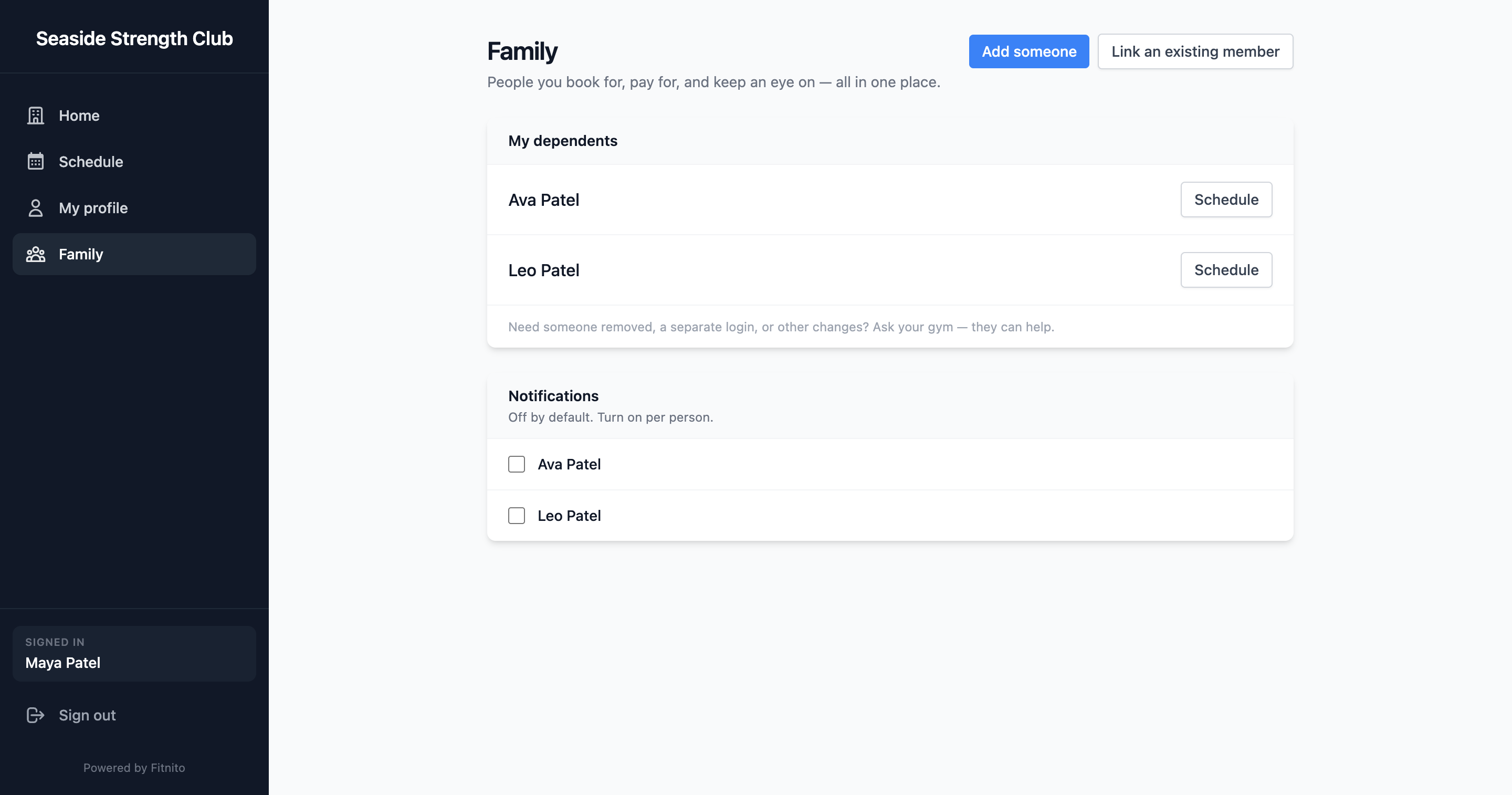
Open Family (or Dependents). Your gym needs a Premium Fitnito plan, and they have to turn family booking on. If the menu is missing, they have not turned it on.
Add a child by name
Use add someone by name. First name, last name, optional birthday. No email, no password. They are linked to you immediately. The gym still sees them as a member and can put a pass on their profile. To change their extras later, open Family, choose them, and use Edit profile.
Link someone who already has an account
Use link existing member and enter their email. They get a message and must approve. Use this for a partner or a teen who already signs in themselves.
You cannot remove a link yourself — ask the front desk if a family situation changes.
Emails about them
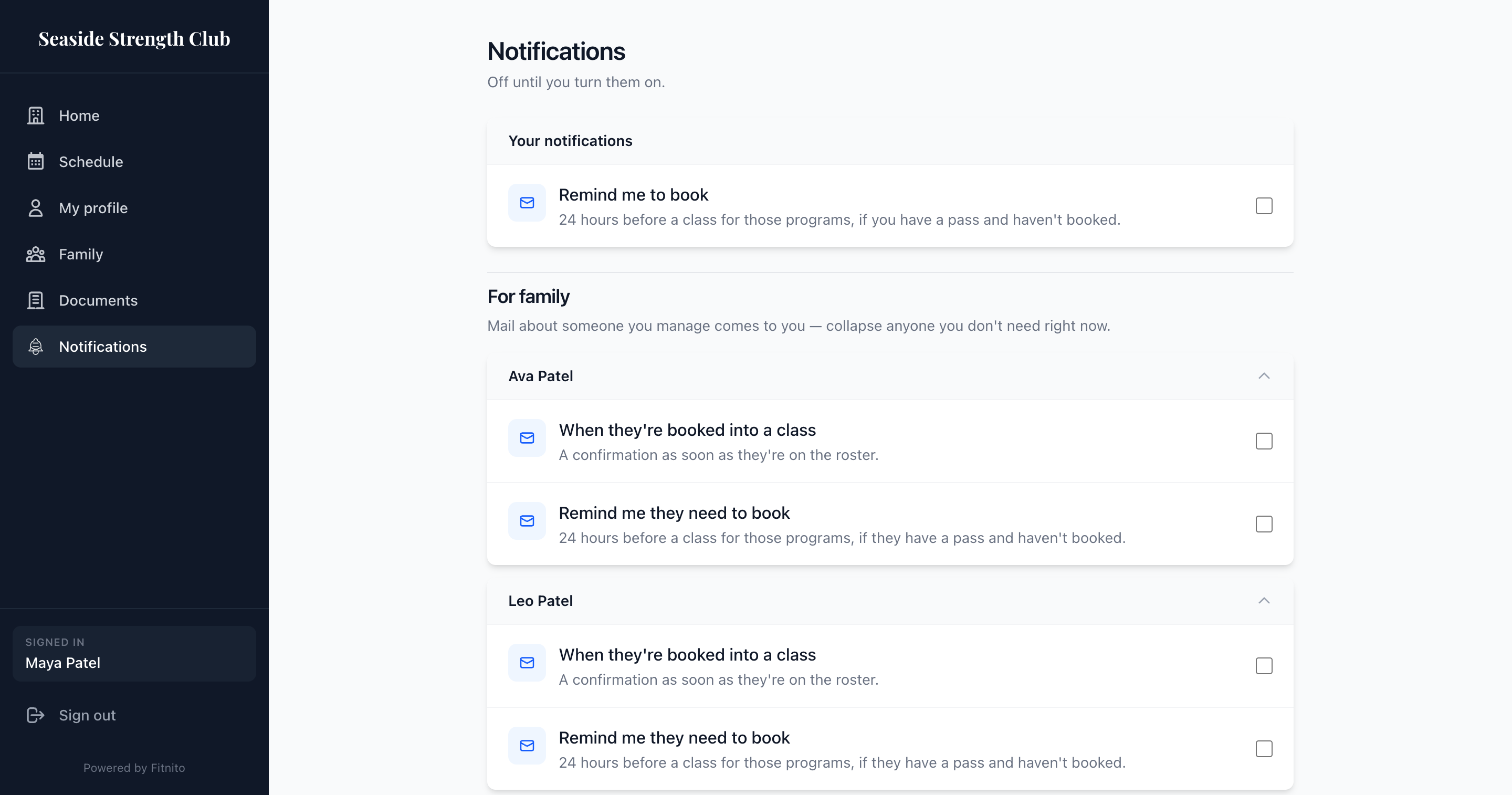
On Notifications you can hear when they are booked, or get a nudge 24 hours before a class they still need. Those emails come to you. See Notifications.
Paying for them
If the gym uses Fitnito Payments, you can choose to pay a dependent’s charges on your card. That toggle lives on the dependent. See Billing and your card.