
Billing and your card
Saved card, payment history, and Stripe’s customer portal — only when the gym uses Fitnito Payments.
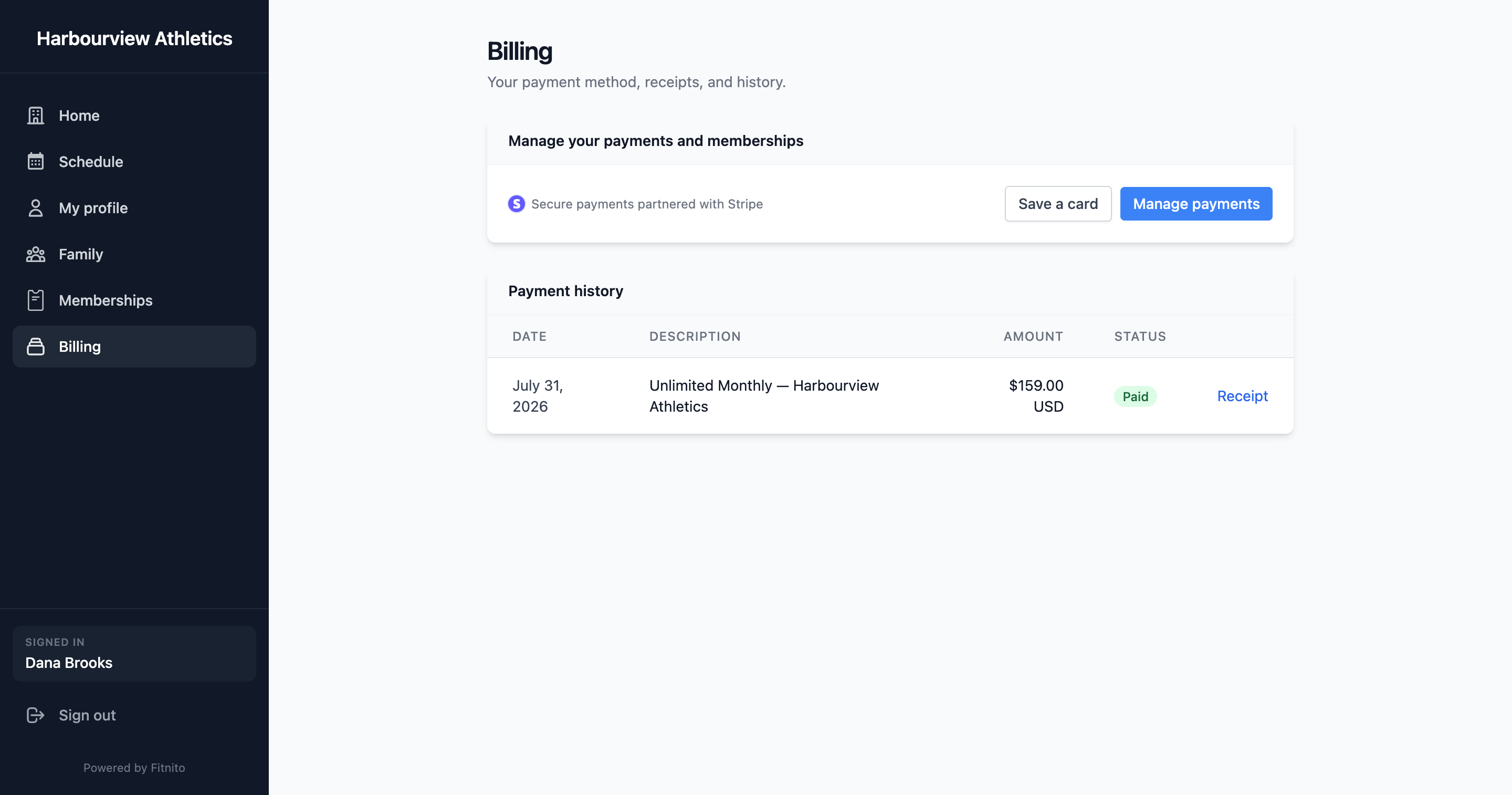
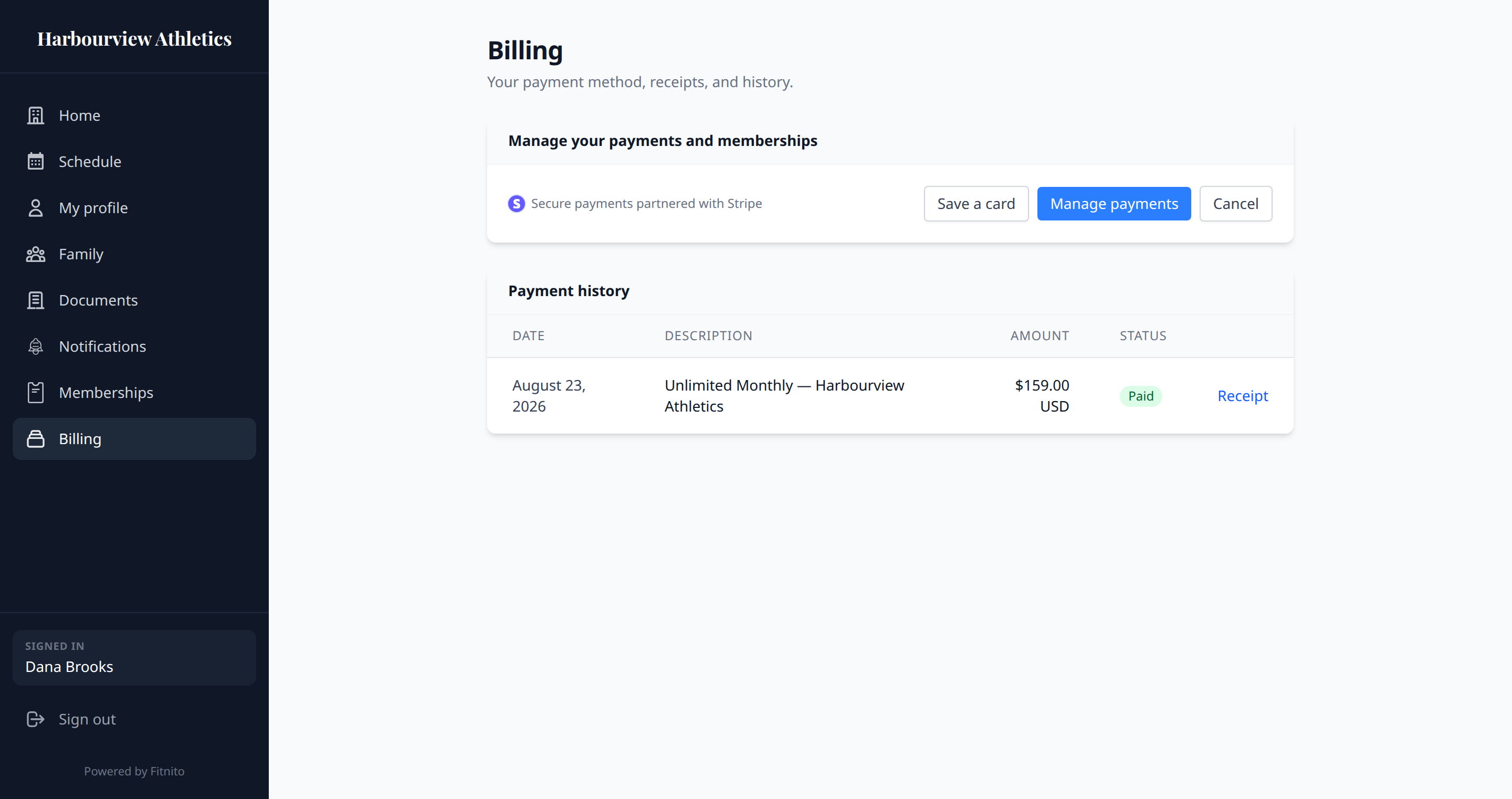
Billing appears when your gym takes Fitnito Payments. Otherwise you pay the gym directly and this page will not have card tools.
What you will see
- A saved card, if you have one.
- Payment history (membership invoices and pack purchases).
- Manage — Stripe’s customer portal, to update the card or download invoices. If the gym lets members cancel themselves, cancel is in that portal too. If they do not, Cancel on Billing or Memberships opens a Fitnito page with the gym’s cancel policy and a note to the desk. That page does not cancel billing.
Billing address
Checkout asks for a billing address. If the gym collects sales tax in Stripe, the invoice shows those amounts as their own lines (GST, HST, PST, QST, or US sales tax, depending on the address). The gym turns that on in Stripe — you do not set a tax rate yourself.
Household card
If you pay for a kid or partner, their charges can use your card. Toggle that on Family for each dependent. They still have their own membership; you are just the payer.
Save a card without buying
Save card starts a Stripe flow that stores the card for later (season start, or a kid’s plan).
Never send card numbers to the gym by email. Use this page or Checkout.