
Self-signup and the booking window
Let people create their own account, how far ahead they can book, and where they land after login.
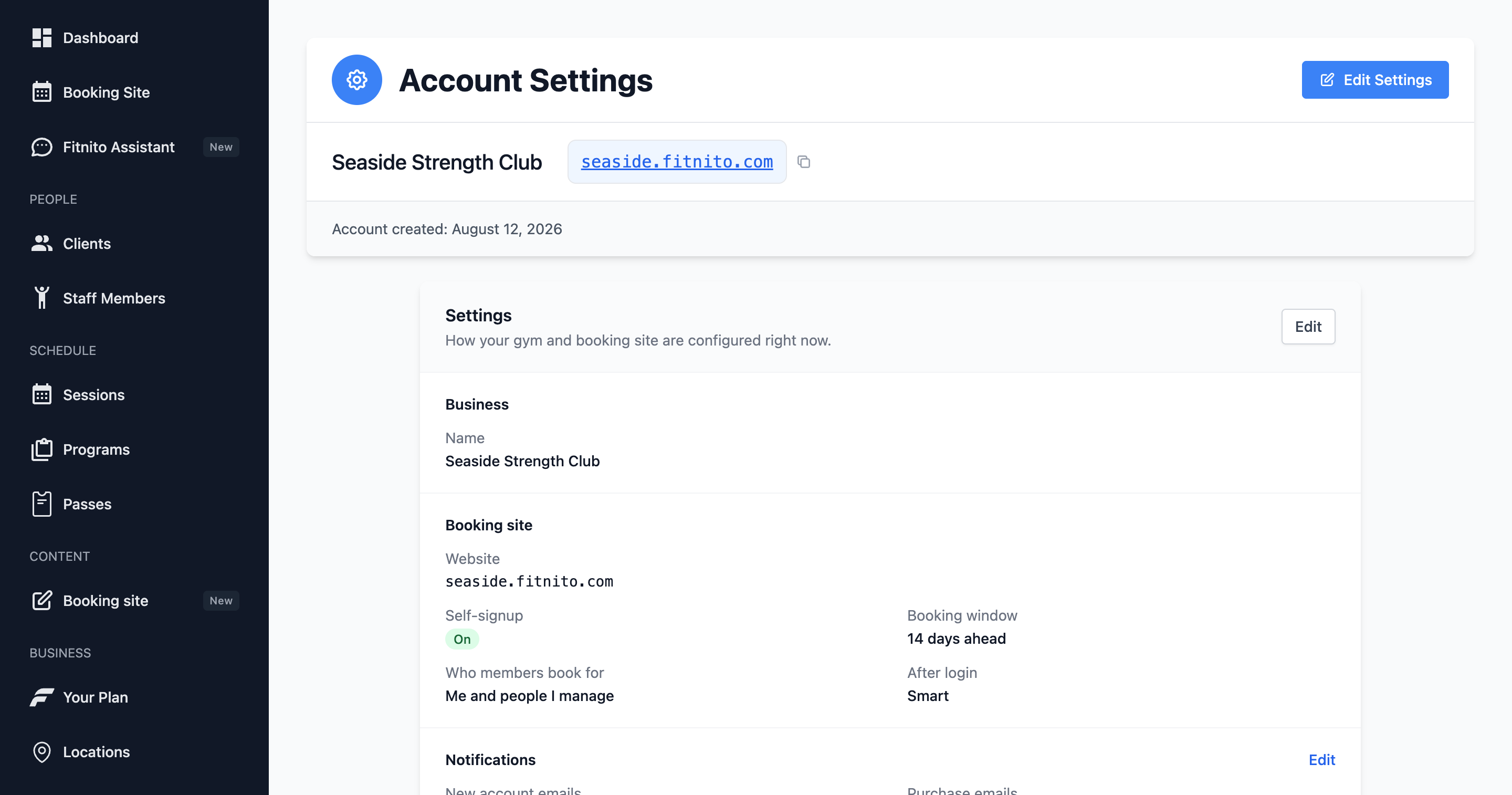
These switches live in Settings (booking site section).
Self-signup
On by default for new gyms. Parents can create an account (email or Continue with Google) and add kids by name with no child email. Turn it off for invite-only gyms — then only people you add under Clients can sign in.
Sign in with Google still works when self-signup is off. Add the member with the email they use for Google. They tap Sign in with Google on your site — no welcome password. If they try Google before you add them, they are asked to contact you. See Sign in with Google.
Booking window
Booking horizon is how many days ahead a member can book. 0 means unlimited. A 14-day window is common.
After login
Choose where signed-in members land: Smart (schedule, or Family for youth-style parents who have no dependents yet), Schedule, Family, or Home. Family landing needs Family booking on (Premium — paid or trial). Free gyms, and paid gyms that turned family off, always land on the schedule.
Who they book for
This sits under Family booking. Me and people I manage, or Only people I manage. Youth programs often want the second so parents do not buy under their own name. The radios are greyed out until family is on. See Family and dependents.