
Your booking site
Every gym gets a site at your-subdomain.fitnito.com where members book.
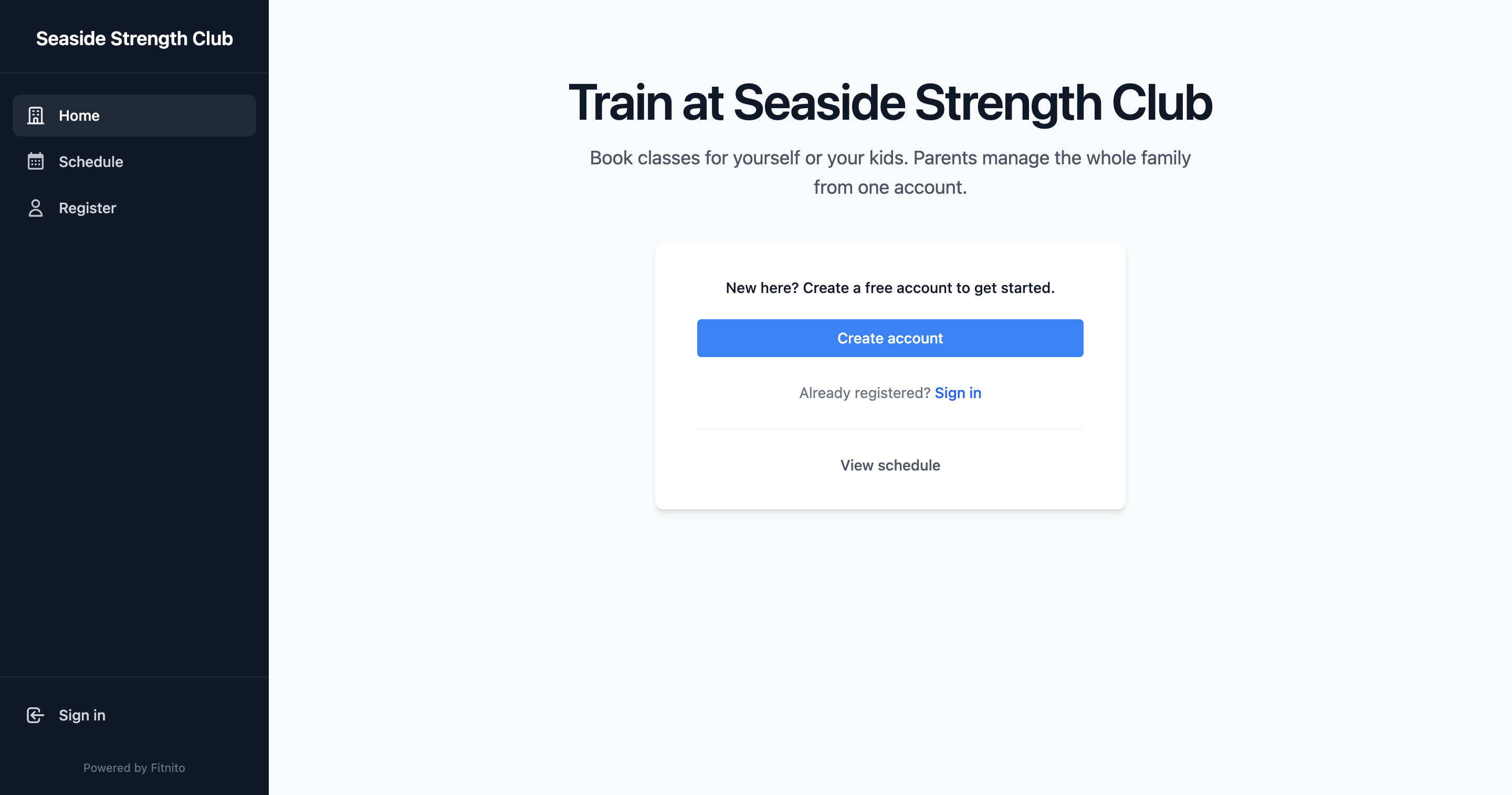
Your public gym site is {subdomain}.fitnito.com. That is where members sign in, see the week, and book. You pick the subdomain in Settings (or during setup).
What members get
- A landing page (headline, tagline, your logo).
- Sign in with Google, or email and password.
- Self-signup (if you allow it) — including Continue with Google. Invite-only gyms still get Google sign-in once you add the member’s Google email. See Sign in with Google.
- Schedule in list, day, and week views — the week view uses the same program colors you picked.
- Family, memberships, and billing — depending on how you run the gym.
Share the right URL
Put {subdomain}.fitnito.com on your Instagram and your physical sign. Do not send members to app.fitnito.com — that login is for staff.
Change the subdomain under Gym settings. Pick something people can type. You can check availability from Settings.