
Sign up and sign in
Create a Fitnito gym, sign in at app.fitnito.com (Google or email), and reset a forgotten password.
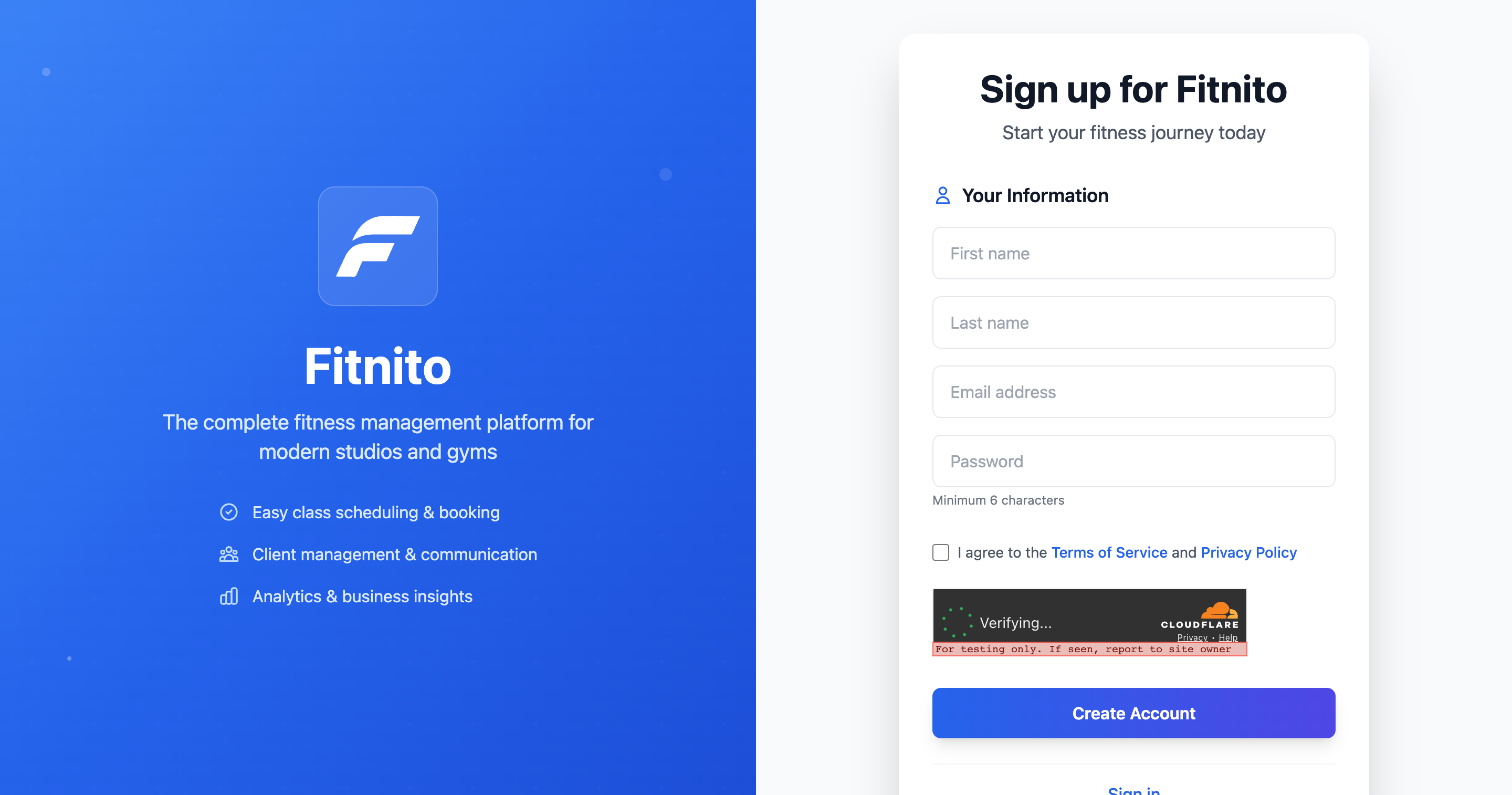
Fitnito’s gym console lives at app.fitnito.com. Members never sign in there — they use your gym’s own site (see Your booking site).
Create a gym
- Open fitnito.com/signup.
- Continue with Google, or enter your name, email, and a password. Accept the terms.
- If that Google account is already a member at a gym, we ask first: log in there, or create a new gym anyway. We only name gyms they belong to.
- After you create the account you land in the setup chat. Your booking site subdomain is chosen during setup (or later in Settings).
There is a free plan. You can run a small gym on it and subscribe when you outgrow the limits.
Sign in
- Go to app.fitnito.com/auth/login.
- Choose Sign in with Google, or use the owner (or staff) email and password.
- You land on the dashboard, or on onboarding if setup is still in progress.
Members sign in on your gym site, not here. They can use Google too — see Sign in with Google.
Forgot your password
On the sign-in page, choose Forgot password. We email a link to set a new one. Staff accounts reset the same way.
Staff vs owner
Everyone who works the desk signs in at the same app host. Owners see billing and settings; staff can run the day-to-day schedule and members. Add people under Staff.