
The Fitnito Assistant
Run the gym from chat in the console — schedule, members, bookings, memberships, refunds, and settings.
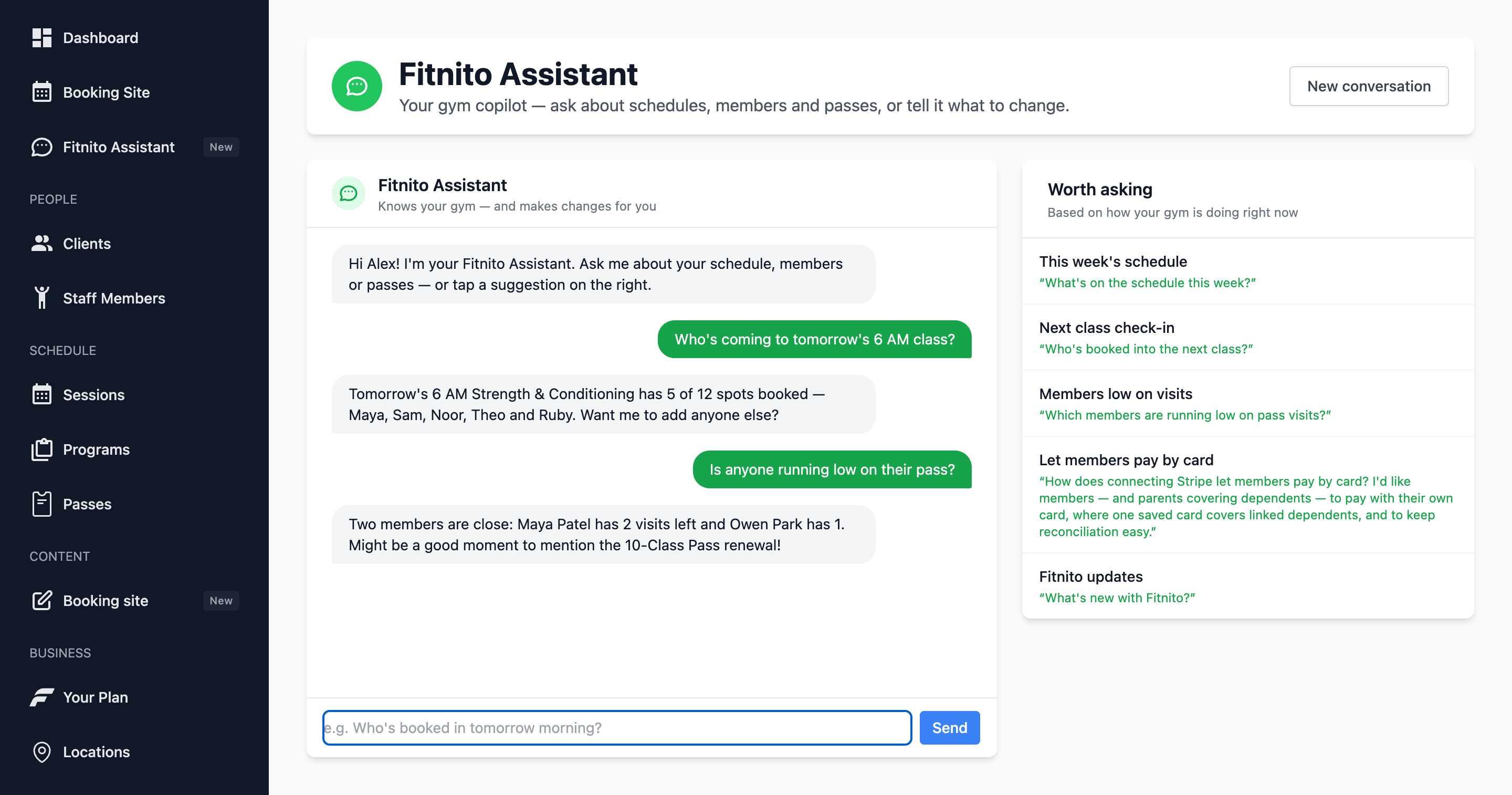
The Assistant is a chat inside the gym console. It can run the same everyday work as the rest of the console: look up the schedule, add or edit a member, book or unbook someone, assign a membership, change their membership plan, cancel a membership, refund a payment, fix a weekly class, and change booking-site settings. It uses your real data.
Open it
Choose Assistant in the left nav. Conversations stay on your login until you clear the session. Staff each have their own chat.
Good things to ask
- “Who is coming to tomorrow’s 6 AM?”
- “Add a member: Priya Nair, [email protected]”
- “Take Maya off Thursday’s 6 AM.”
- “Is anyone running low on their pass?”
- “Schedule a Saturday 9 AM Strength class with Jordan, capacity 12.”
- “Refund Priya’s last invoice.”
- “How do I sell a visit pack?” — it can pull the matching help guide and show the screenshot in the chat.
- “Turn off Members can cancel their membership.” — same Settings → Payments switch.
The Assistant will confirm what it did. Check Sessions or Clients if you want to see the record. Action cards (a member, a class, a product) are clickable — open them in the console instead of hunting.
What it will not do
It does not change your Fitnito subscription, upload a logo, or finish Stripe Connect for you (that last one is a secure redirect). For billing product questions, start with Fitnito Payments or your Fitnito plan. It will ask before it emails anyone, changes a membership plan, or refunds a payment.
Coaches
Coaches with the Staff role also get Assistant — their own chat, not yours. It can look up the schedule and members, and book or drop someone on a class they coach. It cannot assign or change a plan, refund, or change settings.
Human help
If you get stuck, you can ask the Assistant to escalate to Fitnito support, or write to us from fitnito.com/support.
Want the same chat in Claude, ChatGPT, or Cursor? That is Connect an AI agent (MCP) — optional, same tools as that person's console.