
How members cancel
Choose whether they cancel themselves or send you a request. Staff cancel is unchanged.
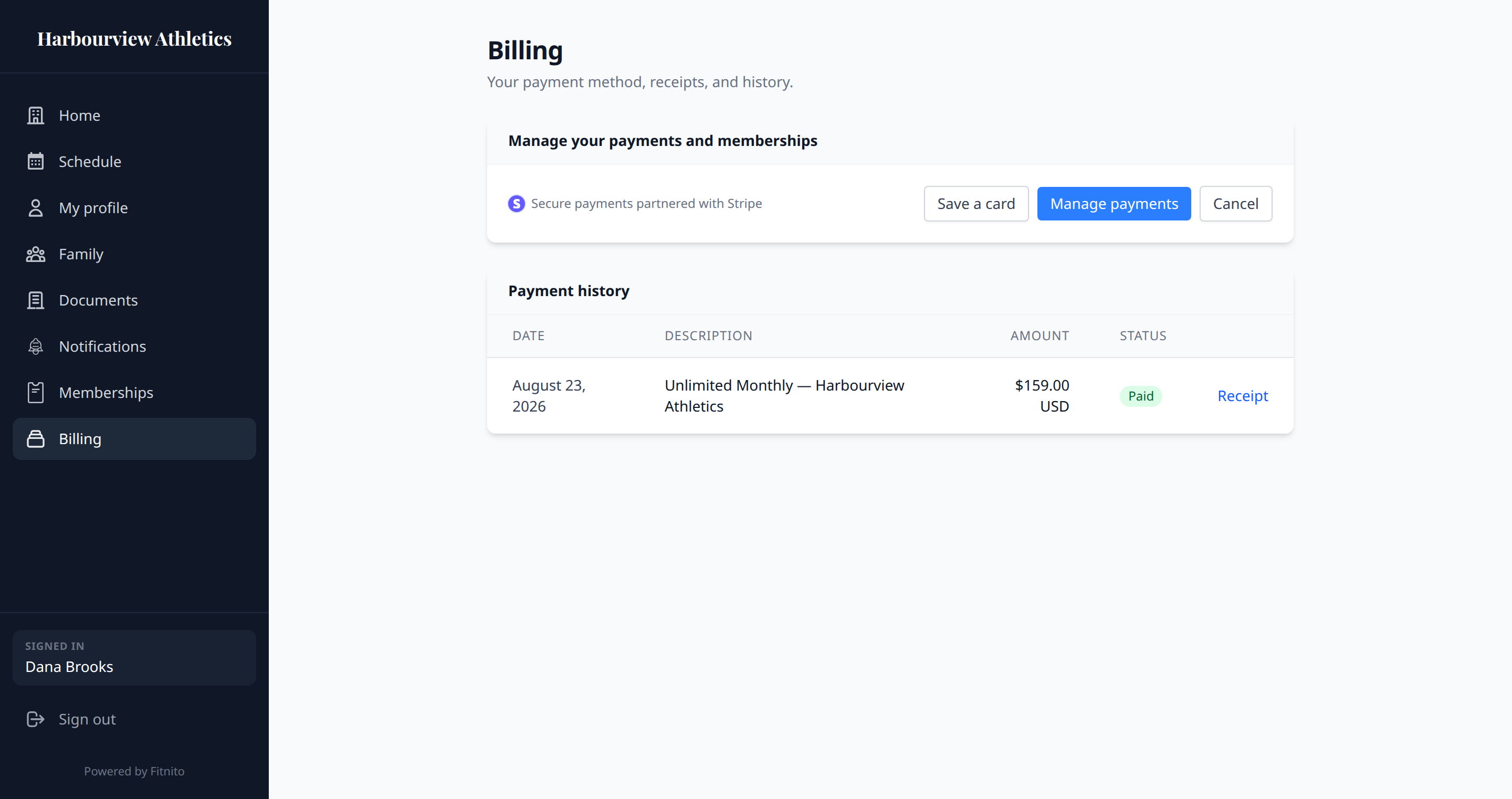
When Fitnito Payments is on, members open Stripe’s customer portal from Billing → Manage payments. That portal always has invoice history and card updates. Fitnito creates and updates that portal for you — you do not configure it in the Stripe Dashboard.
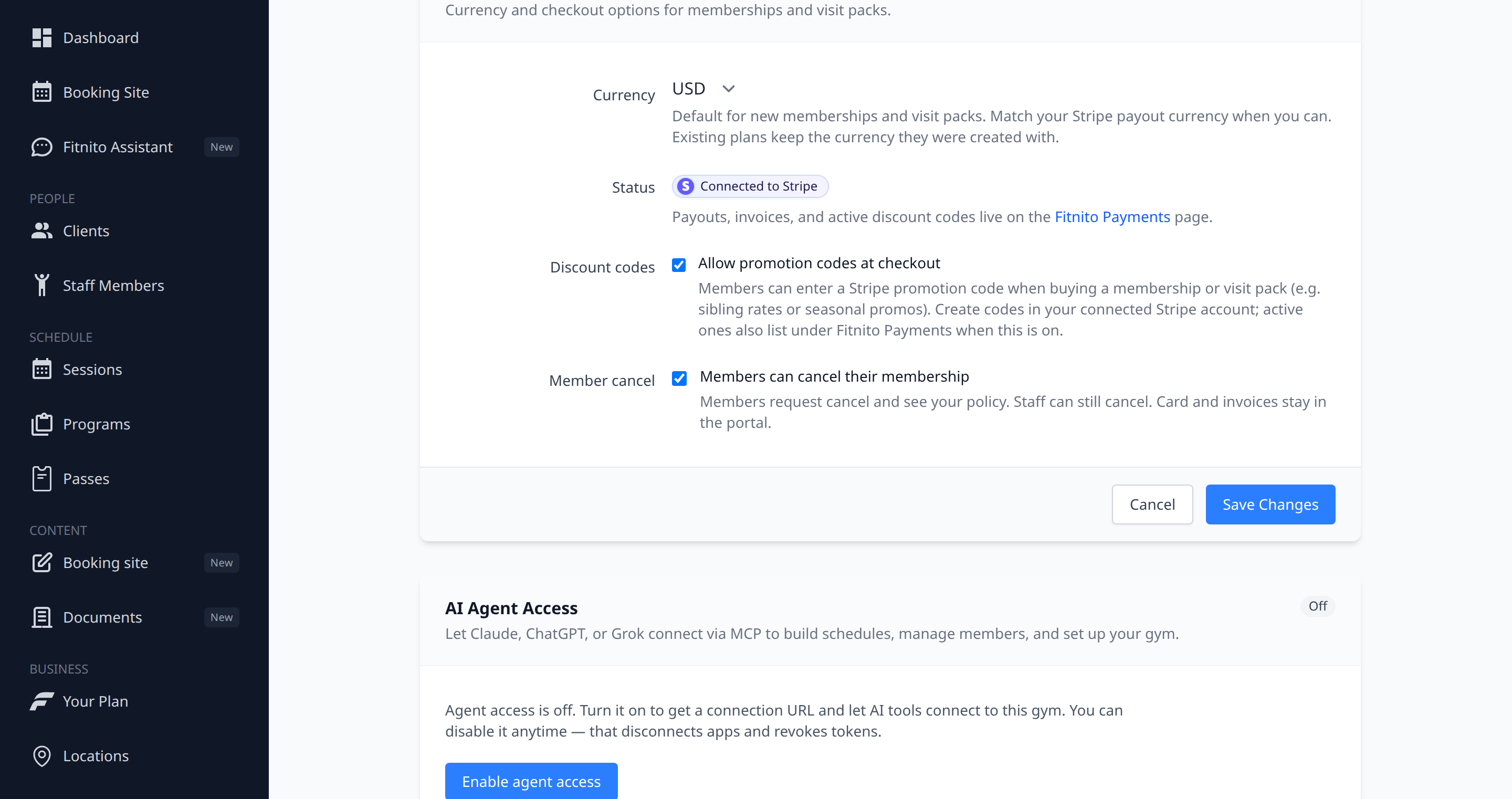
Members can cancel their membership lives under Settings → Payments. It is on by default.
When it is on (default)
They cancel from Manage payments. Stripe ends the membership at period end. Fitnito picks that up.
When you turn it off
- Open Settings → Payments.
- Uncheck Members can cancel their membership. Save.
- Members request cancel and see your policy. Staff can still cancel. Card and invoices stay in the portal.
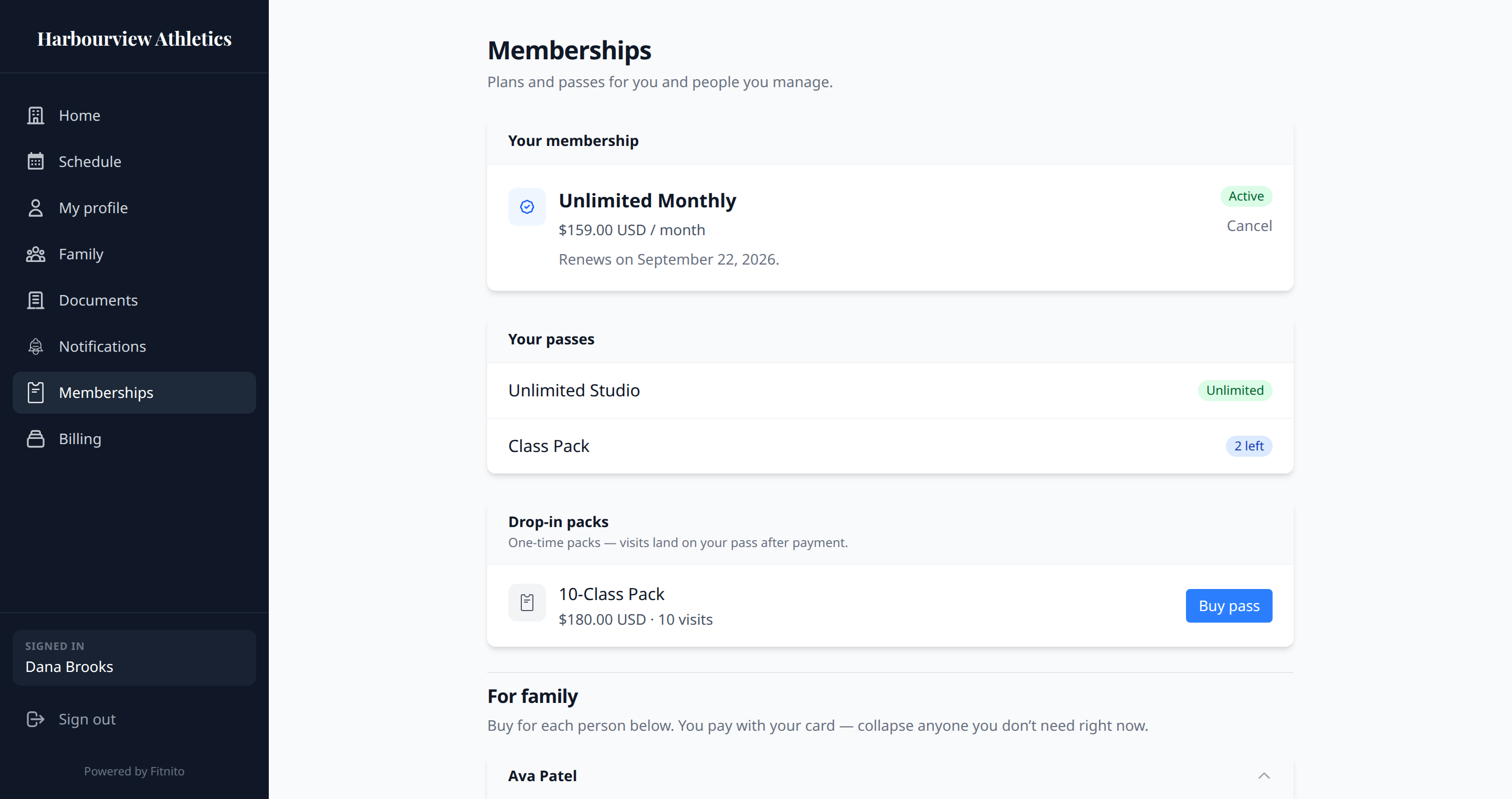
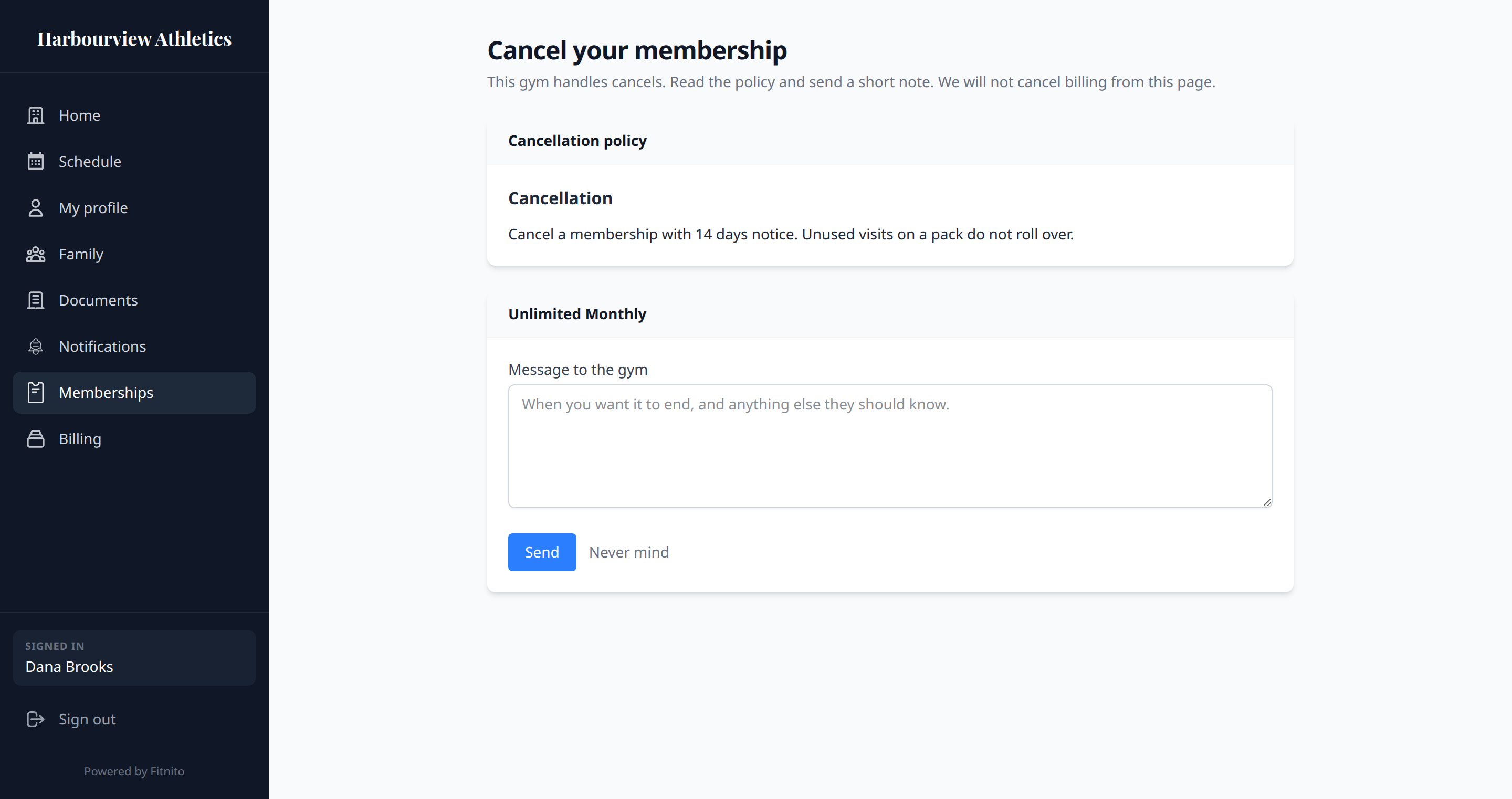
- Members see Cancel on Memberships (and Billing). That page shows your published cancellation policy and a form. Sending the note emails you. It does not cancel billing or call Stripe.
- You still cancel from the member profile or the Assistant, same as always.
Publish a cancellation document under Documents if you want the policy on that page. If you have not published one, they can still send the note.
Staff cancel is the same whether the switch is on or off. The Assistant can flip this setting too.