
Invoices and refunds
See what members paid, open a payment, and refund it.
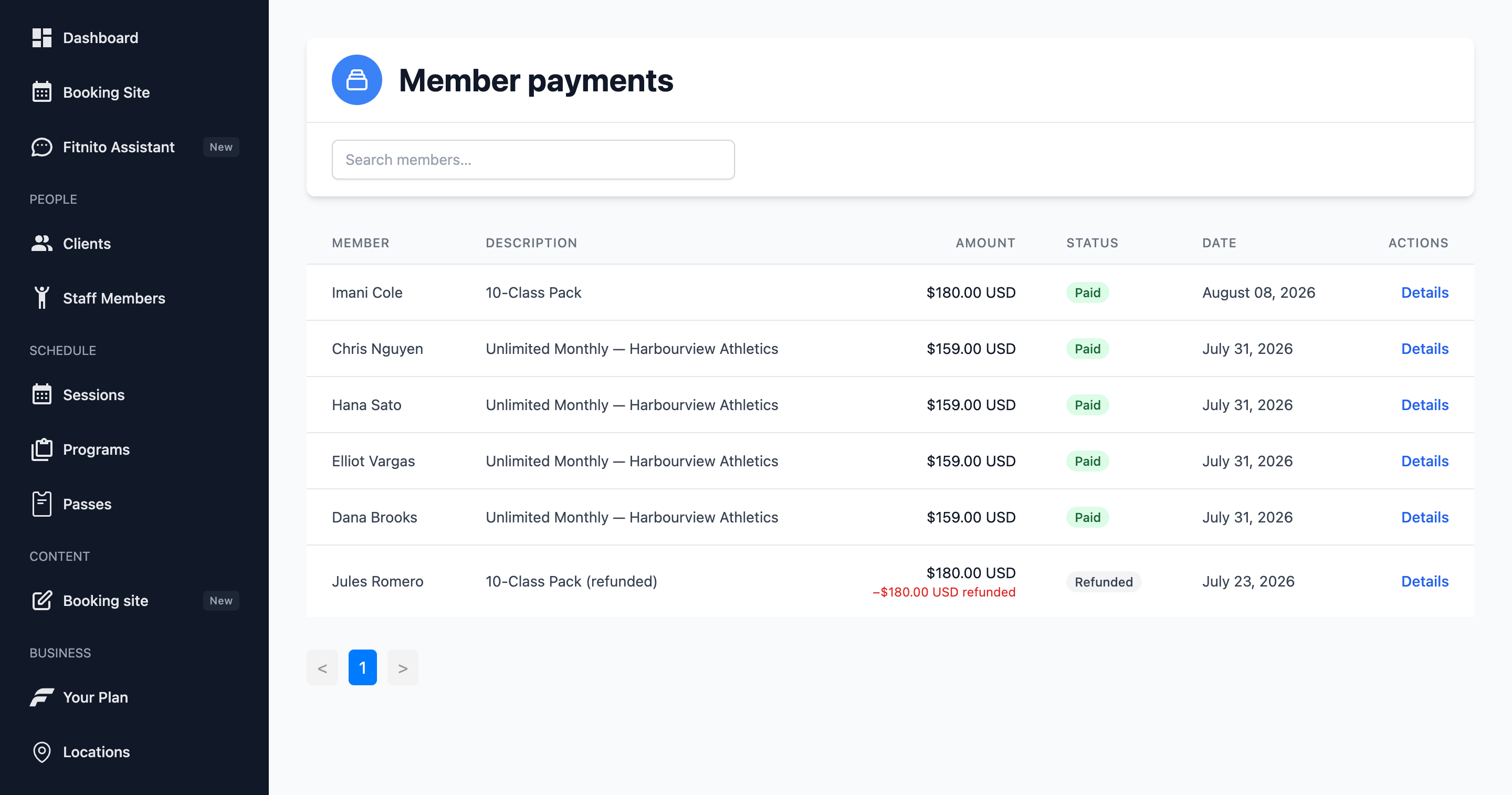
Recent Payments (under Fitnito Payments) lists money collected through Fitnito Payments. Each row is a membership invoice or a one-off pack charge.
Open a payment
Click Details for amounts, the member, and links to the Stripe receipt or invoice (hosted on Stripe). Tax lines live on that Stripe invoice — see Tax on member receipts. Refunds you make here show as refunded or partially refunded.
Refund
On the invoice, Refund. Fitnito talks to Stripe and returns our platform fee in proportion to the refund. The member’s hosted invoice and customer portal update too.
Refunding a membership payment does not always cancel the subscription. Cancel the membership on the member profile (or ask the Assistant). How members cancel is a gym switch — on, they cancel in Stripe’s portal; off, they send you a request. Staff cancel is the same either way.
Self-billing gyms
If you never turned on Payments, this list stays empty. Your money lives in whatever system you invoice with. Access still lives on Passes.