
Discount codes
Optional Stripe promotion codes at member checkout, listed on Products.
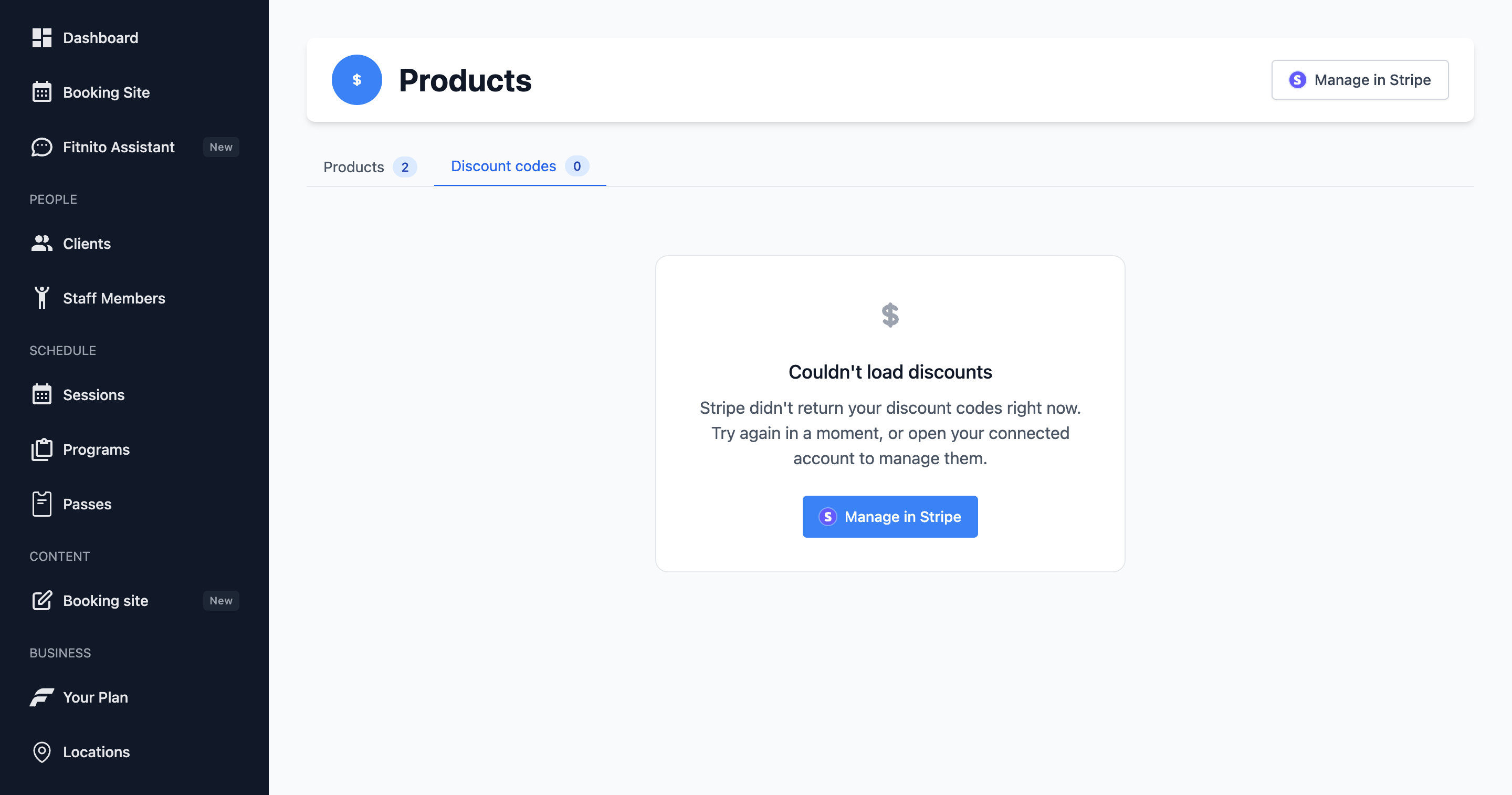
Discount codes are off until you want them. Checkout stays simple.
Turn them on
- Finish Fitnito Payments (members must be able to pay).
- Settings → Payments → allow promotion codes at checkout.
- Create coupons and promotion codes in the connected Stripe account (the gym’s Stripe, not Fitnito’s).
- Open Products → Discount codes to see the valid ones. Fitnito does not keep a local copy — the tab reads Stripe.
Members type the code on Checkout. Staff do not need to enter it for them.
When you will not see the tab
Payments off, Stripe not finished, or the Settings toggle still off. All three are required.