
Tax on member receipts
Stripe Tax adds GST, HST, PST, QST, or US sales tax on member Checkout when you add registrations in Stripe.
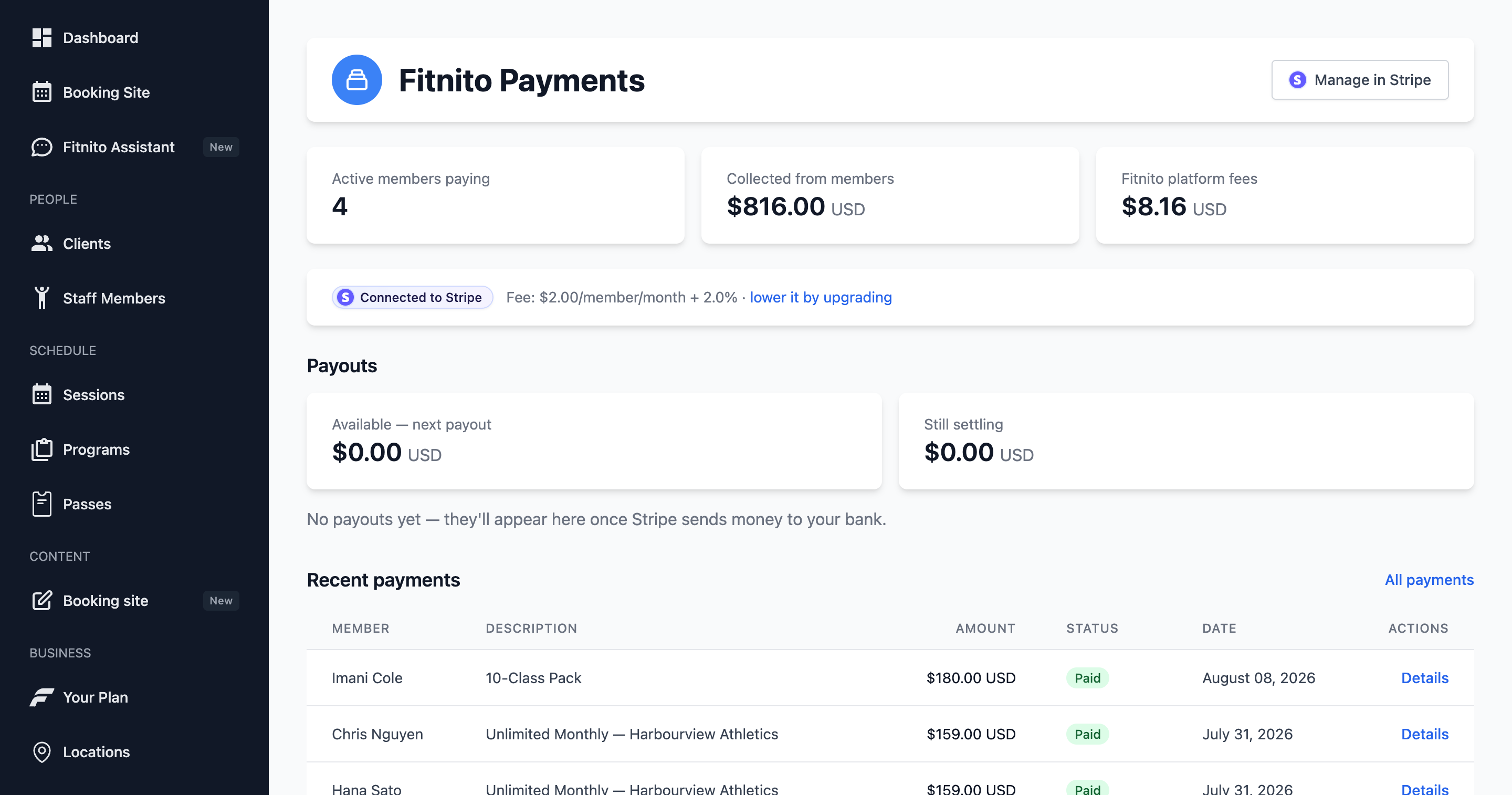
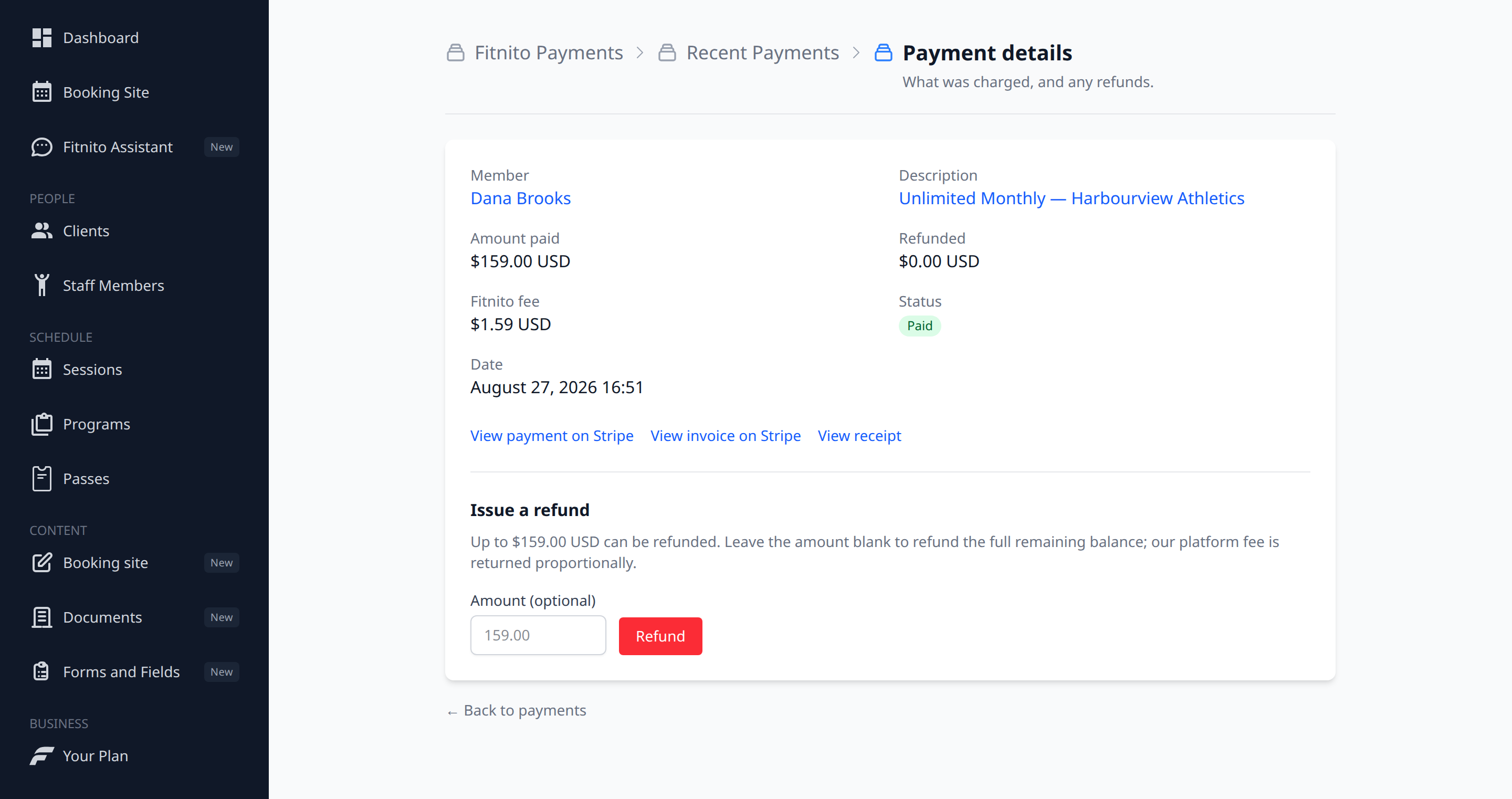
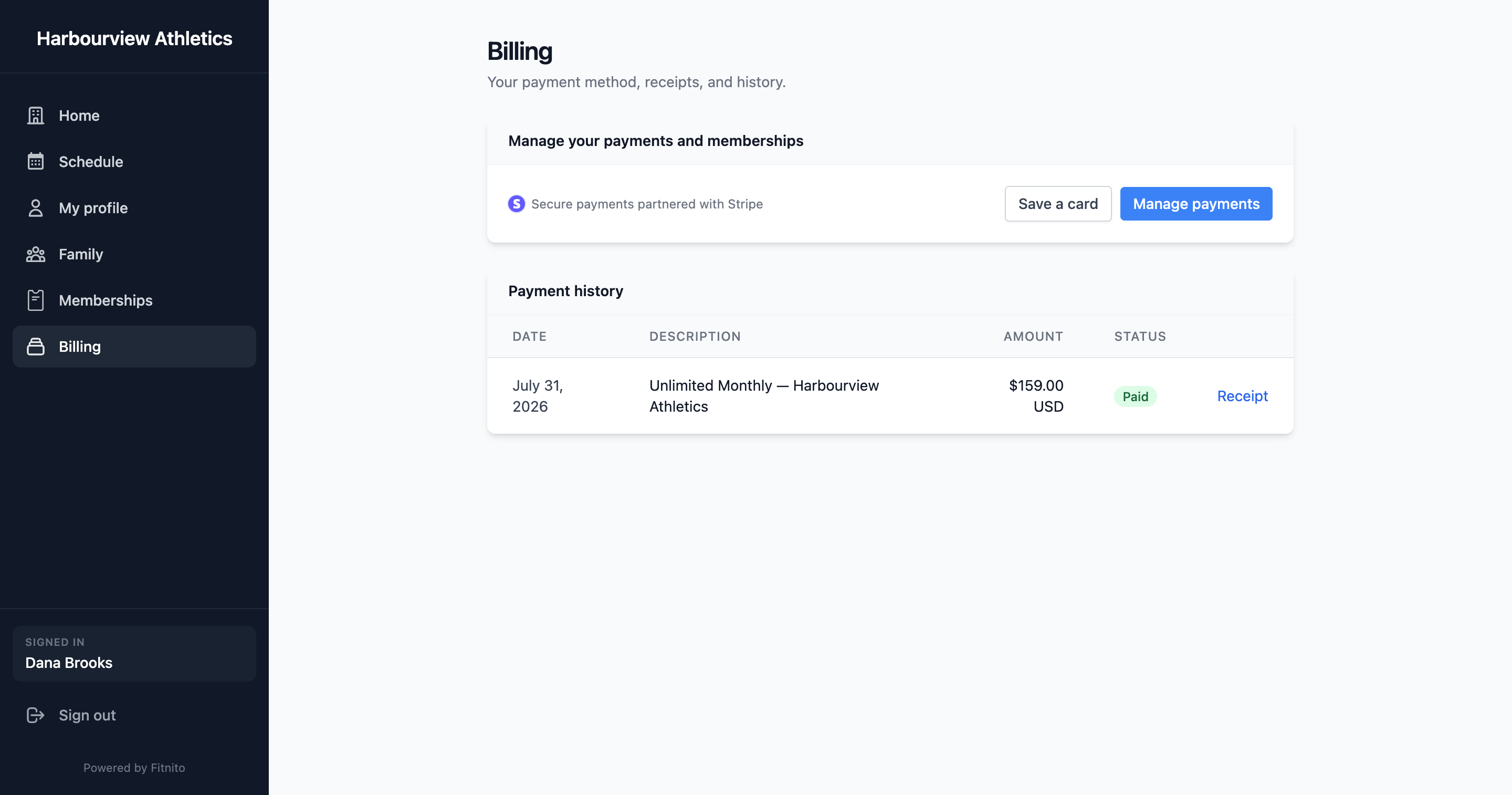
Stripe Tax calculates sales tax on member Checkout. Fitnito does not keep a rate table. You add registrations in your Stripe Dashboard. We send the billing address and ask Stripe to do the math.
This only applies when Fitnito Payments is on. If you assign plans by hand and bill outside Fitnito, nothing here changes.
Turn on registrations
You must already be registered with the tax authority for each place you collect. Adding a location in Stripe only tells Stripe to collect. Stripe can also help you register — that is their product, not ours.
- Turn on Fitnito Payments and finish Stripe onboarding.
- On Payments, open Manage in Stripe. That is your connected Stripe Dashboard (log in with the Stripe account you connected).
- Go to Settings → Tax (Tax settings). Confirm the head office address and a default tax code (fitness instruction is the usual pick for a gym or studio).
- Open Tax → Locations (Locations). Add a registration for each place you collect:
- Canada — every province and territory you collect in. Stripe applies GST, HST, PST, and QST as that place uses.
- United States — basic state sales tax where you are registered. This is the simple US path, not a Fitnito rate table.
Until a registration covers the member’s address, Stripe charges $0 tax. Finish Tax settings (head office and tax code) first — Checkout can fail if those are missing.
Fitnito has no Tax page. We do not write registrations for you.
What members see
Checkout asks for a billing address. After they pay:
- The Stripe-hosted invoice and receipt show tax as its own lines (GST, HST, PST, QST, or US sales tax).
- Billing on the booking site has payment history and Manage (Stripe’s customer portal) to download invoices.
- In the console, Recent Payments → Details links to that same Stripe invoice and receipt. Fitnito’s payment row stays the total. We do not add extra tax rows here.
Staff-assigned paid plans use the address already saved on the Stripe customer. If they never checked out, there may be no address yet, so tax may stay $0 until they buy something themselves.
If you bill by hand
Leave Payments off. Assign the plan or grant the pack from the member profile. Collect tax in whatever you invoice with. This article does not apply.
What we do not do
We do not calculate GST, HST, PST, or QST ourselves. We do not store provincial rates. We do not file or remit tax for you. Stripe Tax does the calculation; you file with the authority you registered with.