
Connect an AI agent (MCP)
Run the gym from Cursor, Grok, Claude, ChatGPT, or Muse. Set up an MCP connector for Fitnito at https://mcp.fitnito.com, sign in, and approve.
Most gyms never need this. The Fitnito Assistant already runs the gym from chat inside the console.
Use this when you want that same work in Cursor, Grok, Claude, ChatGPT, or Muse (Facebook Muse).
Connect
- Set up an MCP connector for Fitnito in your own UI.
- Use https://mcp.fitnito.com.
- Sign in with your gym console password, your booking-site email and password, or Continue with Google.
- Choose which gyms this AI can use, then Approve. One gym is already checked. Several gyms start unchecked. If more than one account matches your sign-in, pick yours from the list.
- You should see You're connected. You can close this window. To add another gym later, connect again and choose it.
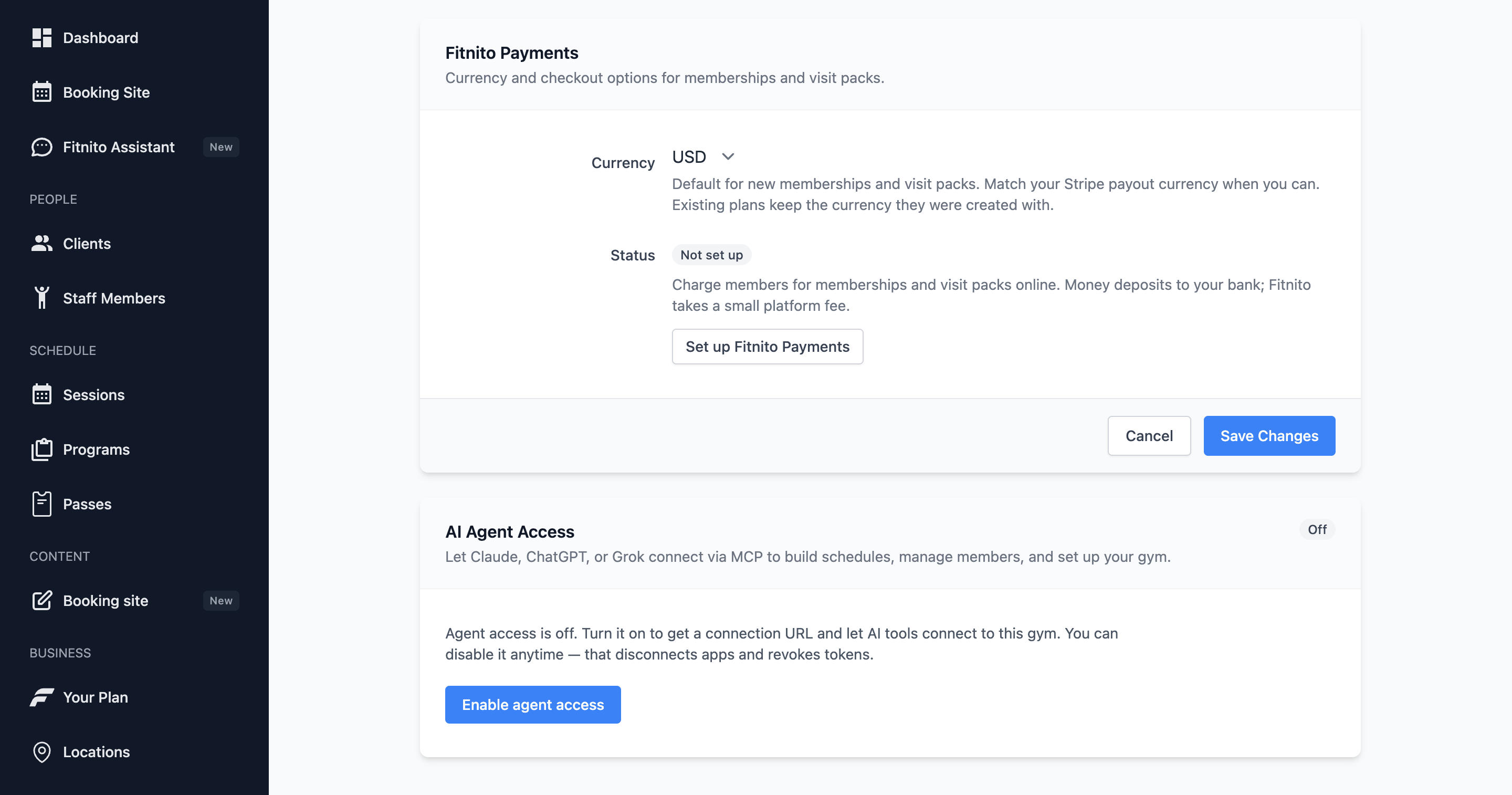
Settings → AI Agent Access lists the app after you approve. Disconnect that login’s connection. There is no “Disable MCP” that kills every connection. Coaches can open that same Settings card to disconnect an app they connected.
Developer notes live on fitnito.com/developers. Members have their own steps: Connect an AI agent.
What you can do
- Schedule classes, book people, and manage members the same way as the Fitnito Assistant. Confirm before email, a paid plan, a plan change, a refund, or cancelling a membership or weekly series.
- Members who connect can book and drop, manage family, see passes, open a checkout, portal, or save-card link, update their profile, sign documents, and set notification preferences.
- If more than one gym or more than one person could match, the agent asks. It does not pick.
Safety
- Disconnect that login’s app from Settings → AI Agent Access. If they had more than one gym on that sign-in, those gyms disconnect together.
- A console sign-in can change gym settings the same way Settings does, including whether members can cancel their membership.
- Every gym can connect. There is no gym-wide off switch.
This is optional. If you are not using an external agent, you do not need to connect one.