
Staff and coaches
Add coaches and admins, and limit who can see payments and member accounts.
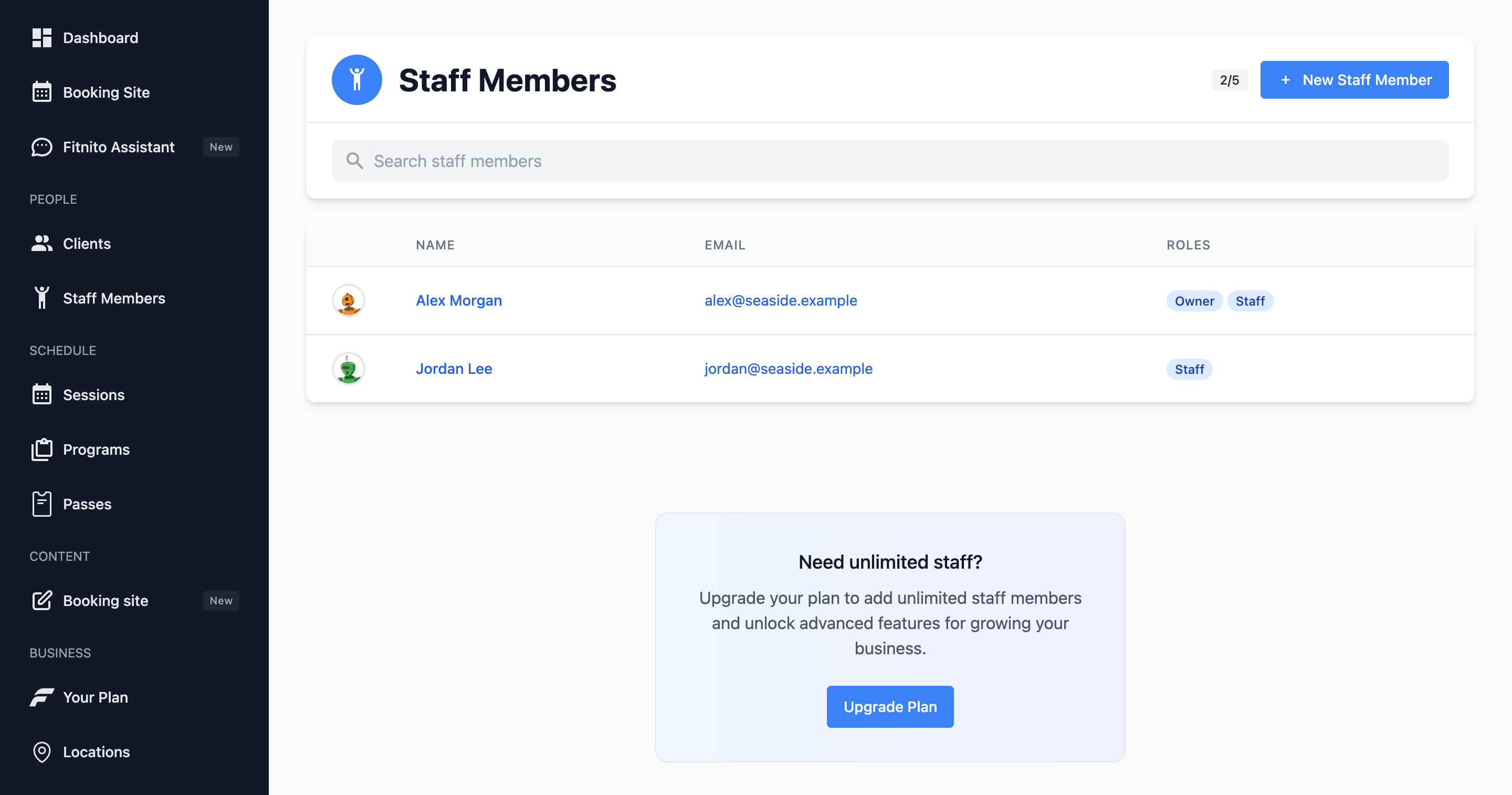
People you add under Staff sign in at app.fitnito.com, same as you. Each person has one role.
The three roles
- Owner — you. Everything, including the Fitnito plan (Your Plan). That role is set when you sign up and cannot be changed from this screen.
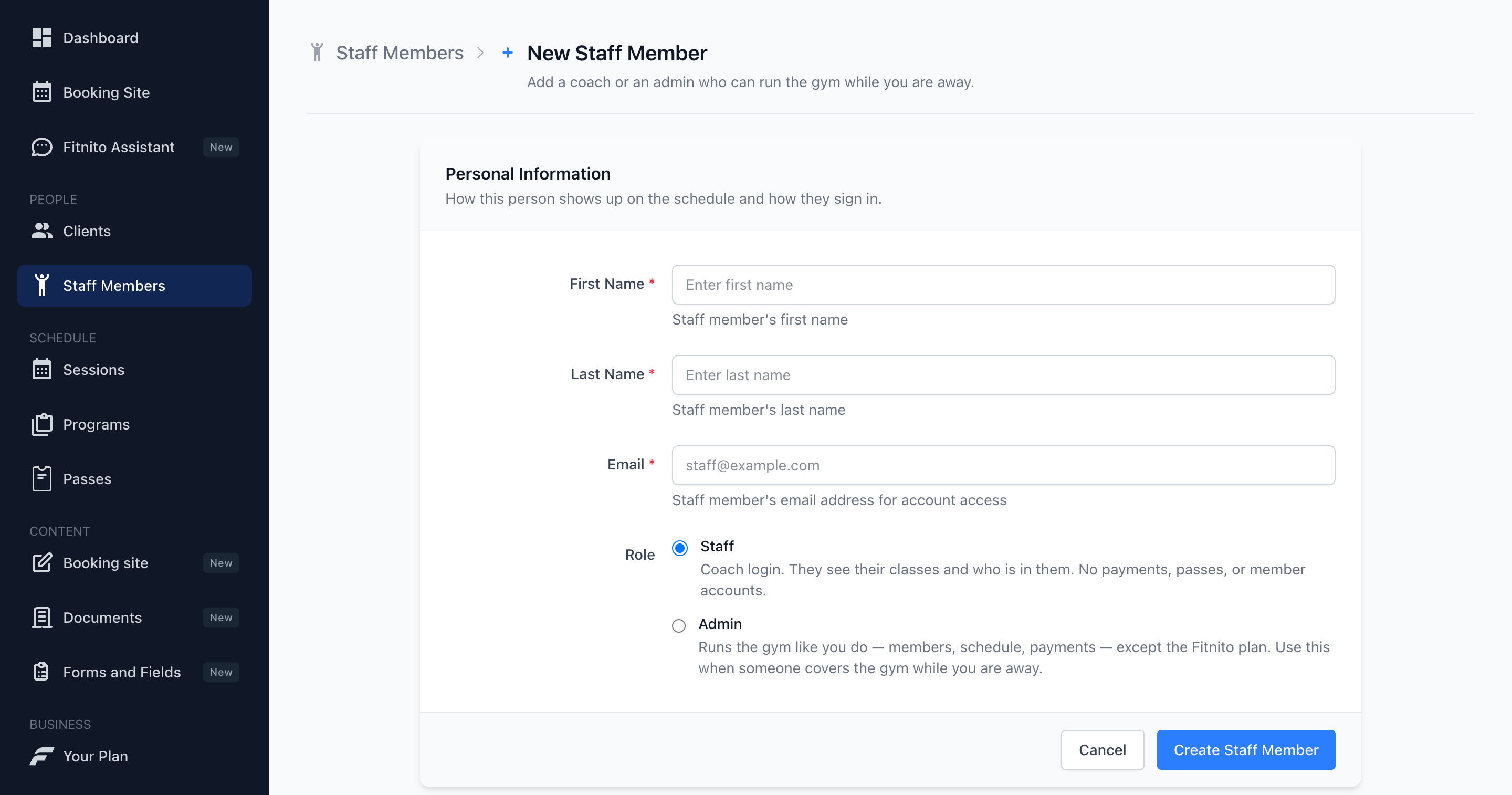
- Admin — almost everything you can do: members, classes, passes, Fitnito Payments. They cannot change the Fitnito subscription or billing. Use this when someone needs to run the gym while you are away — parental leave, vacation, or a manager covering a location.
- Staff — a coach. They see members, the team, programs, their classes, and the Assistant. They can add or drop someone on a class they coach. They do not see payments, billing, assigning passes, adding visits, or the member desk.
Add someone
- Staff → New.
- Name, email, and a role.
- They sign in at app.fitnito.com. They can set a password from the login page (forgot password).
New people default to Staff. Switch them to Admin when they need the desk.
Change a role
Open the person and Edit. Staff and Admin can be swapped. You cannot turn someone into the owner, or take owner away.
People you already added as staff before roles shipped keep Admin, so they do not lose the desk. Set a coach to Staff if they should see the floor — members, the team, programs, and their classes — without payments.
Anyone on this list can be assigned as a coach on a class — Owner, Admin, or Staff.
Remove access
There is no delete. Change their email or stop using that login if someone leaves. Old classes keep the historical coach name.