
Programs
Class types (Strength, Yoga, Kids) — color and icon on the calendar, and who gets to book.
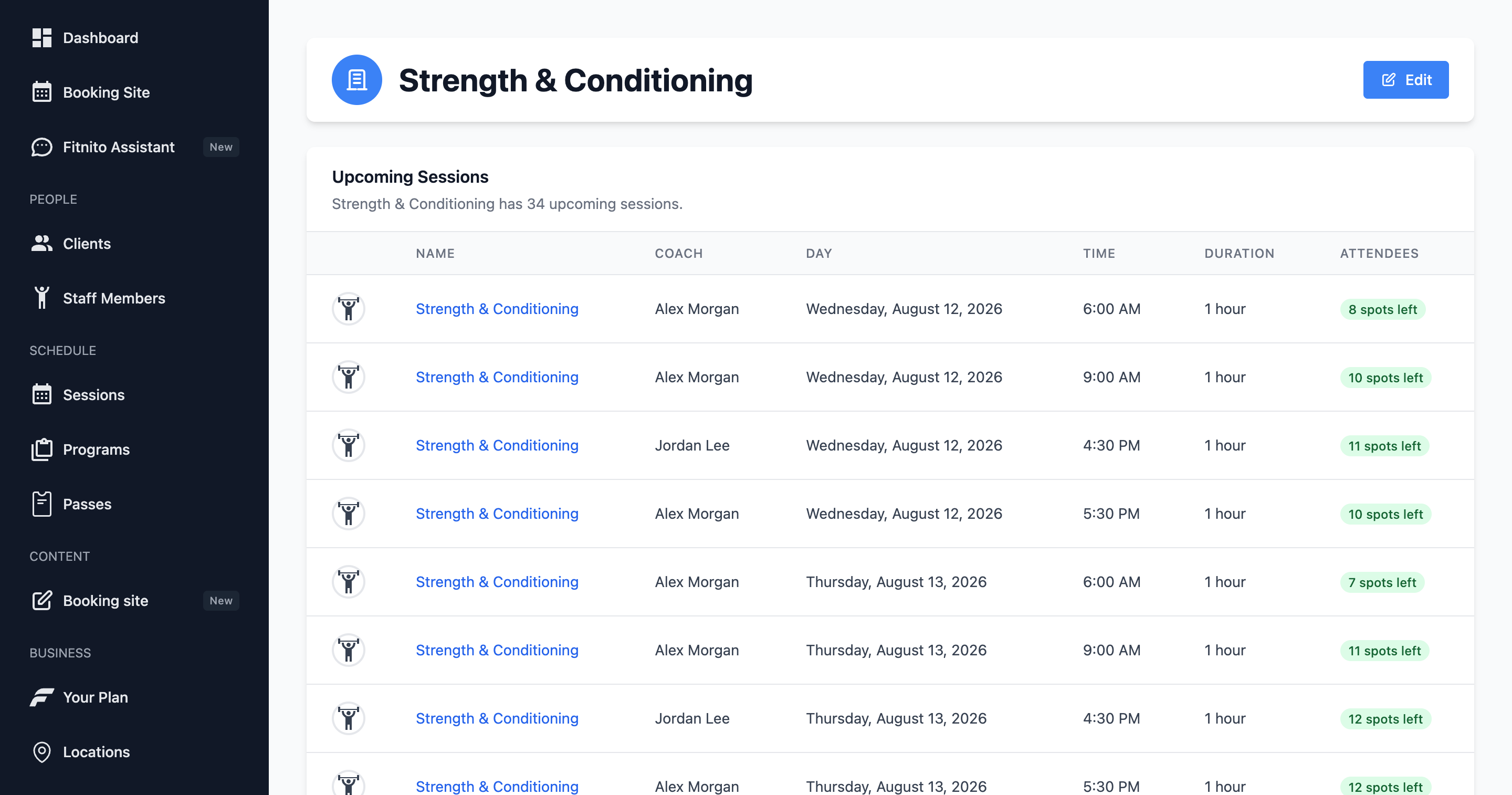
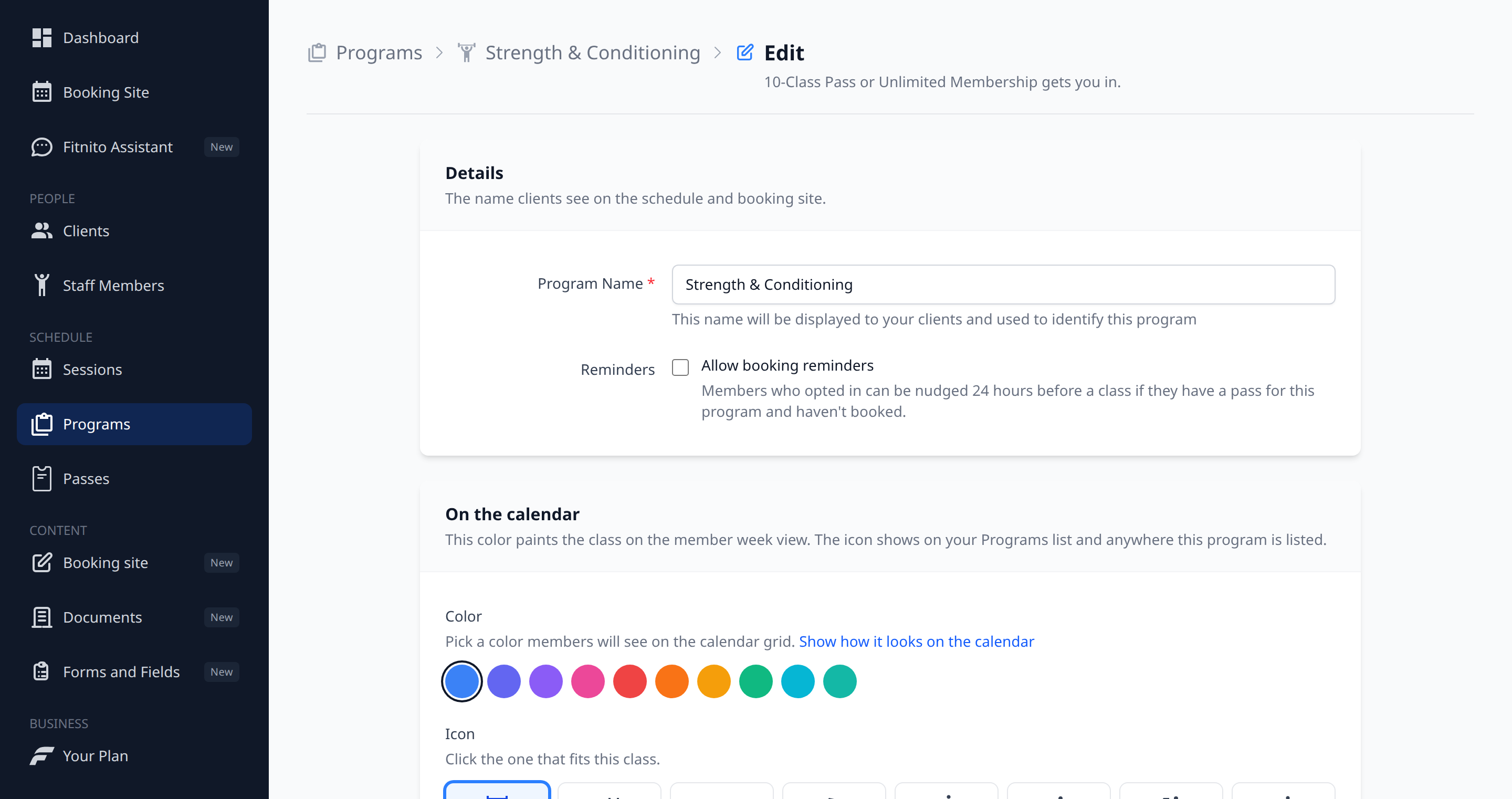
A program is a kind of class: Strength & Conditioning, Sunrise Mobility, Kids Jiu-Jitsu. Sessions belong to one program.
Add a program
Programs → New. Give it a name, pick a color, and click an icon. The color paints the class on the member week view — and on Sessions → On the Calendar. The form shows a mini calendar so you can check it first. Distinct colors make that grid easy to scan. The icon shows on your Programs list and anywhere the program is named.
Keep Strength blue and Yoga green if you like. Just do not make everything the same shade of “pretty close.”
Why programs matter
- Pass types unlock programs, not individual sessions.
- Booking Access on a class follows the program’s pass types.
- The program header names those passes (“10-Class Pass gets you in”) and how many classes are coming up.
- Coaches and members talk in program names (“I’m in HIIT”).
Keep the list short. Four or five programs is plenty for most independent gyms. Rename freely — existing sessions keep the new name.