
Who can book a class
Booking Access shows which pass types and products unlock a session.
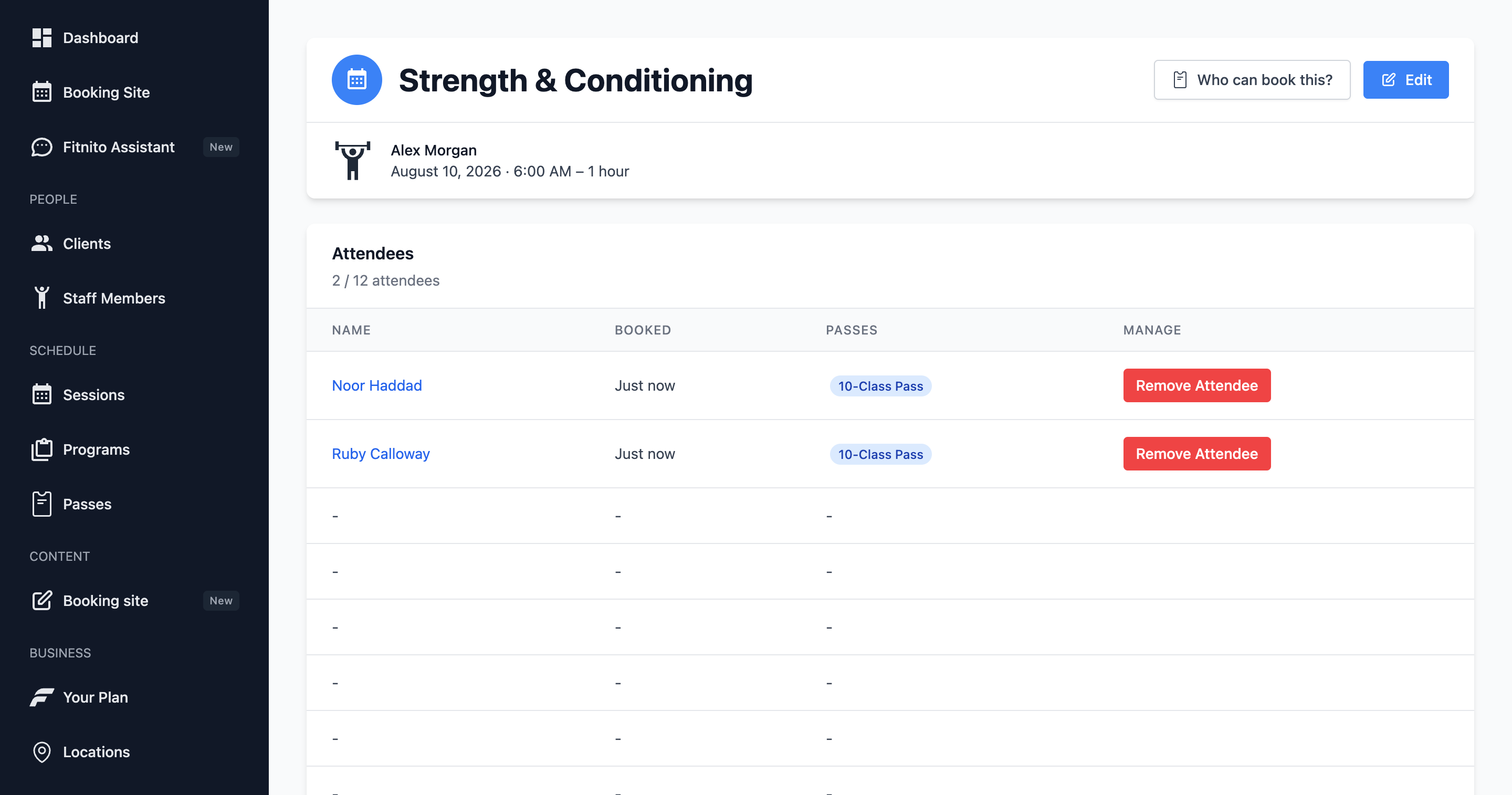
Not every member can book every class. Access comes from pass types tied to programs, and from the memberships or visit packs that grant those pass types.
Open Booking Access
On a session (or the weekly class), click Who can book this? It slides in from the side. You will see:
- Which pass types can book this program.
- Which products (membership plans and visit packs) grant those pass types — “Sold as”.
If the program has no pass types attached, any enabled pass can book. That is a wide-open door. Link a pass type when you want the door to be picky.
Change the program’s pass types if the wrong people can book. Change a membership if it should grant a different pass. Change a visit pack’s pass on the pack itself (Products), not from the pass page.
Typical setups
- One visit pack for everything — one pass type linked to every program.
- Yoga vs Strength — two pass types, each linked to its programs. A yoga membership cannot book strength.
- Kids only — a kids program with a kids pass type. Adults never see those slots as bookable.
Staff can still add an attendee from the session page when you want to override.