
Products
Membership plans and visit packs — the catalog you assign or sell.
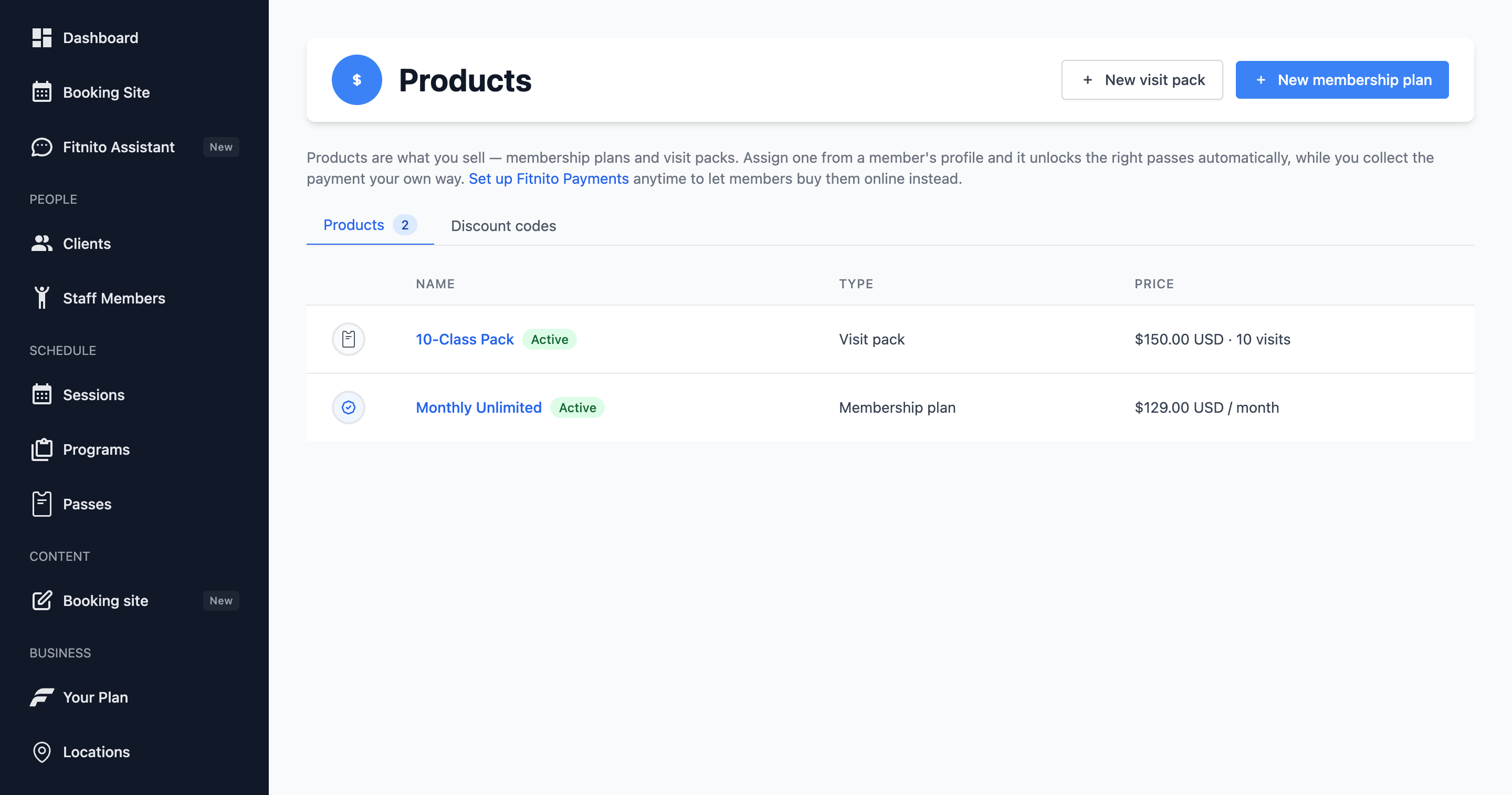
Products is the catalog. It has three tabs: Memberships, Visit packs, and Discount codes. Every gym has this page, including gyms that never turn on Fitnito Payments.
A membership can unlock several passes. On the Memberships tab, a plan that grants a visit pass says Top up or Monthly start. Top up adds visits on each payment. Monthly start resets them on the 1st. A visit pack points at one pass — change that on the pack. A pack is always a top up. Each row shows the passes that product unlocks; click a pass to open it.
Archived memberships and visit packs stay off the list until you turn on Show archived at the bottom.
How products attach to passes
- Membership — pick one or more passes on the plan form. You can also add an existing plan to a pass from that pass’s Sold through Products tab.
- Visit pack — pick one per-visit pass on the pack. Change it by editing the pack here. The pass page will not reassign a pack.
Think of it this way: the pass is the key. The product is how you sell the key (or hand it over at the desk).
Two ways a product gets onto a member
- You assign it from the member profile. Gyms that invoice or collect cash do this for everything. Payments gyms still do it for comps and special cases.
- The member buys it on your booking site. That only works when Fitnito Payments is on and the product has a live Stripe price.
Draft vs ready
A product without a Stripe price is a draft. Self-billing gyms can still assign drafts. Payments gyms need a Stripe price before members can buy, or before staff can assign a paid plan through Stripe.
Discount codes
If Payments is on and you allow promotion codes in Settings, the Discount codes tab lists the valid ones. Codes themselves live in your connected Stripe account — Fitnito just reads them.