
Create a class
Add a one-off session, or tick “repeats weekly” on the same form.
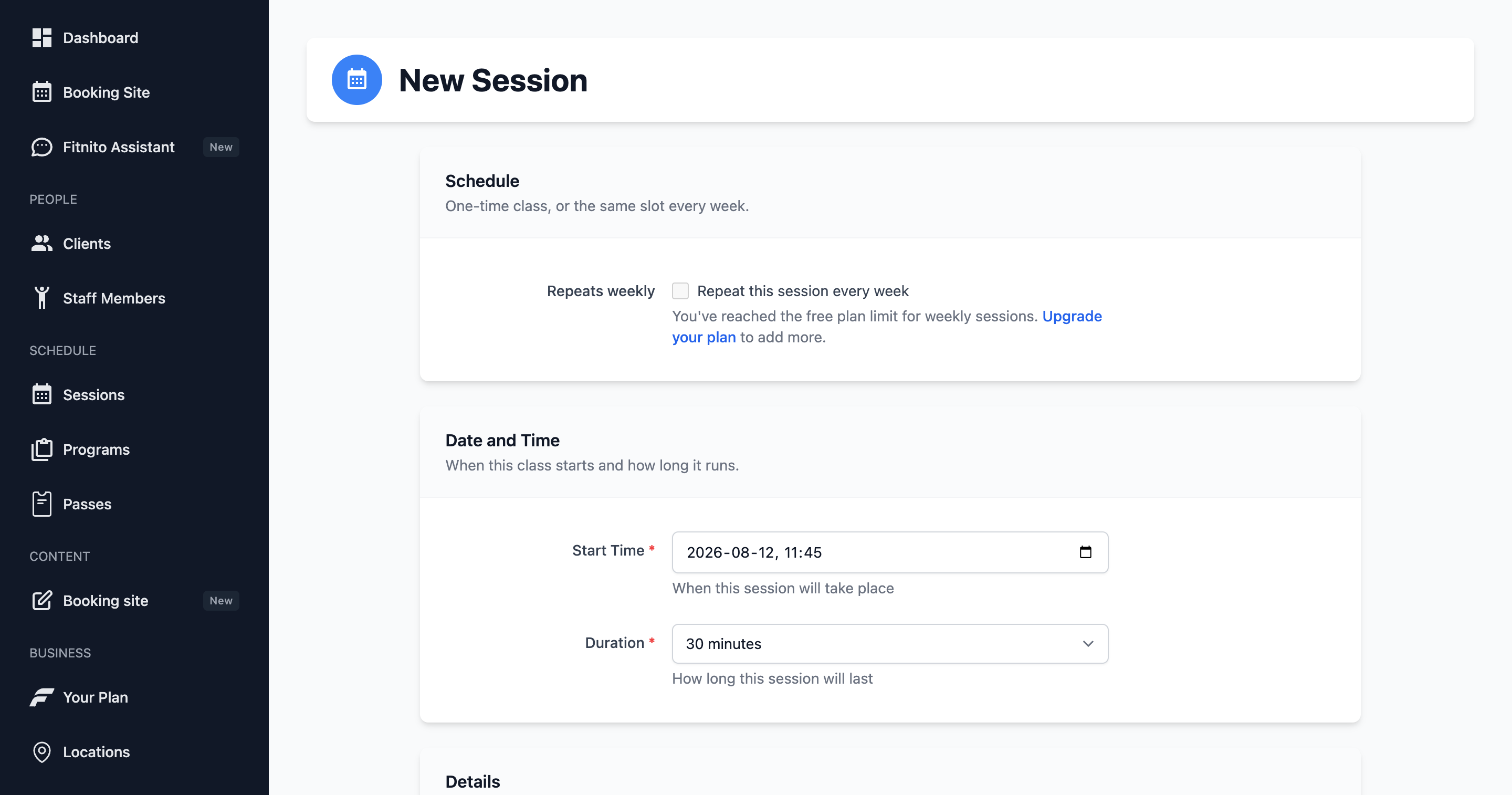
- Go to Sessions → New.
- Pick the program, location, start/end, capacity, and optional coach.
- Leave Repeat this session every week off for a one-off (a workshop, a sub, a holiday special).
- Tick it and choose days for a weekly class. Those days show on Weekly Schedule, and the generated dates show on On the Calendar.
You land on the class afterward — header, week grid, roster. Later: edit the weekly class to change every upcoming week (coach, time, days). Edit one date on the calendar to change that day only.
Make an existing class weekly
Open a one-off session and use Make Weekly to turn it into a repeating series. Generated sessions link back to that weekly class.
Capacity
Capacity is a hard cap on the booking site. Staff can still force a walk-in from the session page when you want to overfill.
Coach
Only people with the staff role appear as coaches. Add them under Staff. You can leave coach blank (open gym, unsupervised block).