
What coaches see
The Staff role is a coach console — members, the team, programs, and the classes they run.
Give a coach the Staff role when they should not see payments or the member desk. They still sign in at app.fitnito.com.
What they get
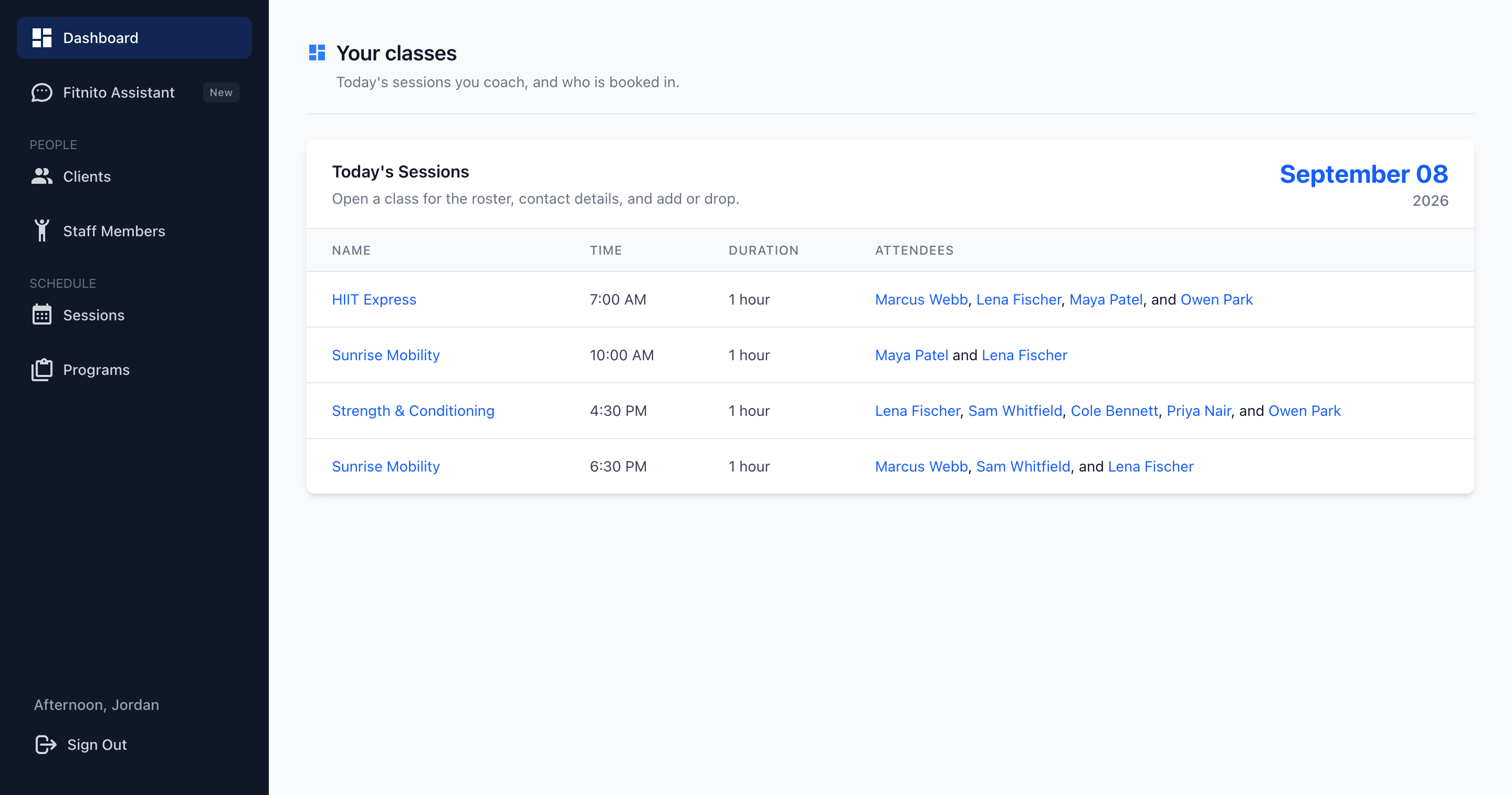
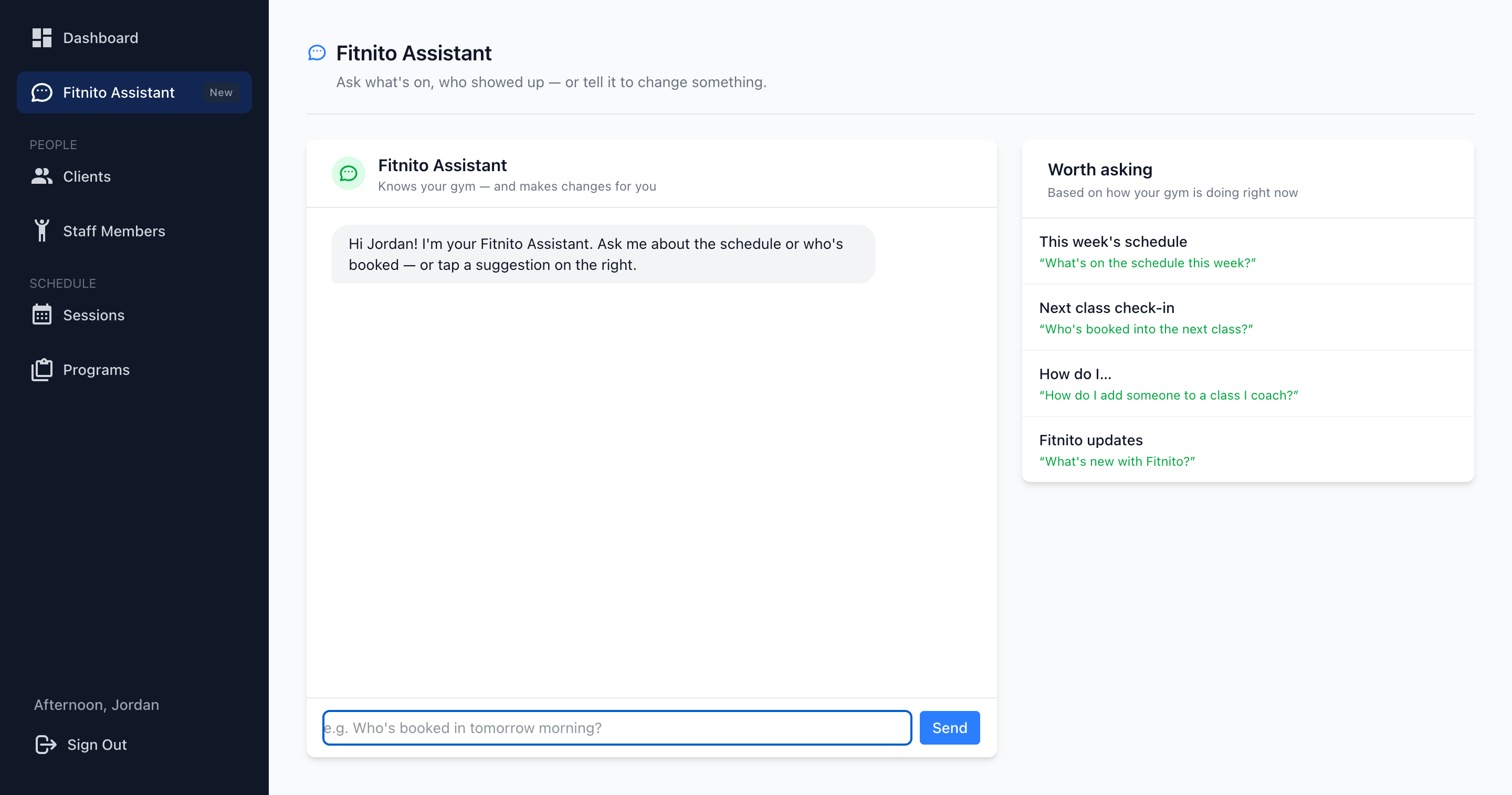
The left nav is Dashboard, Assistant, AI Agent Access, Clients, Staff, Sessions, and Programs. Sign out is at the bottom.
- Dashboard — today’s classes they coach, and the names on each roster.
- Assistant — their own chat, limited to what they can do: schedule, members, book or drop someone on a class they coach, and mark or clear a no-show on a class they coach. Not payments or the desk.
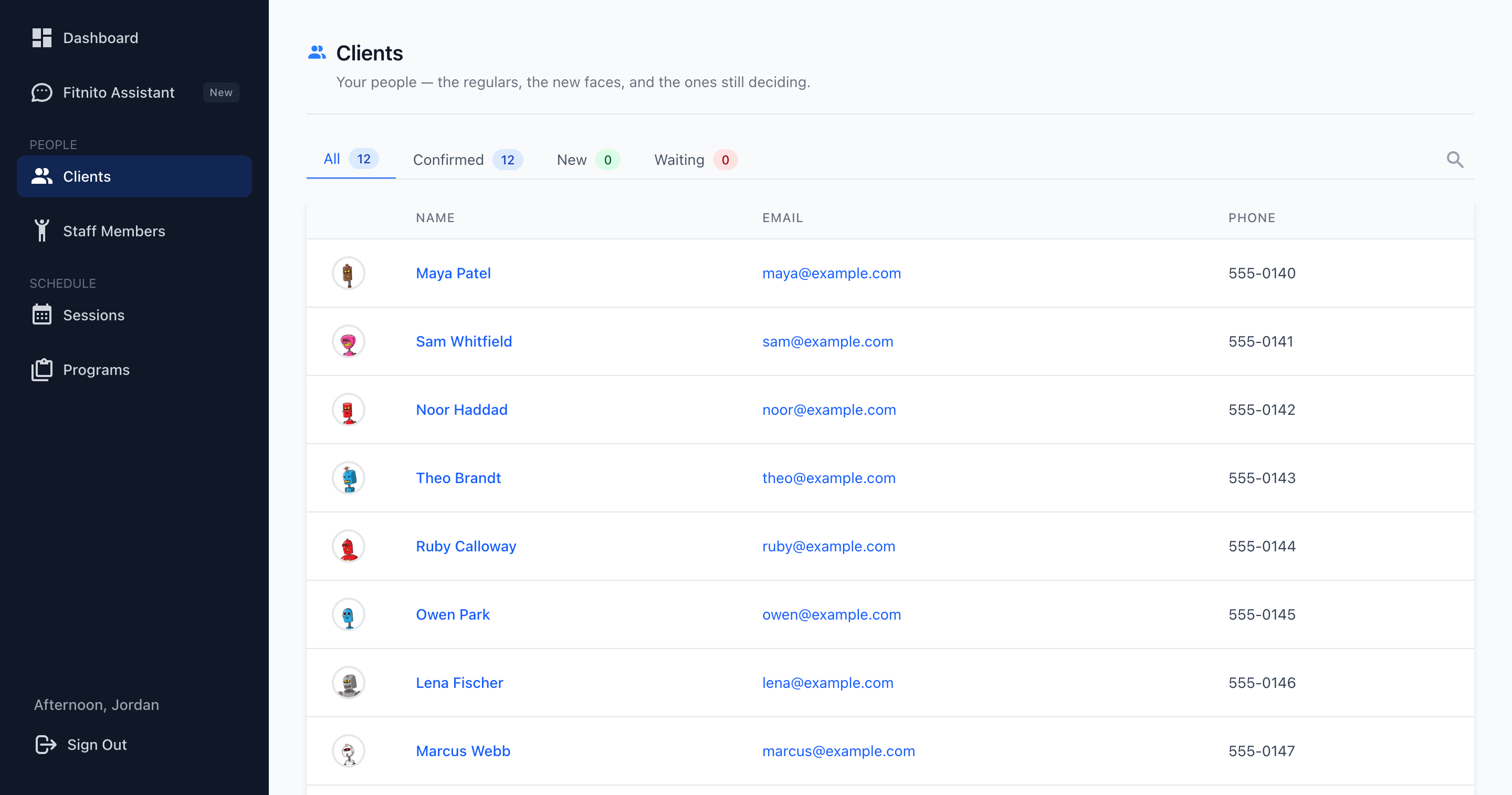
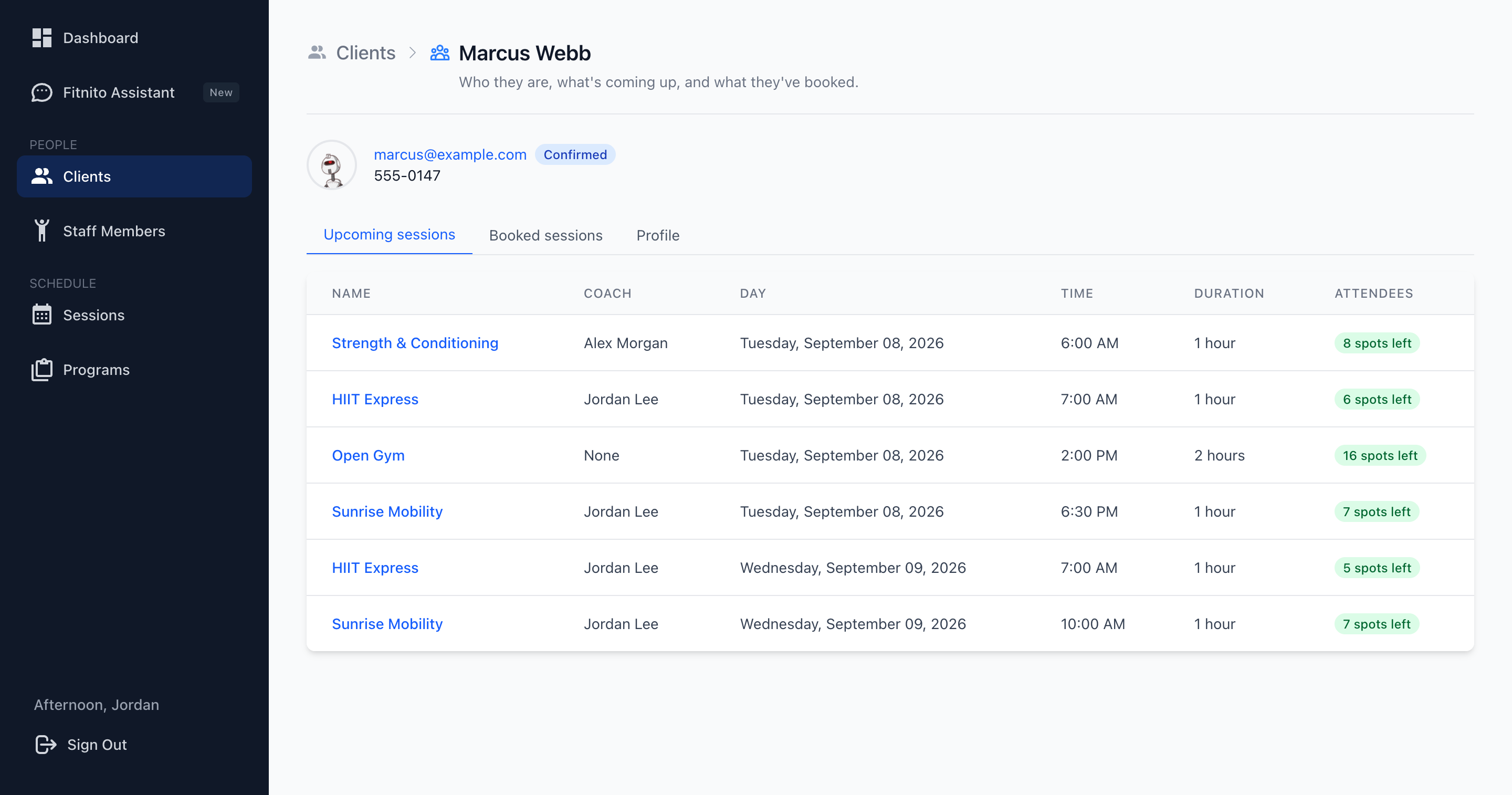
- Clients — everyone at the gym. Open a member for upcoming sessions, booked sessions, and profile (email, phone, extras). They cannot edit the person, reset a password, or see passes and billing.
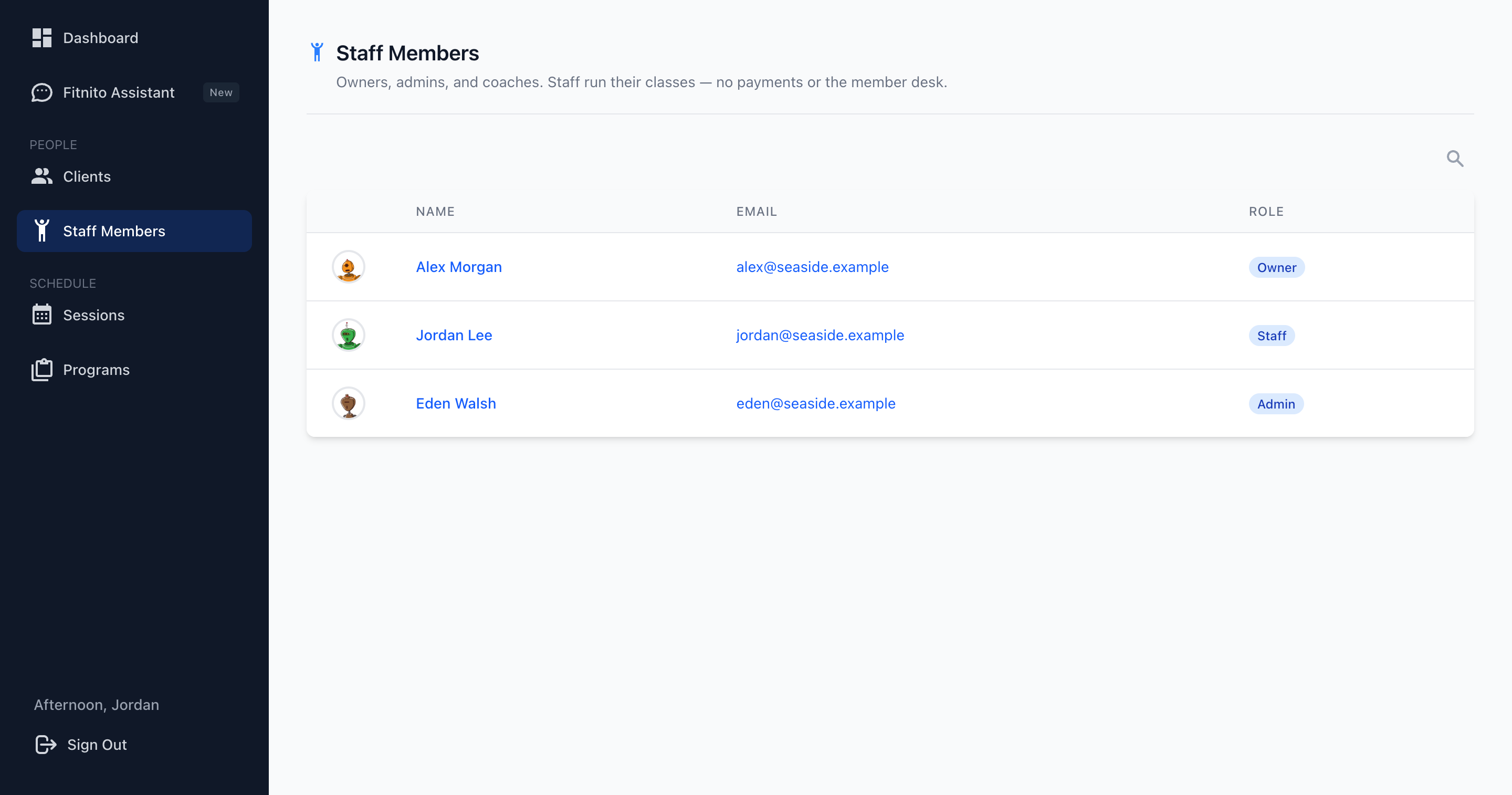
- Staff — the rest of the team and their roles. Read only.
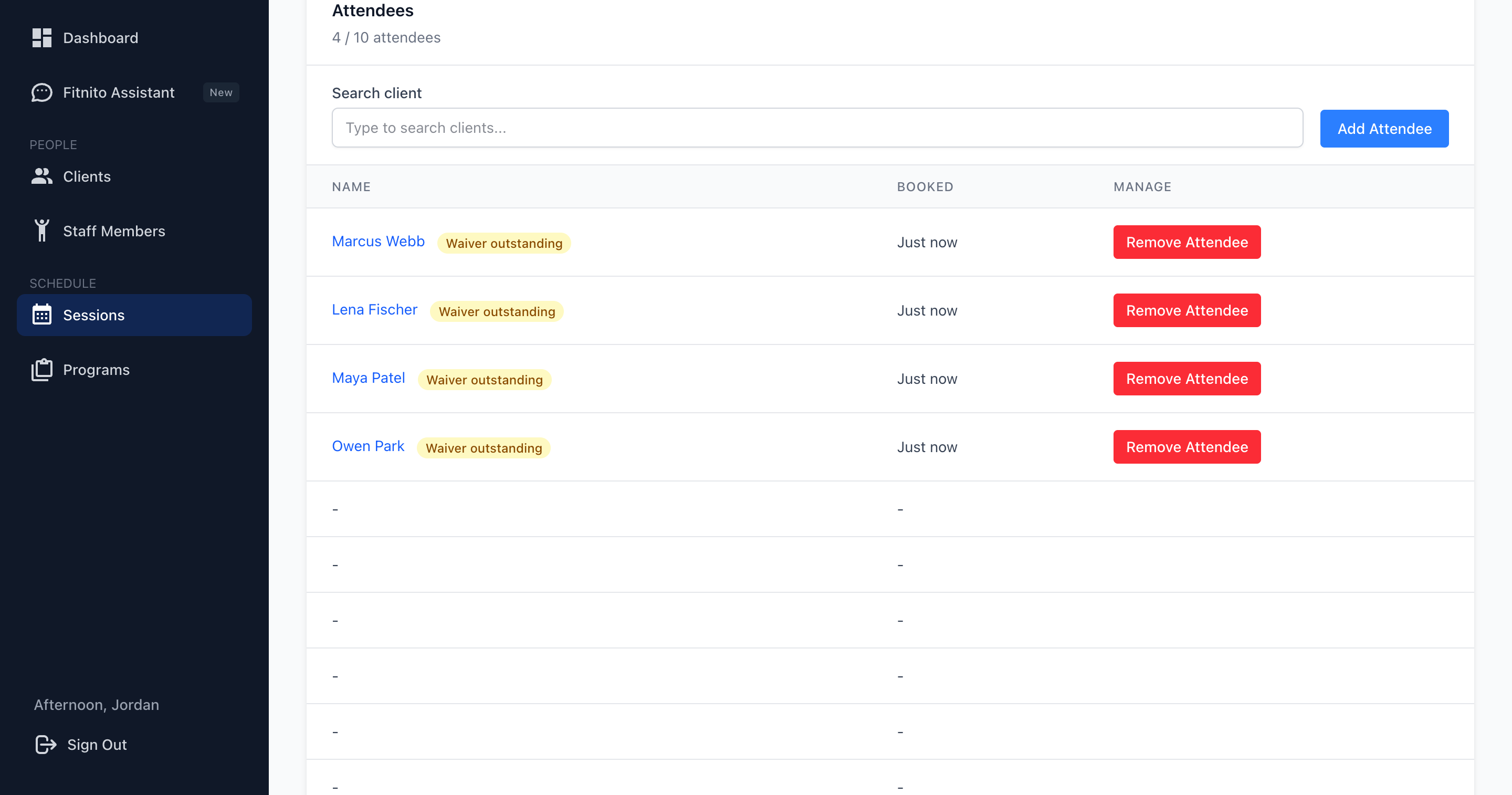
- Sessions — the week calendar and class list. They can open any class to see who is booked. Add or drop someone only on a class they coach. On Premium, they can mark or undo a no-show on a class they coach once it has started, and choose in that dialog whether to email the member a rebook link. Undo sends nothing.
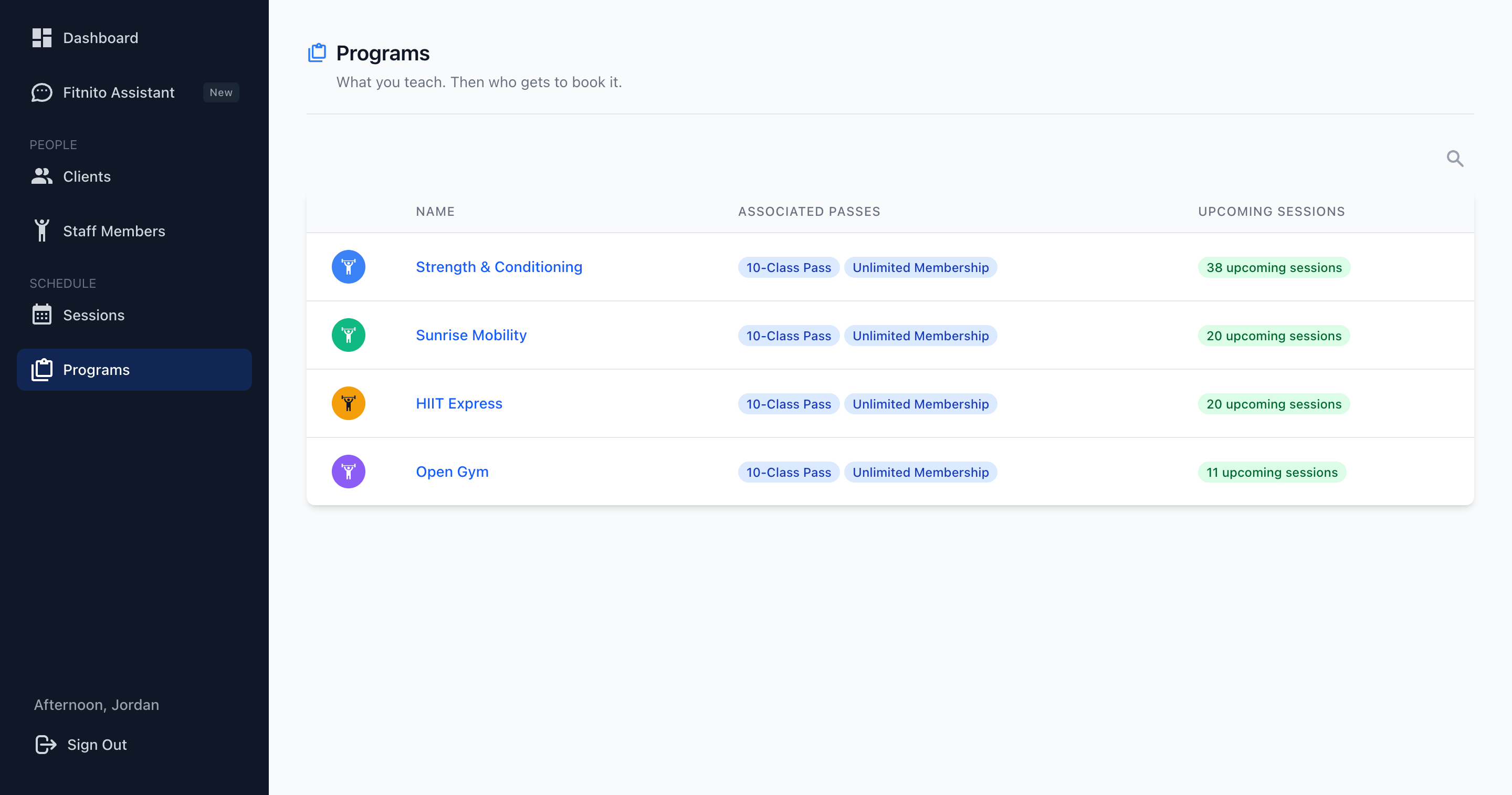
- Programs — what the gym offers and upcoming classes. Read only. No pass names.
- AI Agent Access — disconnect Grok, Cursor, Claude, or ChatGPT if they connected one. That is the only Settings page they can open.
They do not get Passes, Products, Payments, Your Plan, gym Settings, or Content. An external MCP agent they connect (Grok, Cursor, Claude, ChatGPT) gets the same limited tools.
What they do not get
- Passes, visit packs, assigning a plan, adding visits
- Invoices, refunds, Fitnito Payments
- Editing or creating classes, programs, or staff
- Who can book, weekly templates, or the member-desk tools (password reset, family, documents)
If they need to run the desk, make them Admin instead. Fitnito Payments and Your Plan stay with the owner. See Staff and coaches.