
Pass types
Unlimited vs visit pass, which programs they unlock, and what product sells them.
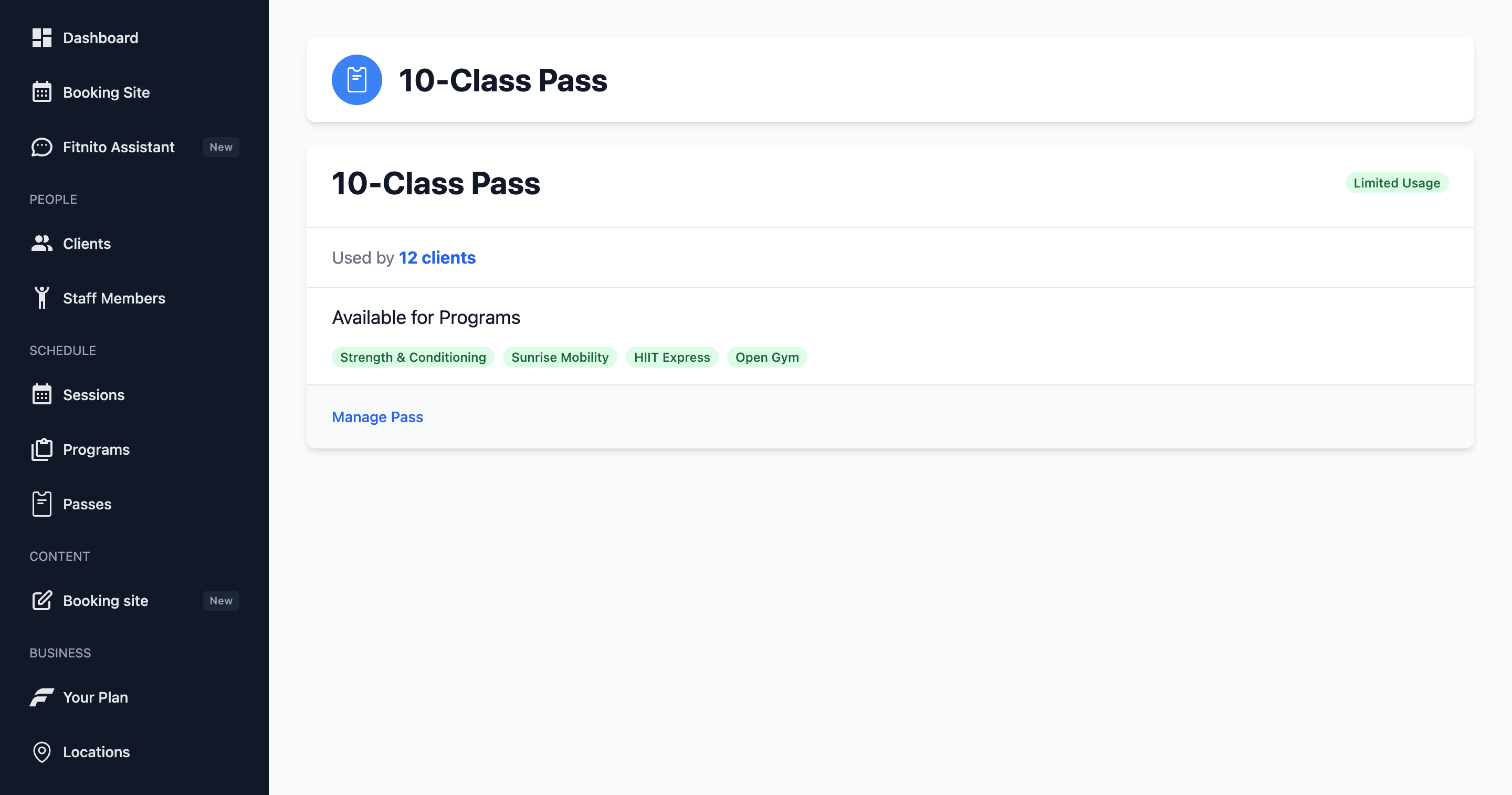
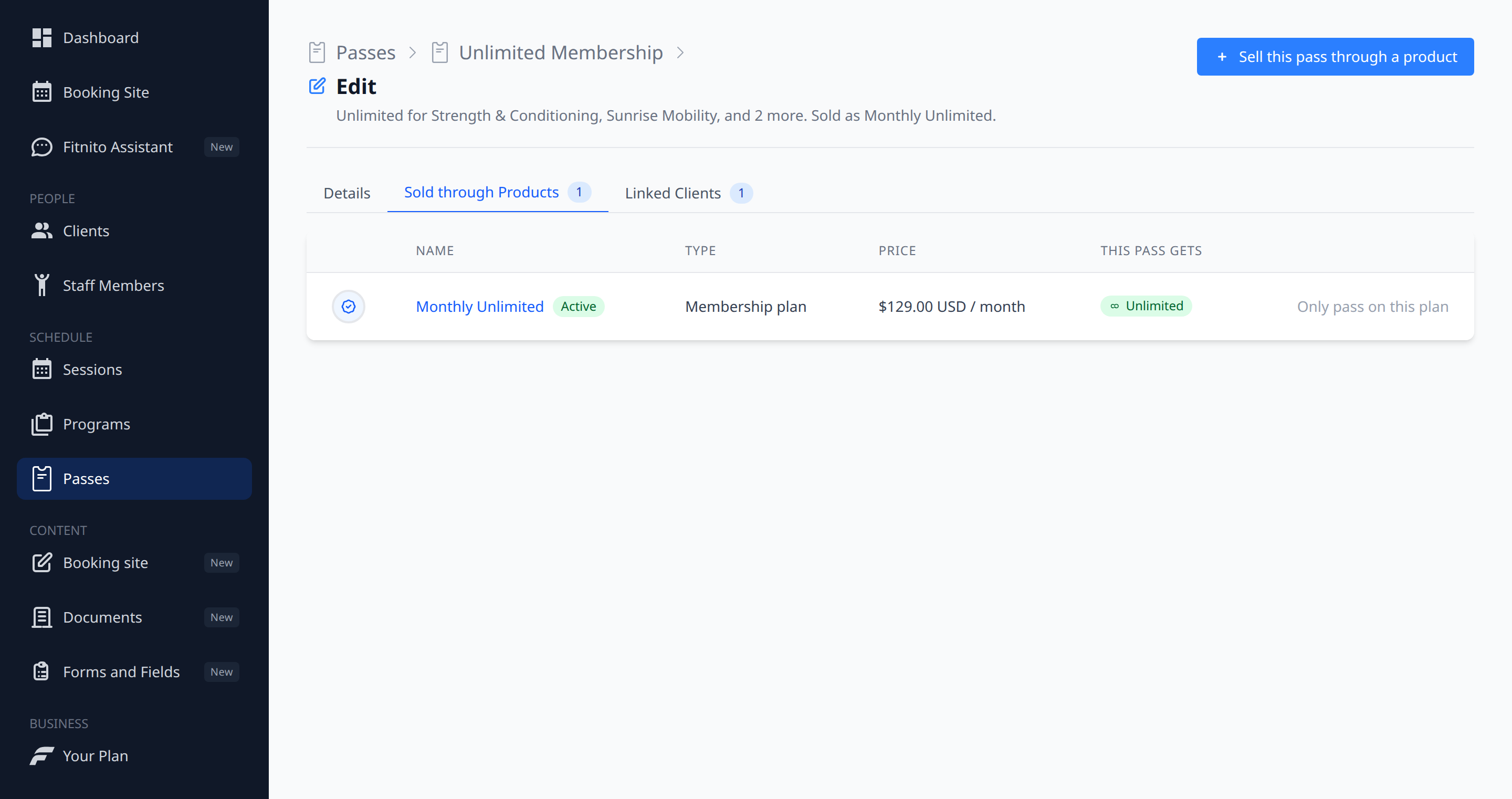
A pass type is the rule: what kind of access is this, and which programs does it open? The header says it in one line — “Unlimited for Yoga. Sold as Monthly Unlimited.” or “A visit pass for Strength. Not sold yet.”
Passes in the nav is the list of these rules. Click one.
Two flavors
- Unlimited — while the pass is enabled, they can book those programs.
- Per-visit (a visit pass) — each booking uses a visit. When visits run out, they cannot book until you add visits or they buy another pack.
The three tabs
- Details — name, unlimited or not, and the programs it unlocks. If you leave programs empty, the header will say it is not pointed at a class yet. That pass will not get anyone into a program that has its own pass types attached.
- Sold through Products — what sells this pass. Add it to a membership you already sell. Create or re-point a visit pack on Products — this tab will not move a pack from one pass to another.
- Linked Clients — who holds it, and how many visits they have left. The magnifying glass on the tab row finds someone when the list grows.
Pass types vs products
The pass type is the access rule. A product is how that access is sold or assigned.
- A membership plan can grant one or more passes. Tick the passes on the plan, or open a pass → Sold through Products → Sell this pass through a product and add an existing plan. How many visits a plan gives, and whether they top up on each payment or reset on a monthly start, is set on the plan, not in that drawer.
- A visit pack belongs to one per-visit pass. You pick that pass when you create or edit the pack on Products. The pass page will not move a pack from one pass to another. One pass can have several packs (a 5-pack and a 10-pack).
Unlimited passes are not topped up by visit packs. Sell those with a membership.
See Products, membership plans, and visit packs.