
Email notifications
Owner alerts when someone joins, pays, or books a class, plus member booking reminders. Premium for reminders.
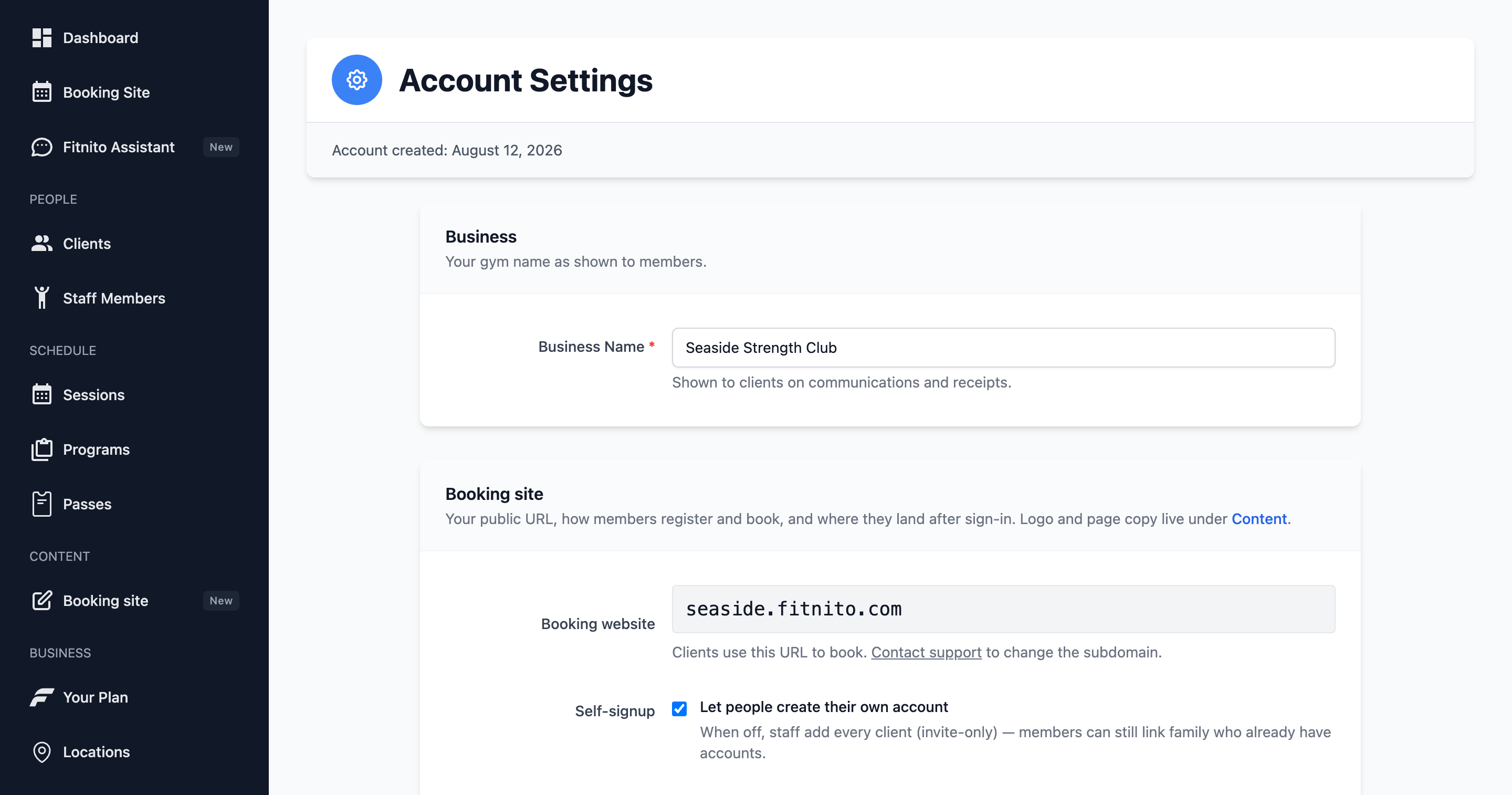
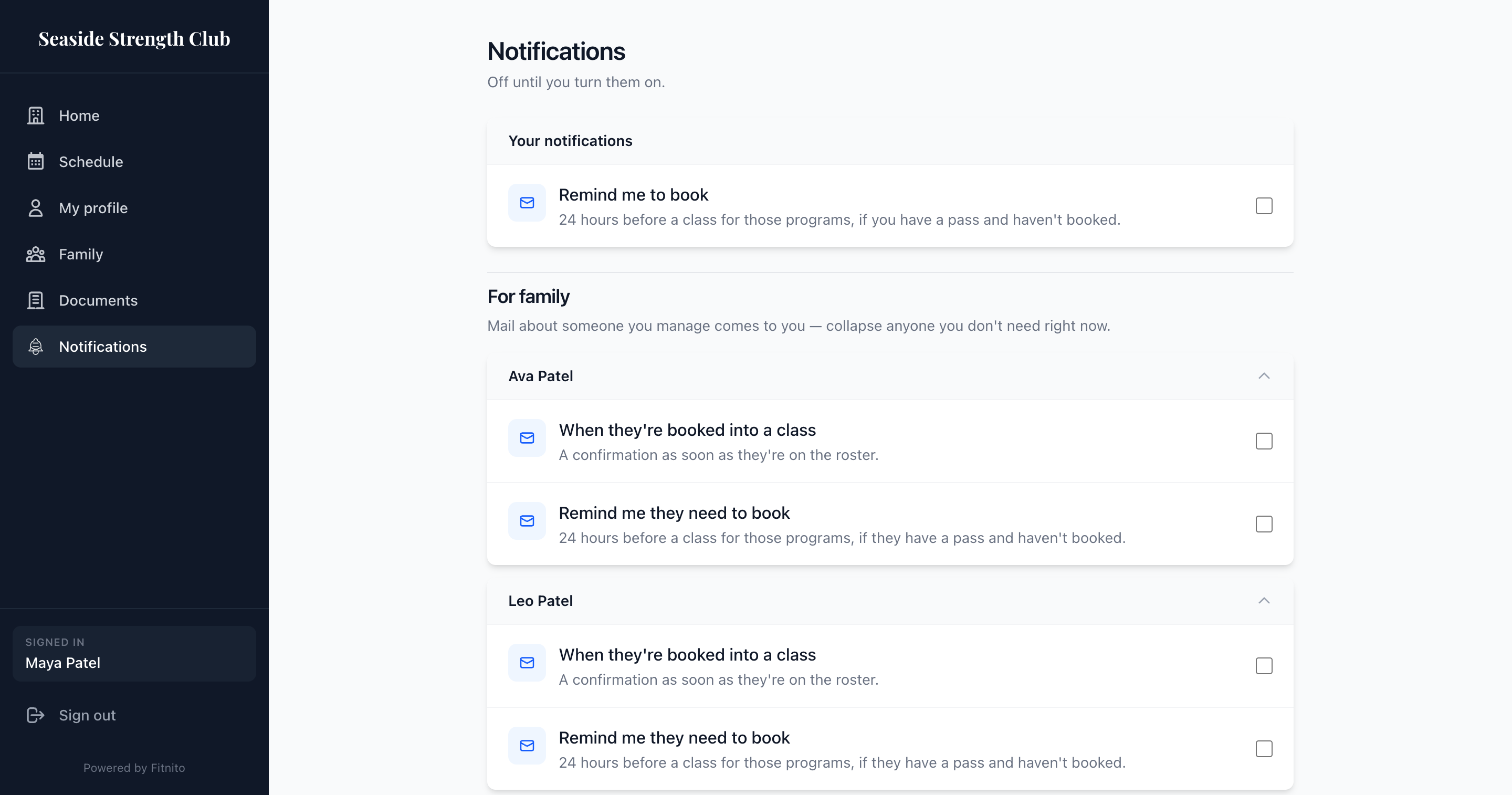
Two different inboxes.
Emails to you (the owner)
These are opt-in and work on every plan. They start off.
- Someone created a member account — self-signup or a staff-added login.
- Someone paid for a membership or visit pack — paid purchases, plus deferred enrollments (card on file, first charge later).
- Someone booked a class — a member or parent booked on the site, or staff added someone to the roster. The email names who booked, which class, when and where, and how full it is. Useful when parents book last minute.
They go to the account owner. Flip them under Settings → Notifications.
Reminders to members (Premium)
Remind people to book is Premium (paid or trial). Members (or a parent) who opted in get one email 24 hours before a class — only for programs you allow, and only if they have a covering pass and have not booked.
- Turn on Remind people to book.
- Check the programs that should remind. A pass that also covers drop-in will not remind about drop-in unless you check that program.
- Members opt in on the booking site under Notifications. Mail about a child goes to the parent.
Off until you turn it on. Free-plan gyms see the setting greyed out with an upgrade prompt.