
Door access
Let members in through your door system when their membership is active. Premium.
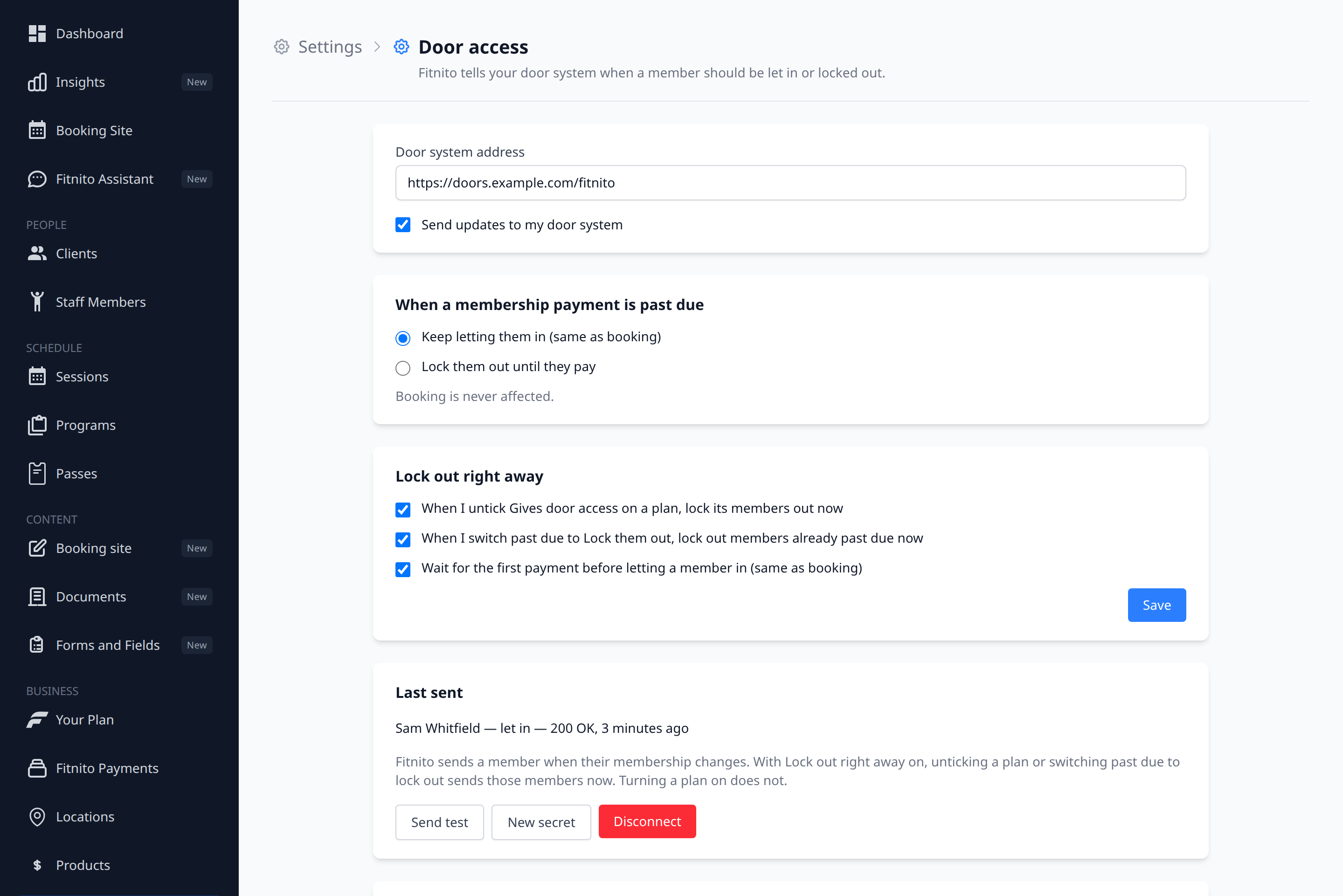
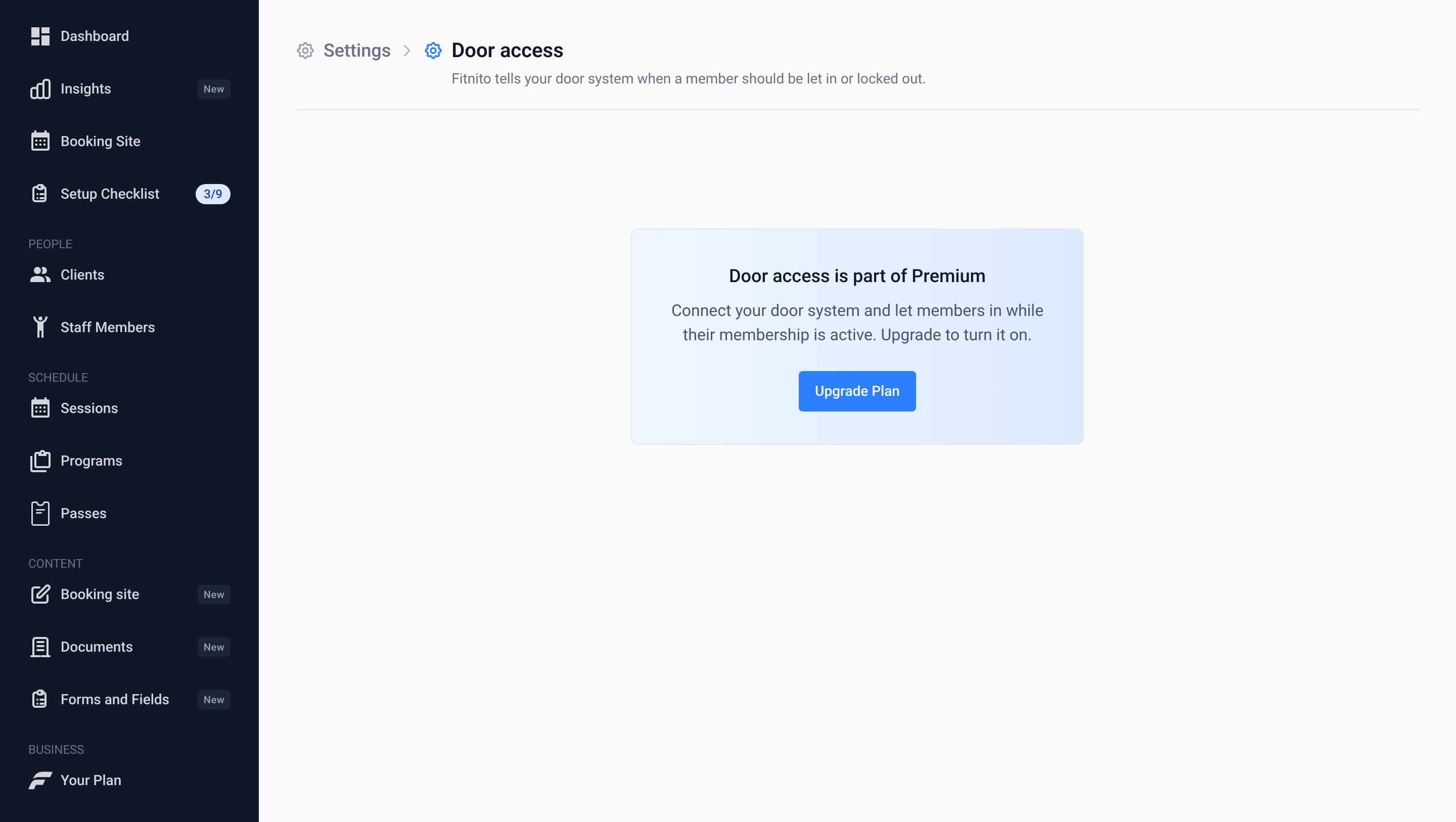
Fitnito tells your door system when a member should be let in or locked out. Premium (paid plan or trial). Owners and admins.
Connect your door system
- Go to Settings → Door access.
- Paste the address your door provider or developer gave you. It starts with
https://. - Click Connect. Fitnito shows a secret once. Copy it and give it to whoever set up your door system. You won't see it again.
New secret makes a fresh one right away. Your door system stops accepting updates until it has the new one. Disconnect stops all updates. Members already let in stay let in on your door system.
Pick the plans that open the door
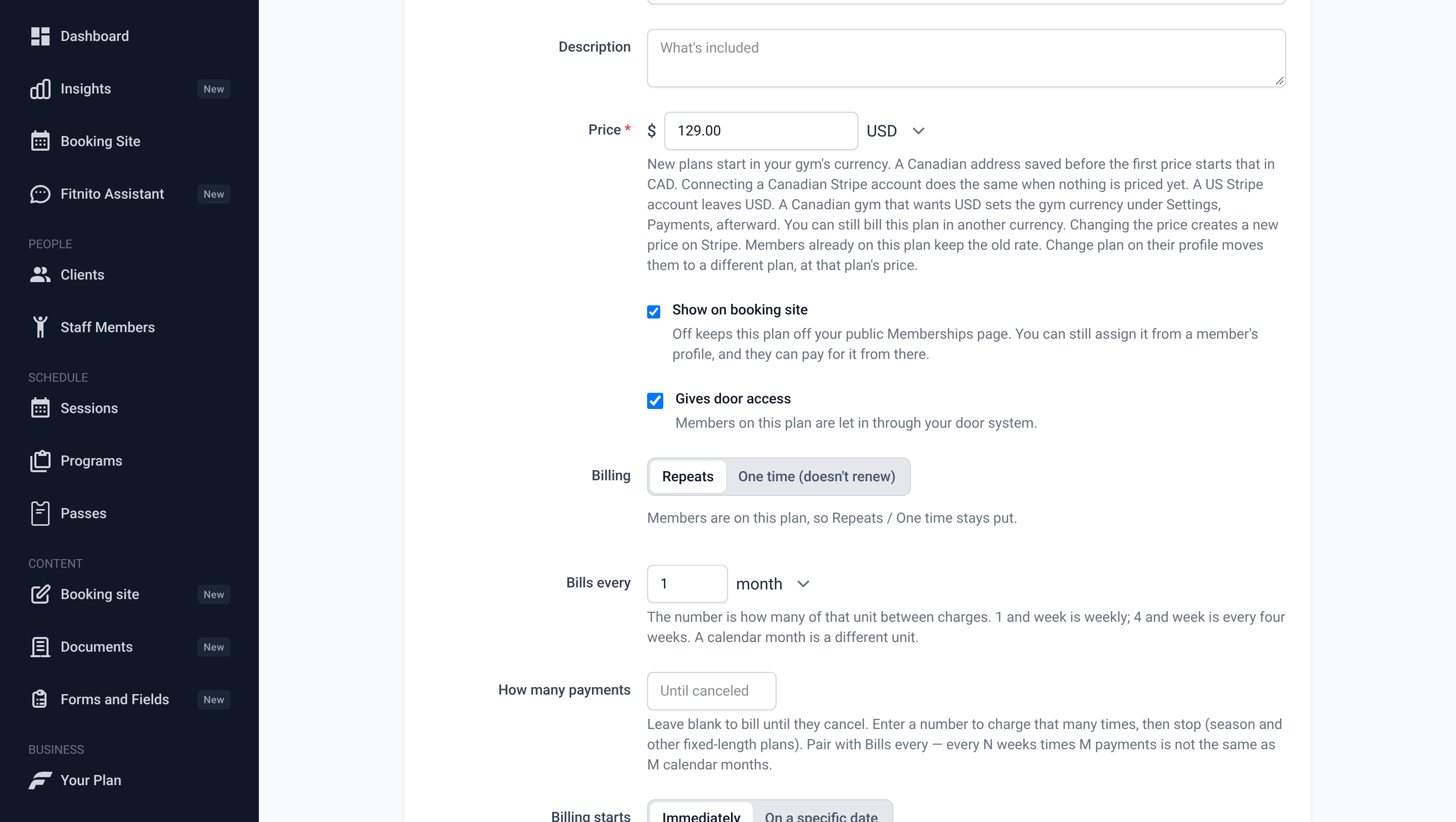
Open a membership plan under Products and tick Gives door access. A member on that plan is let in while the membership is active. A paused, canceled or unpaid membership locks them out. By default, a member who pays through Fitnito is let in once their first payment goes through, the same as booking.
When a payment is past due
Pick one under When a membership payment is past due:
- Keep letting them in (same as booking). This is the default.
- Lock them out until they pay. When the payment goes through, they are let in again.
Booking is never affected.
Lock out right away
Under Lock out right away, all three are on by default. Untick one to turn it off, then click Save.
- When I untick Gives door access on a plan, lock its members out now. Members on that plan are locked out right away instead of at their next membership change.
- When I switch past due to Lock them out, lock out members already past due now. Members who are already past due are locked out right away.
- Wait for the first payment before letting a member in (same as booking). A member in a trial or waiting on a later first charge is let in once the first payment goes through. Turn it off to let them in while the membership is active or in a trial.
Check it works
Click Send test. Fitnito sends a test to your door system and shows the reply, like "200 OK". Last sent shows the last member sent, whether they were let in or locked out, and the reply.
What isn't covered yet
- Fitnito sends a member when their membership changes. Members who already have a membership are sent the next time it changes. Ticking Gives door access on a plan does not send anyone.
- Visit packs don't open the door.
- One door system per gym.
For your developer
The For your developer box at the bottom of Settings → Door access lists what Fitnito sends. Updates are signed with the secret using the Standard Webhooks scheme, and a failed update is retried.