
Walk-ins
Add someone who just walked in, hand them a tablet or a link, and keep them as a Visitor until they buy a plan.
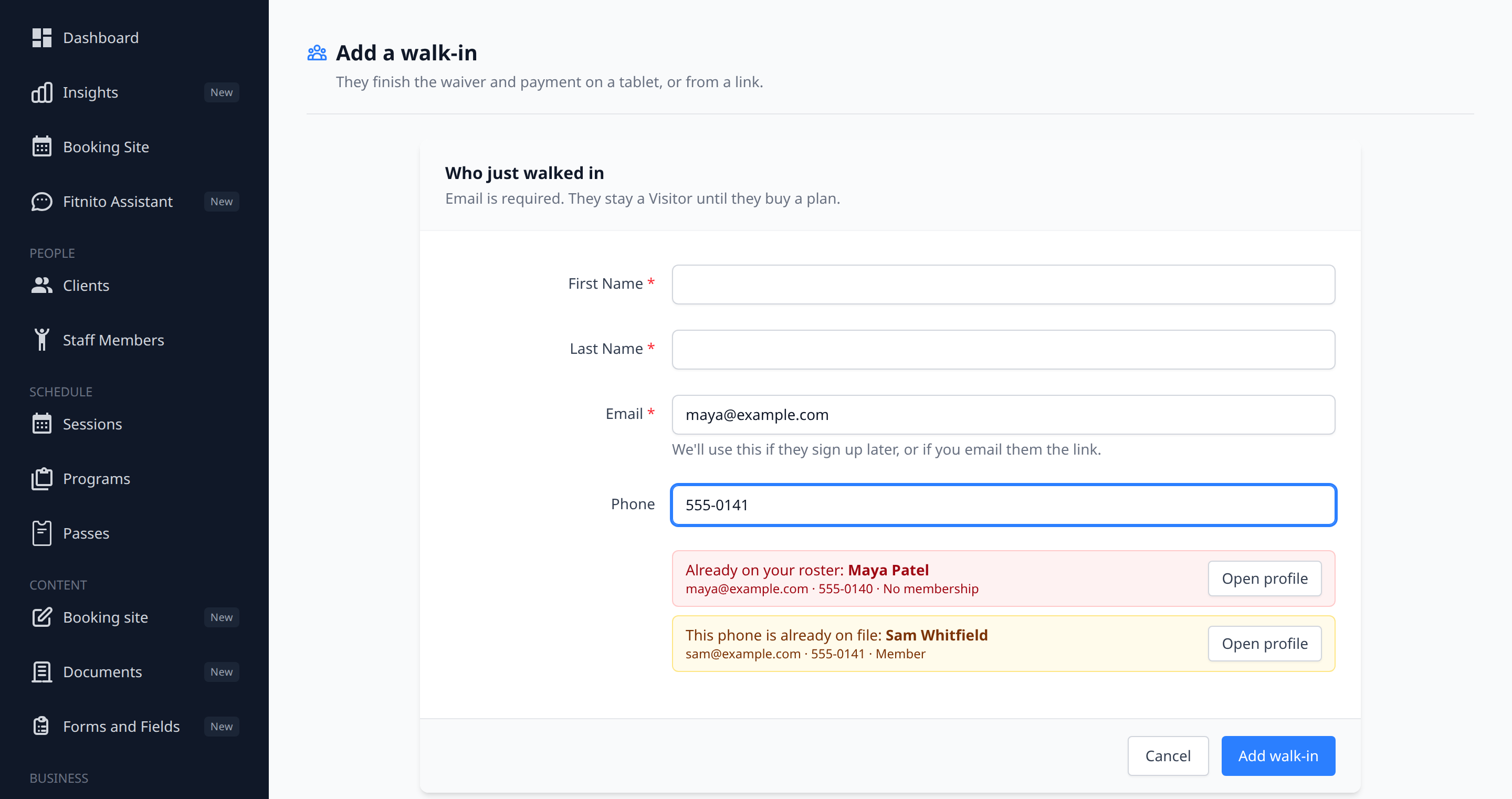
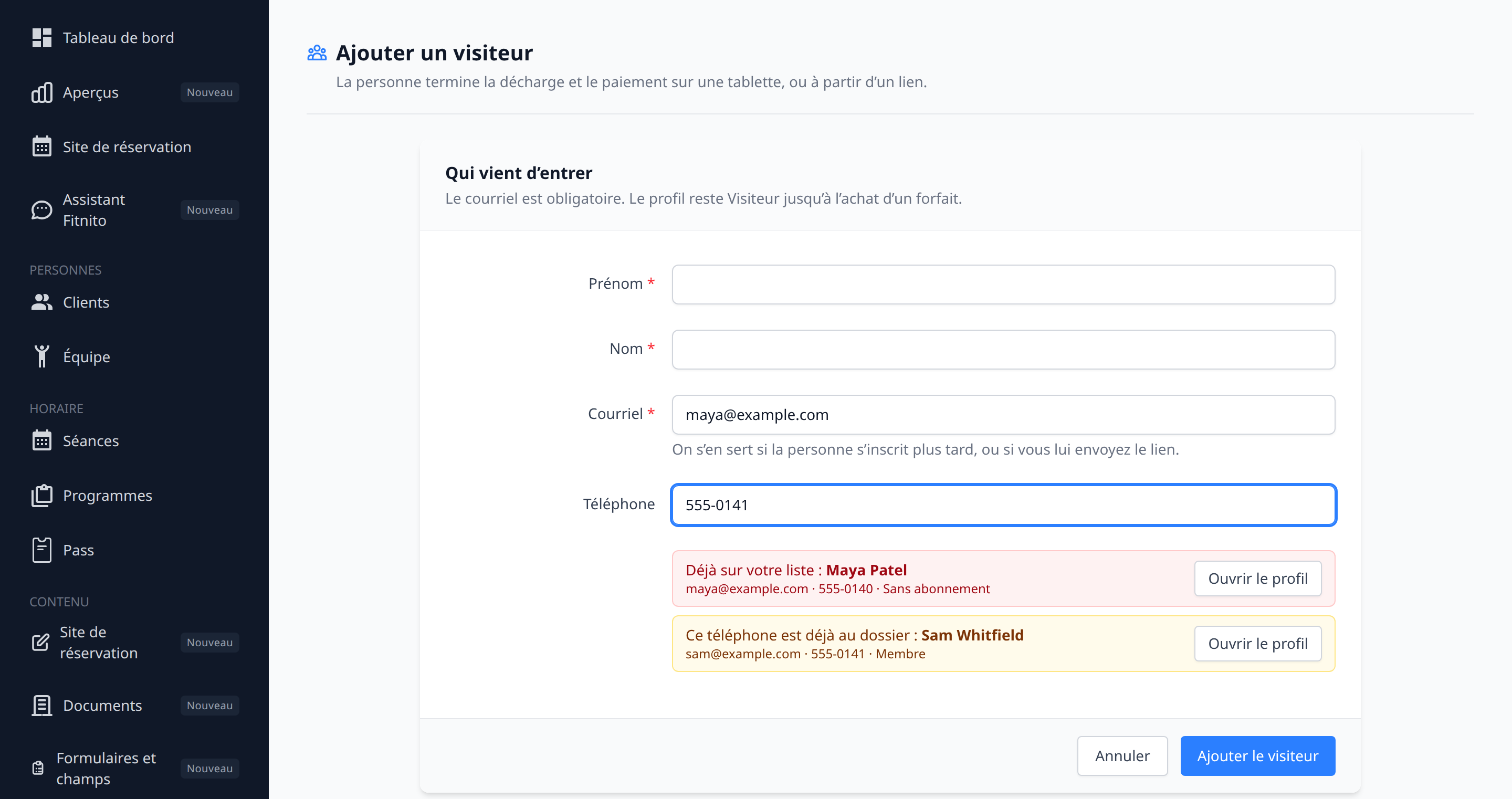
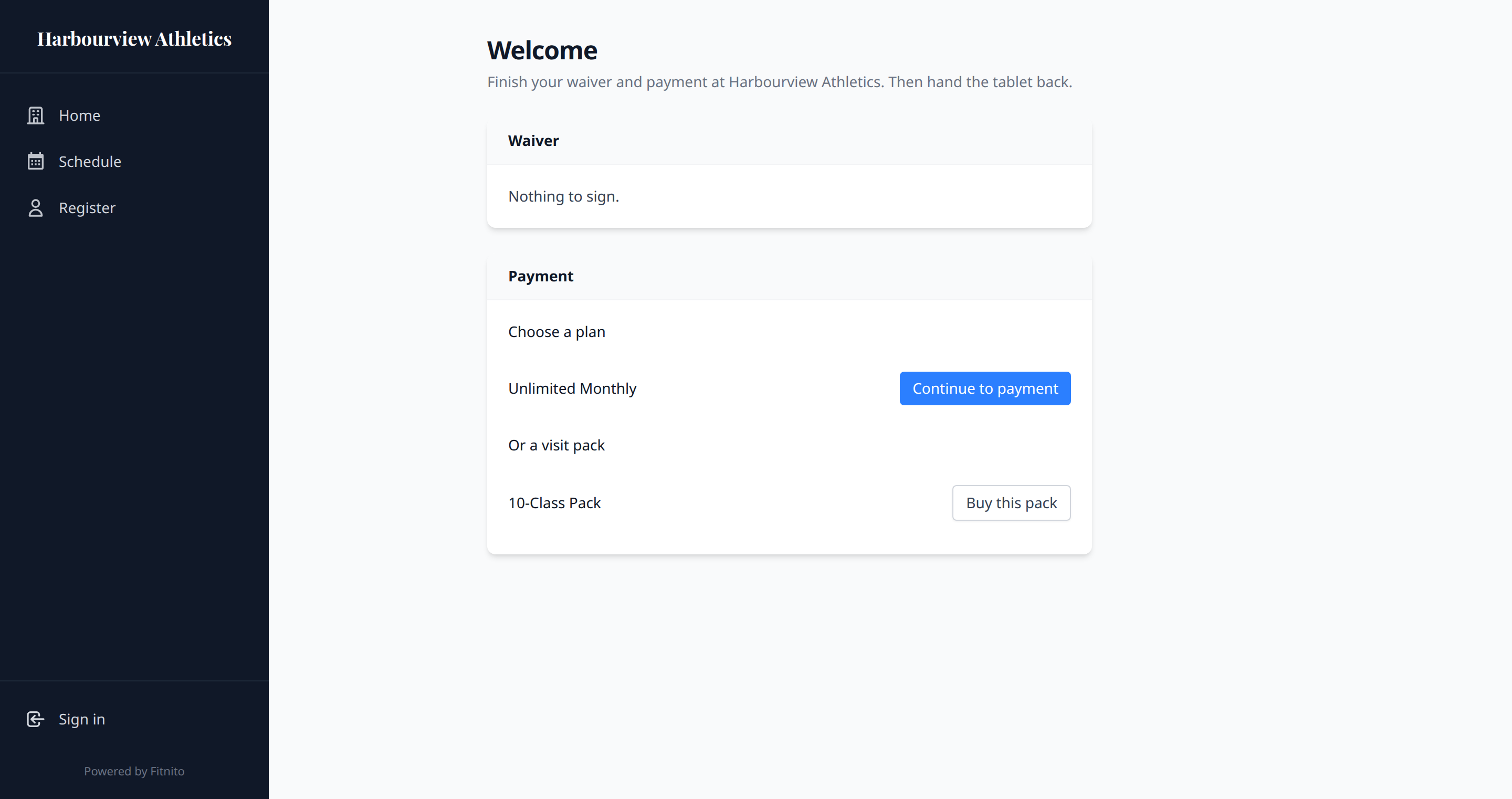
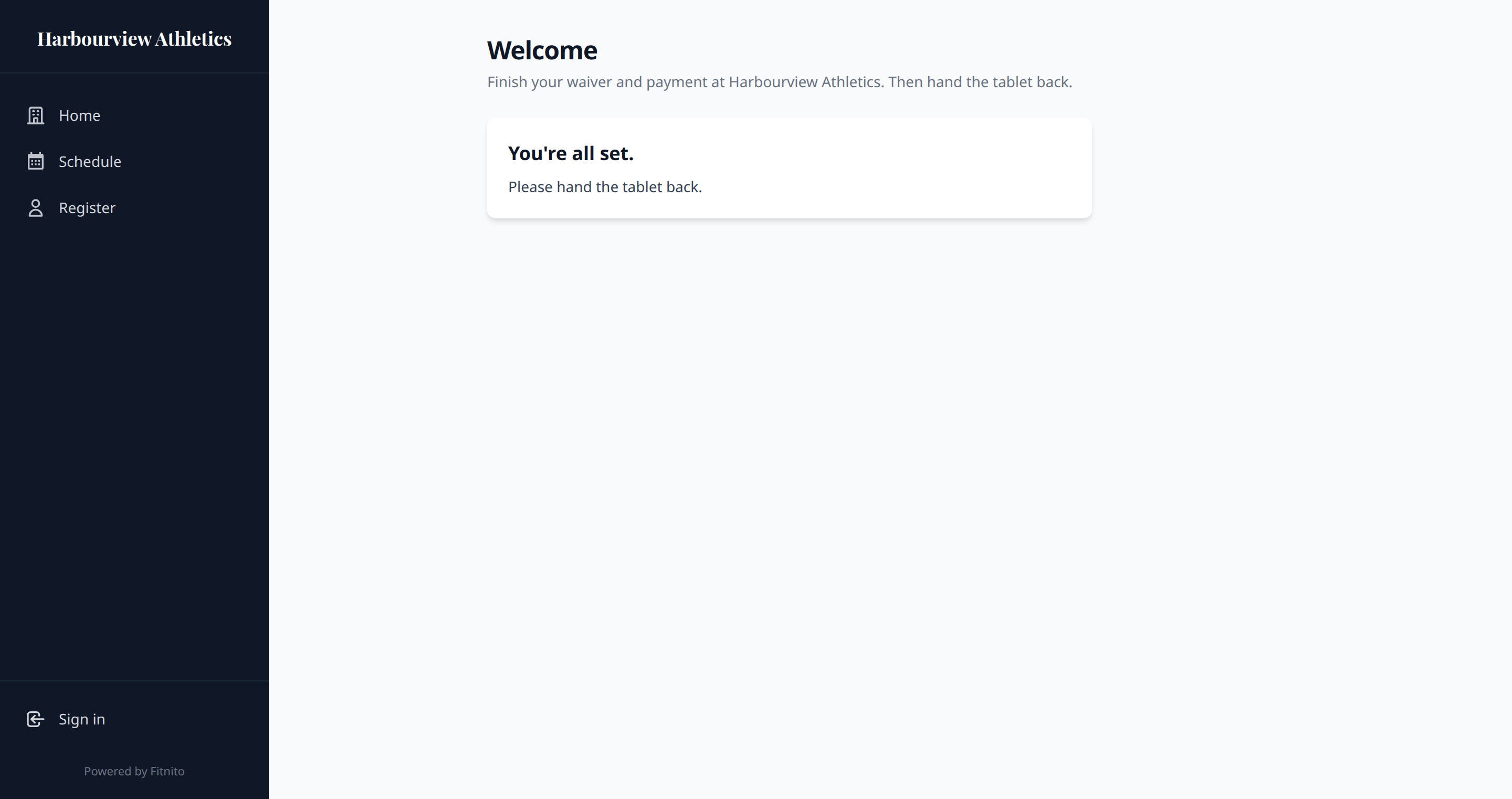
Use this when someone is standing at the desk and you do not want the full add-client form. A walk-in needs an email. Someone with no email still uses Add client → No email.
Add them
- Open Clients → Add walk-in.
- Enter first name, last name, and email. Phone is optional.
- If the email is already on your roster, Fitnito blocks the save and offers Open profile.
- If the phone matches someone, Fitnito warns you. Families share phones. Tick This is a different person to add them anyway.
- Save. You land on their profile. No welcome email is sent. You still get the usual note that someone was added, if that email is on.
The row shows a Visitor badge. There is no separate visitor tab.
Tablet or link
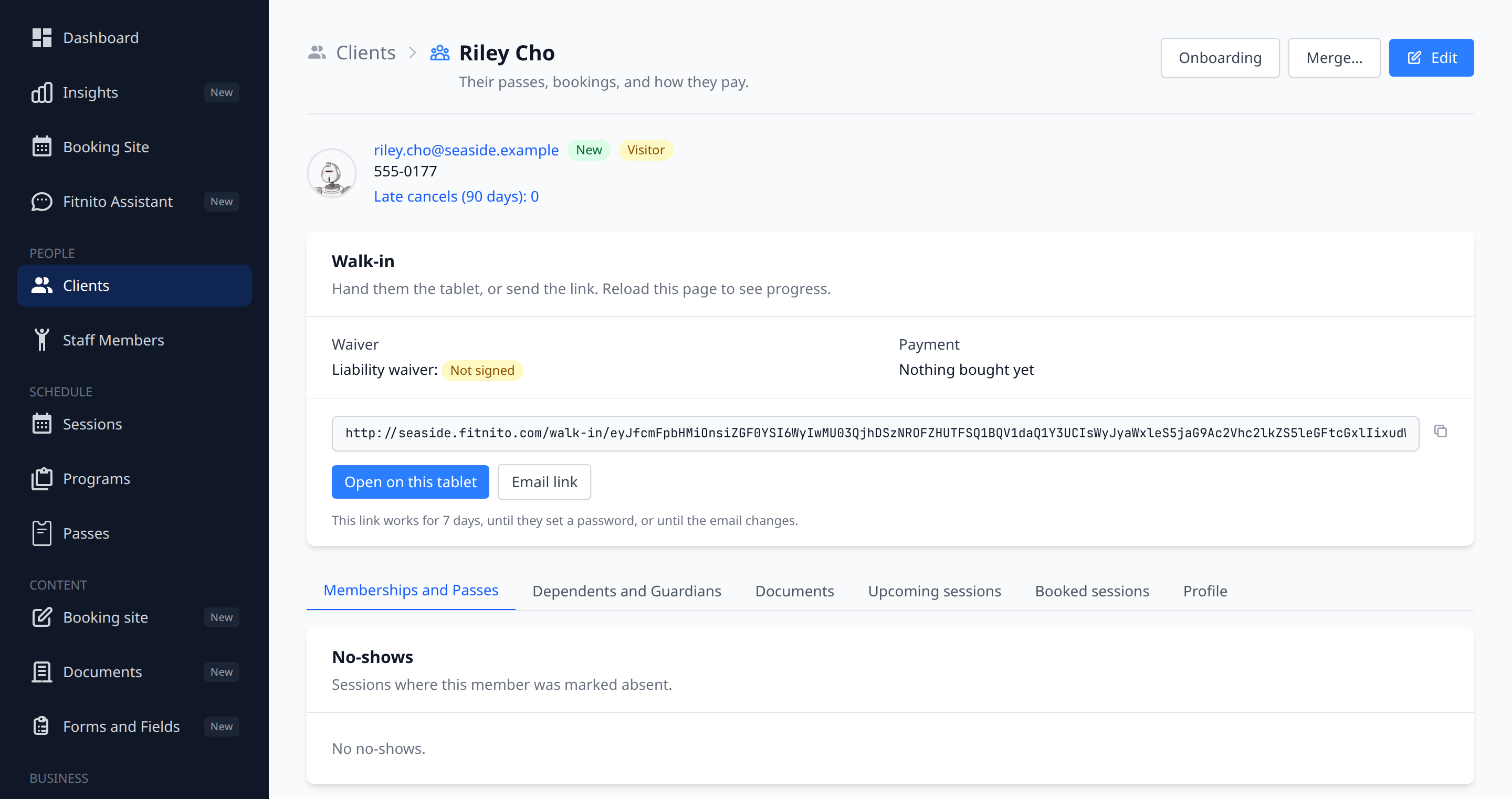
On the profile, the walk-in card shows the waiver and whether they have bought anything.
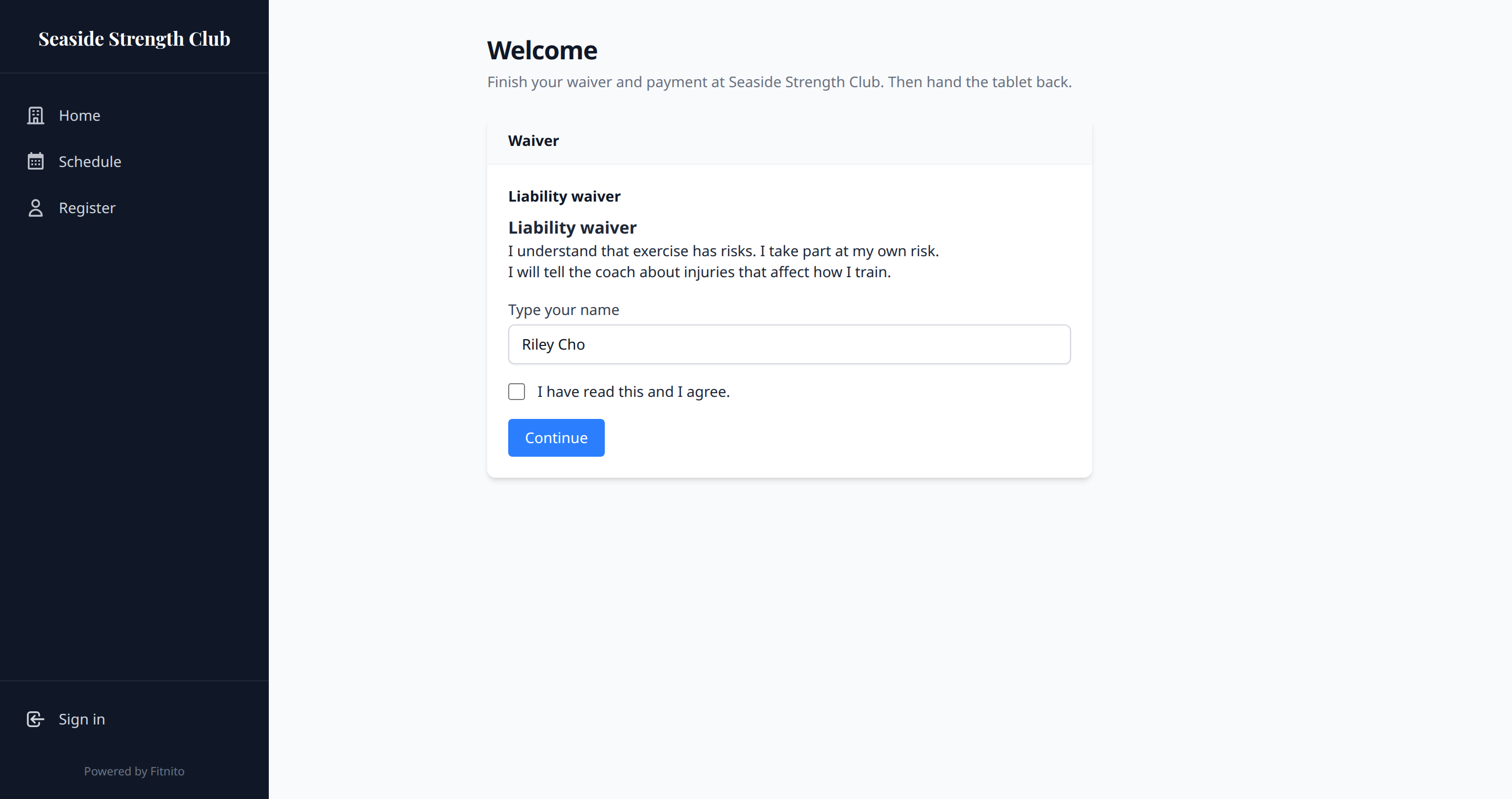
- Open on this tablet opens the gym's booking site on that device. It does not sign them into a member account.
- Email link sends the same page.
- Copy link if you would rather text it yourself.
The link lasts 7 days. It stops working when they set a password or the email changes. Reload the profile to see progress. Nothing pushes live.
On the page they sign whatever your booking waiver asks for, then pick a plan or a visit pack if you take cards with Fitnito Payments. Membership paperwork is the same confirm step members see. A gym that does not take cards online sees Pay at the front desk. Buying a visit pack or a single class does not remove Visitor. Staff still seat them on a class with Add attendee.
When Visitor goes away
Visitor is a label for you. Members never see it. It clears when a plan is live (active, trialing, or past due). A plan still waiting on payment does not clear it. Cancelling later does not turn them back into a Visitor.
They sign up later
If they create an account on your booking site with the same email, and nobody has signed into that profile yet, Fitnito emails them a link to set a password. The waiver and payments stay on the profile you added. See Welcome emails and password resets.
Two profiles for the same person, with different emails, stay two profiles until you merge them.