
Cancel or change a booking
Drop a class you are on, and how to pick a different one.
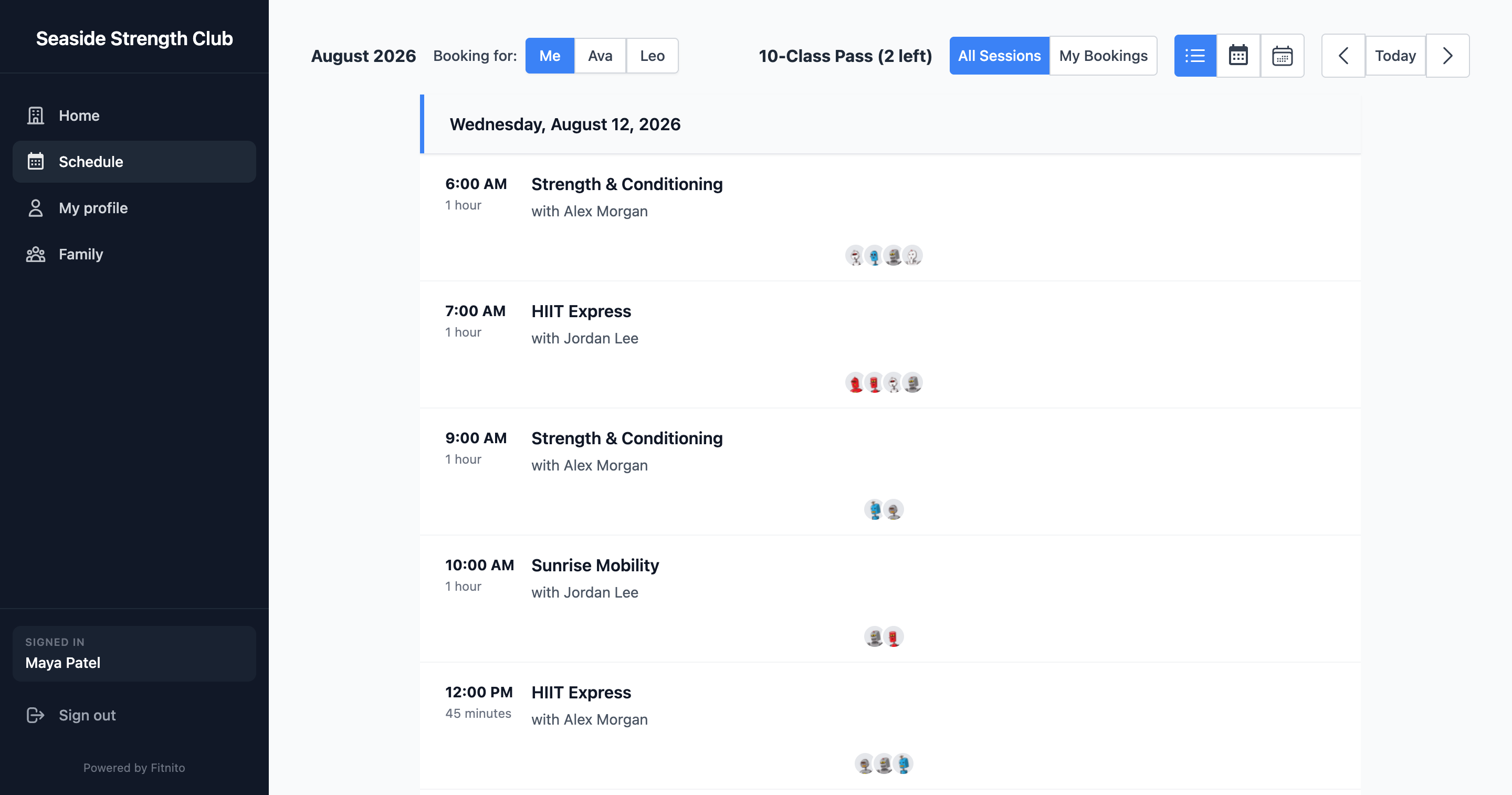
Open the class you are booked into (from the schedule or from your attendance). Cancel from that screen. The spot opens for someone else.
Visit packs
Canceling usually gives the visit back when the gym’s rules allow it (before the class has started). If a visit did not return, ask the desk — they can add a visit by hand.
Switching classes
Cancel the first one, then book the second. There is no “move me” button.
Late or already started
Once a class has started you typically cannot cancel online. Talk to the coach or the desk.