
Book for your kids
Switch to a child and take a spot on their pass.
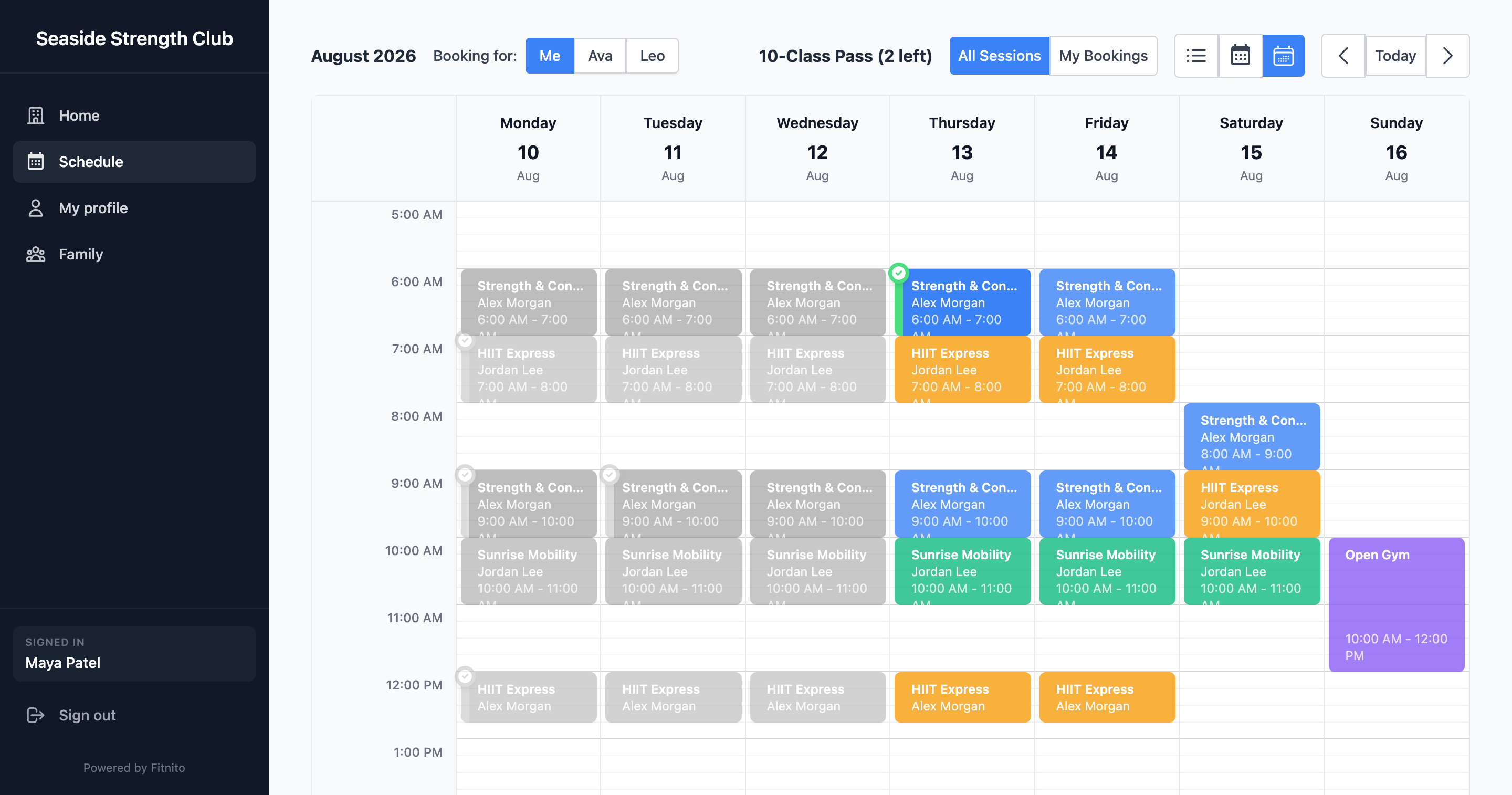
If you manage kids or a partner as dependents, the schedule has a switcher: you or them.
- Add the child first — Add kids and family.
- Choose them in the switcher.
- Book the class. It uses their pass, not yours.
Some gyms are set so you only book for people you manage (common for youth programs). You will not see a “book me” option in that case.
You can turn booking emails on or off per child from Family.